It's a full snapshot of the VM, meaning it contains everything: OS, Apps, data, etc.
#### To make a snapshot From the Dashboard: 1. Click on the *Backups* tab 2. Click on *Automated Snapshots* [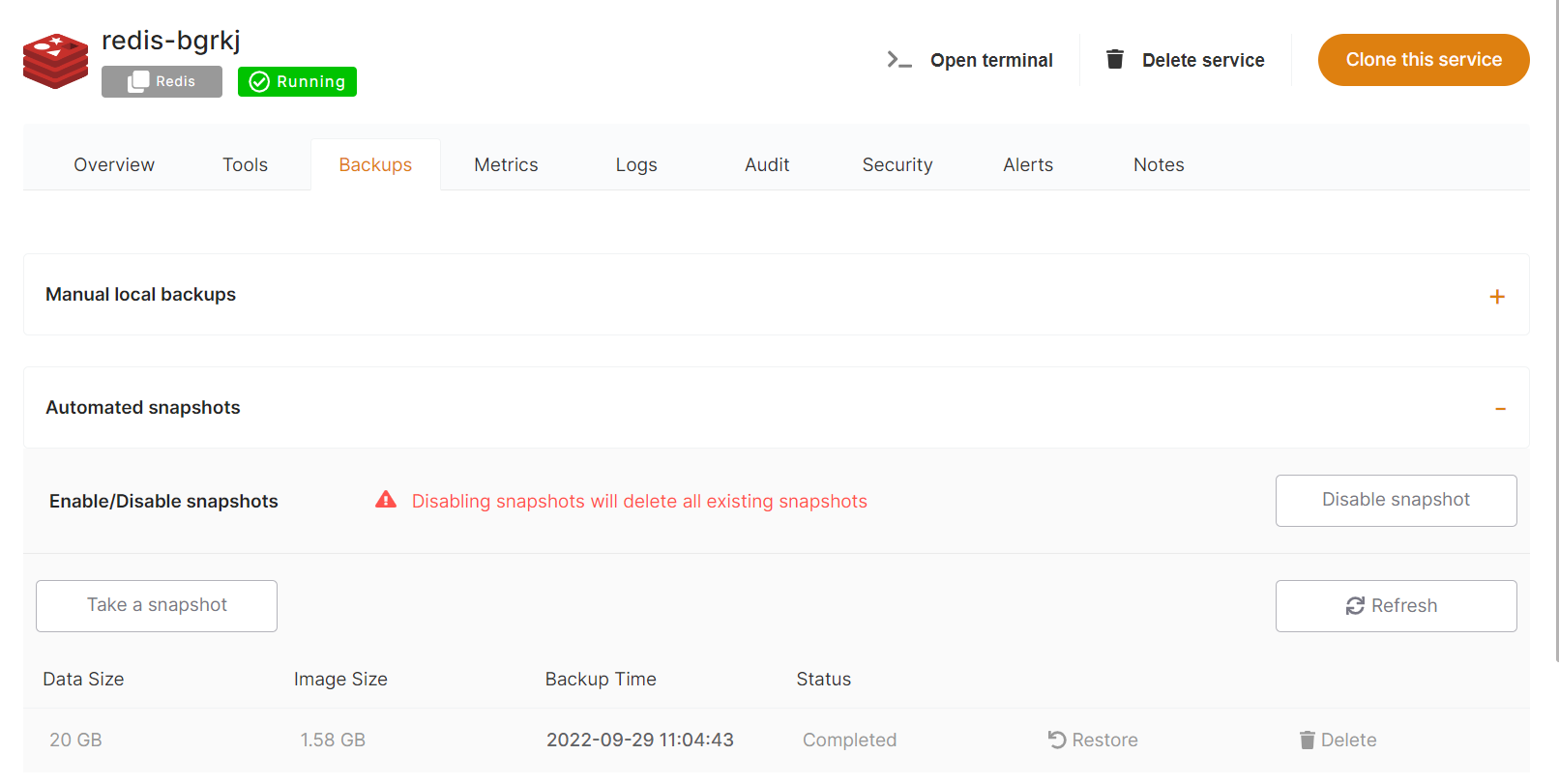](https://docs.elest.io/uploads/images/gallery/2022-01/image-1643051519213.png) From there you can take new a manual snapshot, list existing snapshots or restore a snapshot.Retention periods depend on your support plan: 2 snapshots on Level 2, and 4 snapshots on Level 3.
Restoring from a snapshot will overwrite the whole VM with the selected snapshot.