Local backups only contain the software's data volume, not the OS or software itself.
### Instructions: From the service dashboard, click on the *Backups* tab, then click on *Manual Local Backups.* From there you can make new manual backups, list existing backups, download, restore or delete previous local backups. [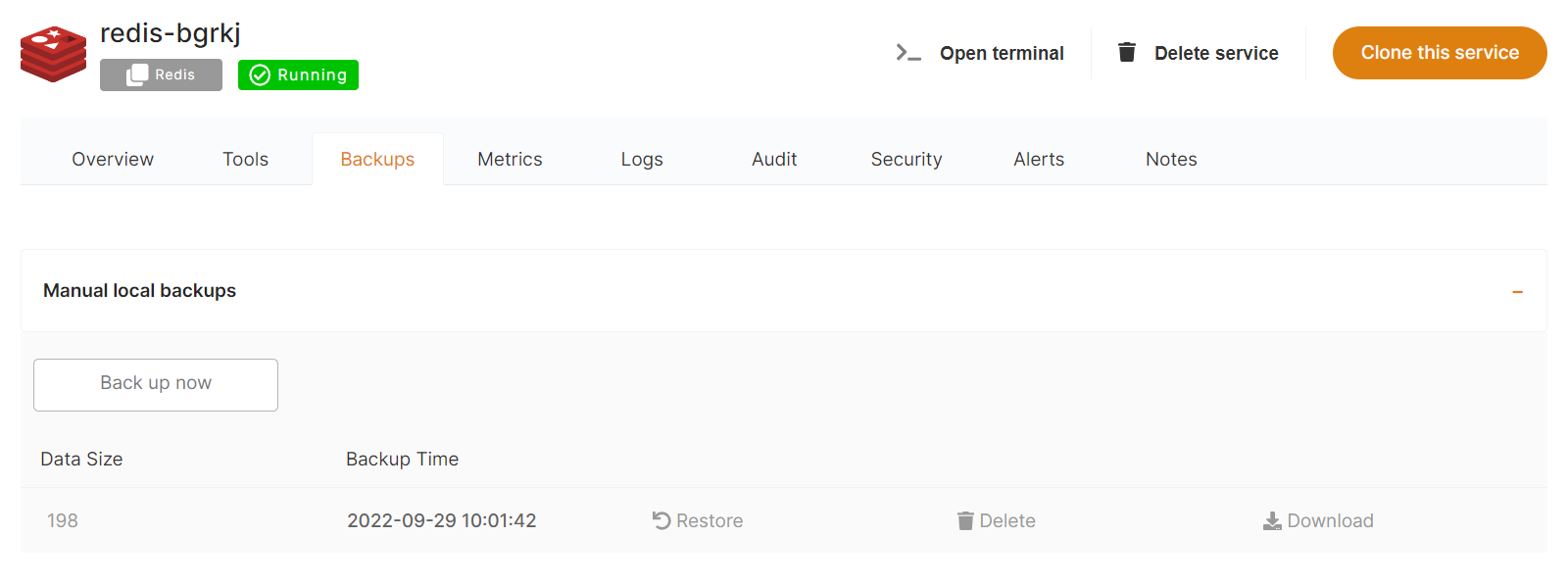](https://docs.elest.io/uploads/images/gallery/2022-01/image-1643050826729.png)You are responsible for deleting manual backups to regain disk space. Elest.io will not automatically delete them.
Manual backups use the available disk space of your service.