Promote a node
If you want to promote a node to Primary in your cluster, follow these steps:
- Go to the Nodes tab.
- Click on the Promote button with the arrow icon next to the node you wish to promote.
A confirmation popup will appear, asking if you really want to promote this node.
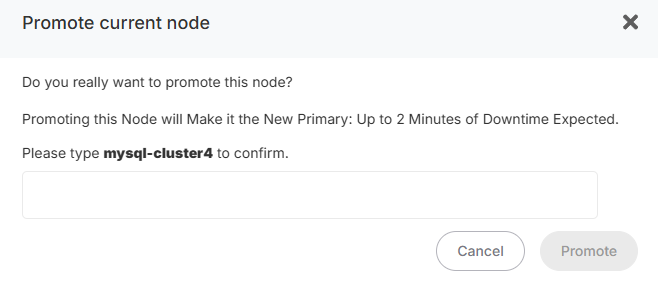
If you confirm, a health check will be processed before the promotion process begins:
- If the node is not healthy, another popup will appear, warning you that the node cannot be promoted.
- If the node is healthy, the following steps will occur:
- The selected node will be reconfigured as the Primary node.
- All other nodes will be reconfigured as Replicas, pointing to the new Primary.
- Once the process is complete, a backup will be automatically created with the new Primary.
⚠ WARNING: During the promotion process, your cluster will be temporarily unavailable.
Once the process is complete, you will receive an email notification confirming that your cluster is active and operational again.
Once the process is complete, you will receive an email notification confirming that your cluster is active and operational again.