How can project ownership or service billing be transferred to another user's account?
This guide explains how to transfer a project ownership from one Elestio account to another.
Prerequisites
Before starting the transfer:
- The new owner must have an active Elestio account
- The new owner must be added as a member in the project with Admin or Billing Admin role
- The new owner must have sufficient credit for at least 1 month of service
- Each project can only have one owner
Transfer Steps
Step 1: Access Project Settings
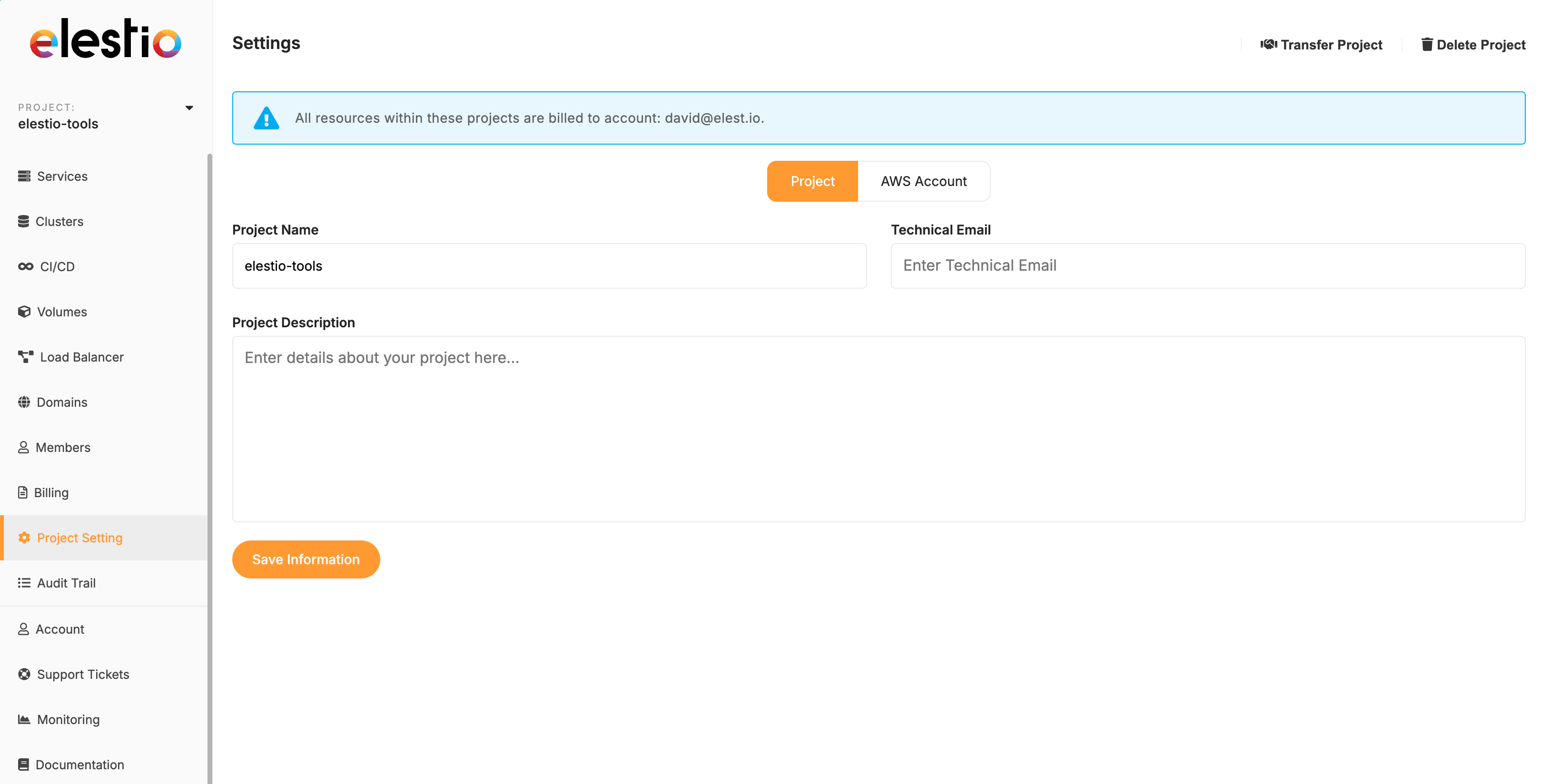
Log in to your Elestio account and select the project you want to transfer. Click on the Project Settings tab.
Step 2: Start the Transfer
In the top right corner of the Project Settings page, click the Transfer project button.

Step 3: Enter New Owner Email
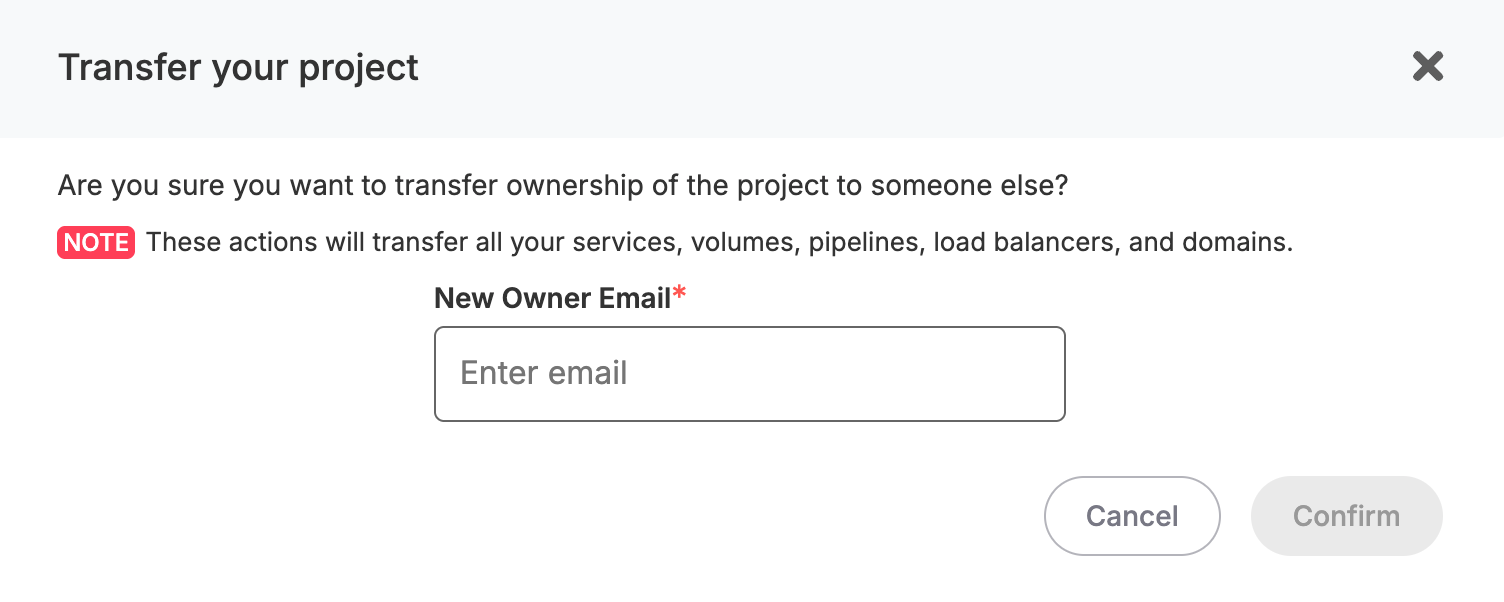
A popup window will appear. Enter the email address of the new owner in the New Owner Email field.
Step 4: Confirm Your Identity
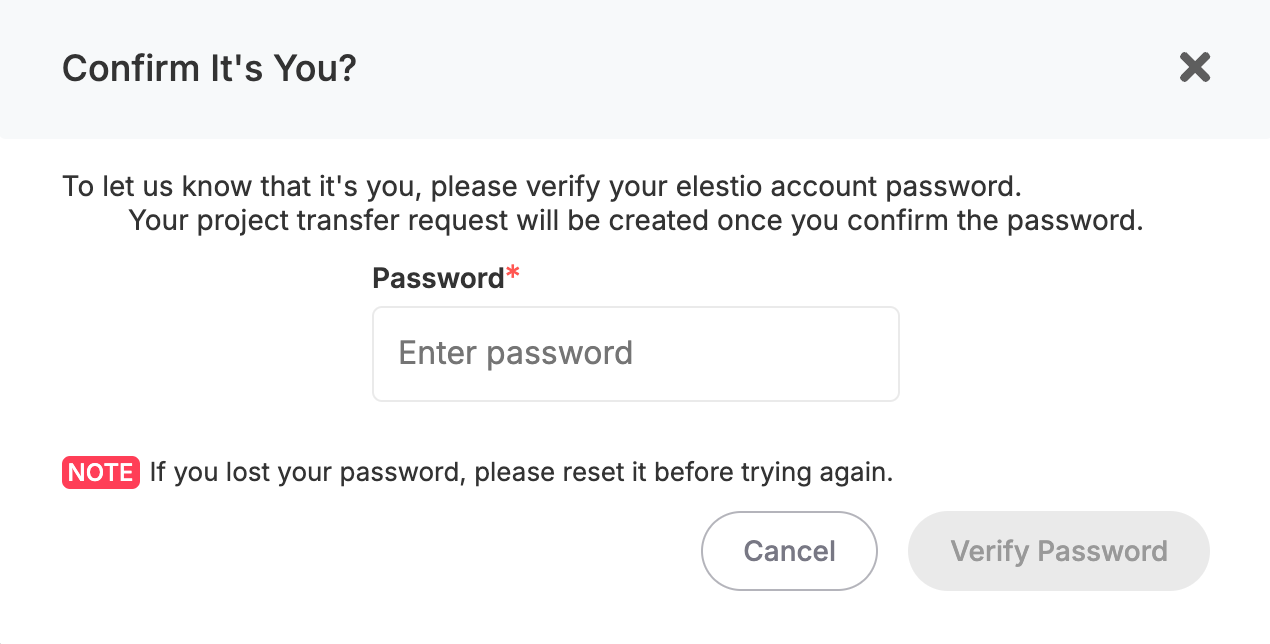
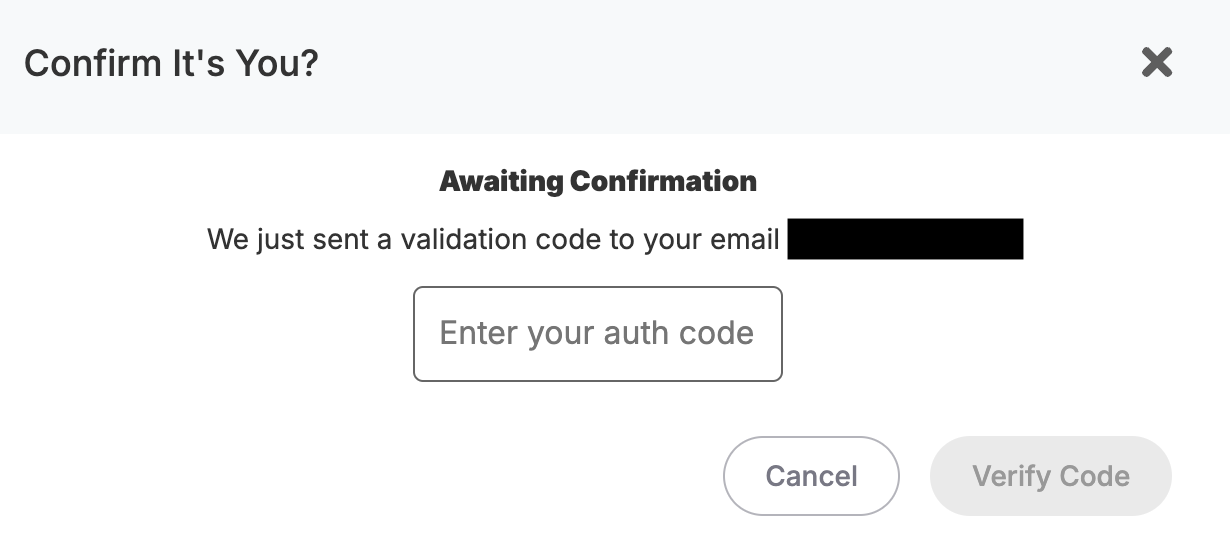
For security, you'll need to:
- Enter your current account password
- Enter the verification code sent to your email
Step 5: New Owner Confirmation
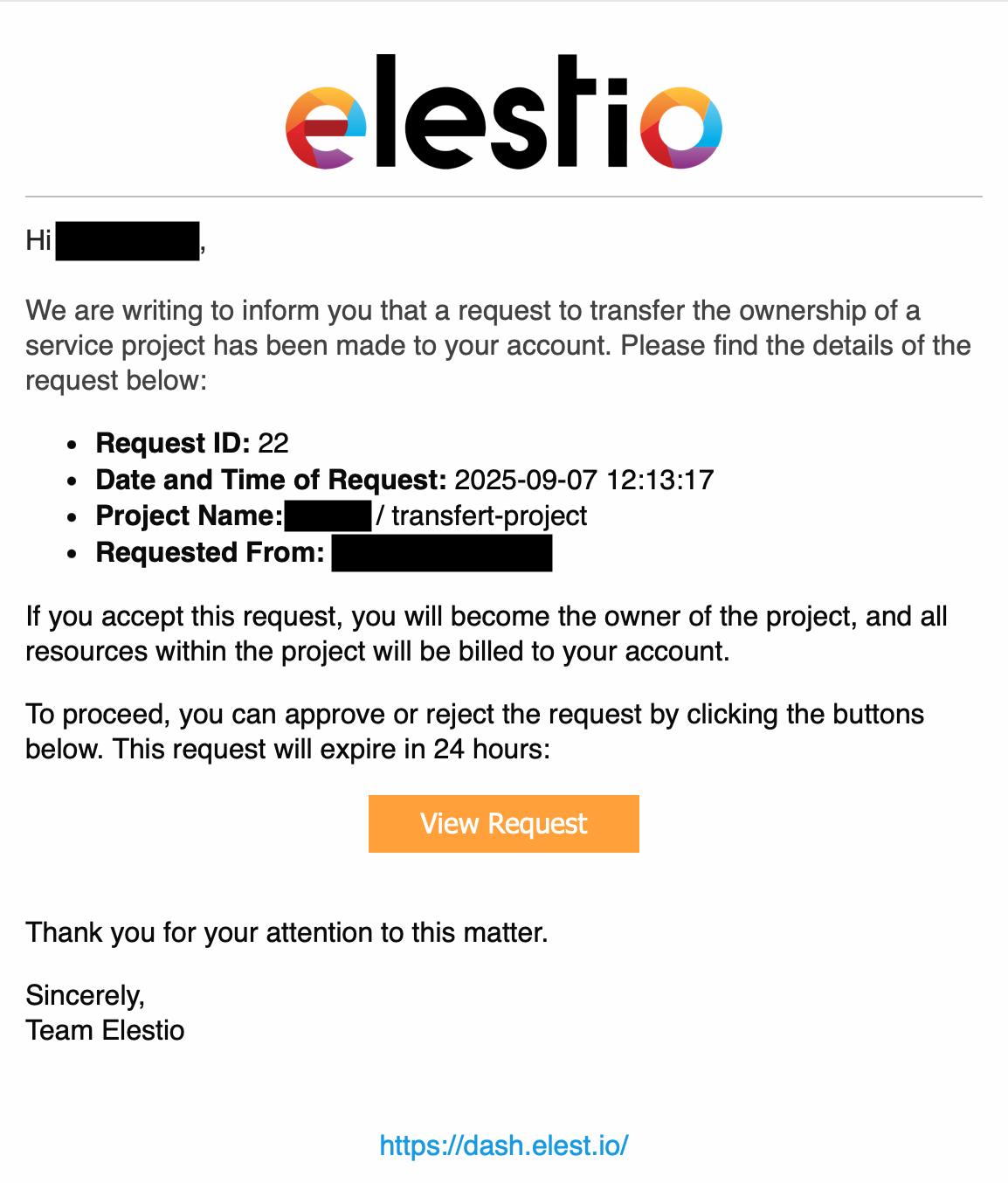
The new owner will receive an email notification. They must accept the transfer to complete the process.
Important Notes
- The transfer is not complete until the new owner accepts it via email
- Once transferred, all billing responsibilities move to the new owner
- Make sure the new owner has enough credit before initiating the transfer