# Create an account
To create a new account, first, go to [elestio signup](https://dash.elest.io/signup "Create an account on Elestio") page
Securely connect elestio to your existing GitHub, GitLab, or Google accounts using OAuth2.
[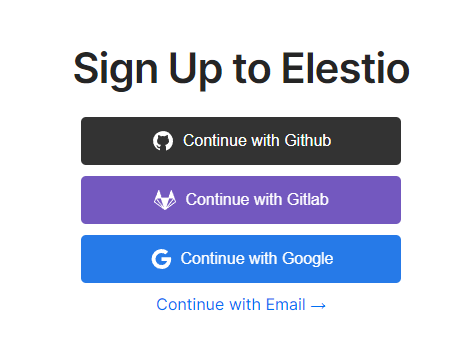](https://dash.elest.io/signup "Signup on Elestio")
Or sign-up using any valid email address:
[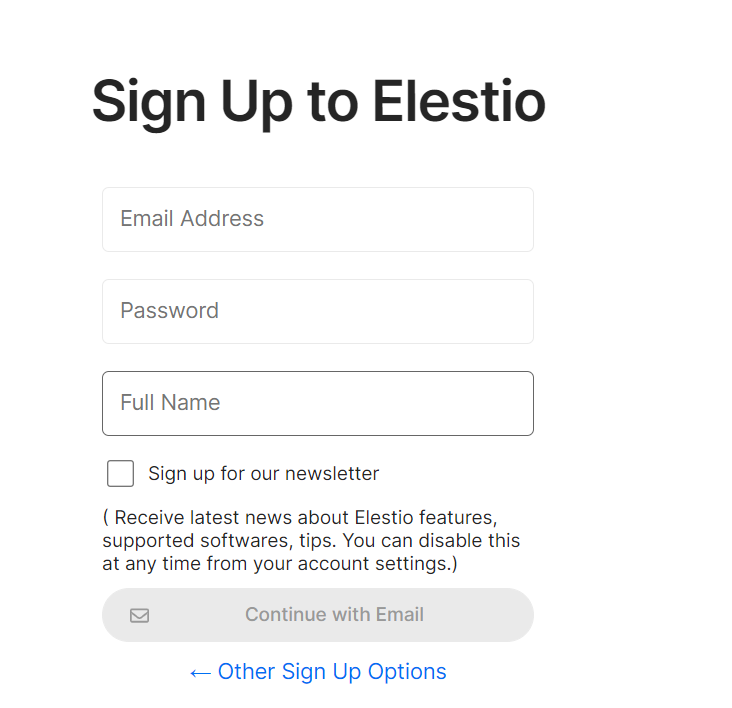](https://docs.elest.io/uploads/images/gallery/2022-01/image-1641812037749.png)
MFA is enabled by default for new accounts created with an email address, and a new code is sent to your email address each time you log in. If you use OAuth, the security of your elestio account is determined by the security of the login provider you choose (Google, GitHub, GitLab), so make sure MFA is enabled!
TOTP-based MFA from Authy, Google, and Microsoft authenticator is also supported by Elestio. You can manage these after signup inside the account setting. [Click](https://docs.elest.io/books/security/page/multi-factor-authentication "Click") here to know more!