# IP rate limiter

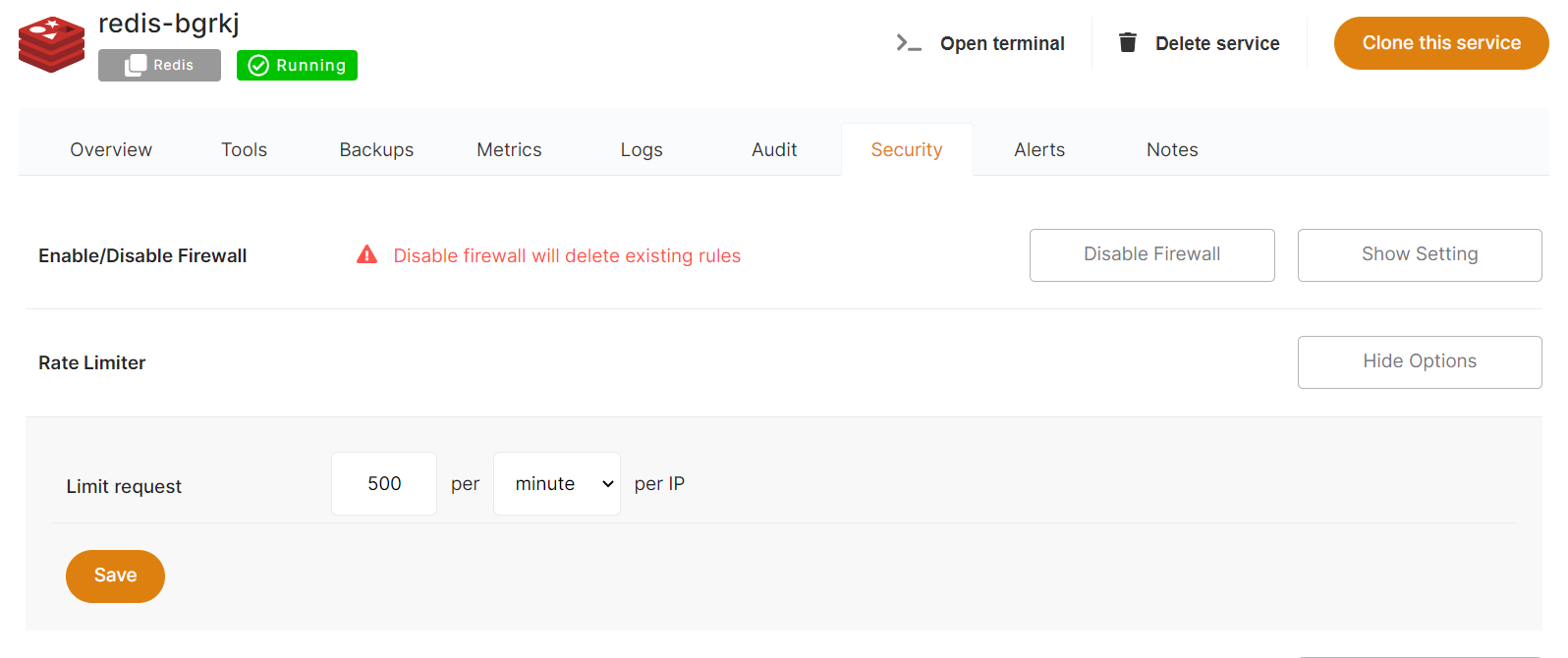
From the Dashboard, click on *Security* then Rate Limiter &gt; *Show Options.* From here, you can easily modify and adjust your service's rate limiter configurations, by amount and per minute or second, per IP address.

<p class="callout info">By default, all services are preconfigured with a rate limiter of 150 requests per minute and per IP address.</p>

<p class="callout warning">Rate limiter is used only for web traffic.</p>

[![Screenshot 2022-09-29 163748.png](https://docs.elest.io/uploads/images/gallery/2022-09/screenshot-2022-09-29-163748.png)](https://docs.elest.io/uploads/images/gallery/2022-01/image-1643092781684.png)