The first launch can take up to 1-2 minutes while VS Code installs.
[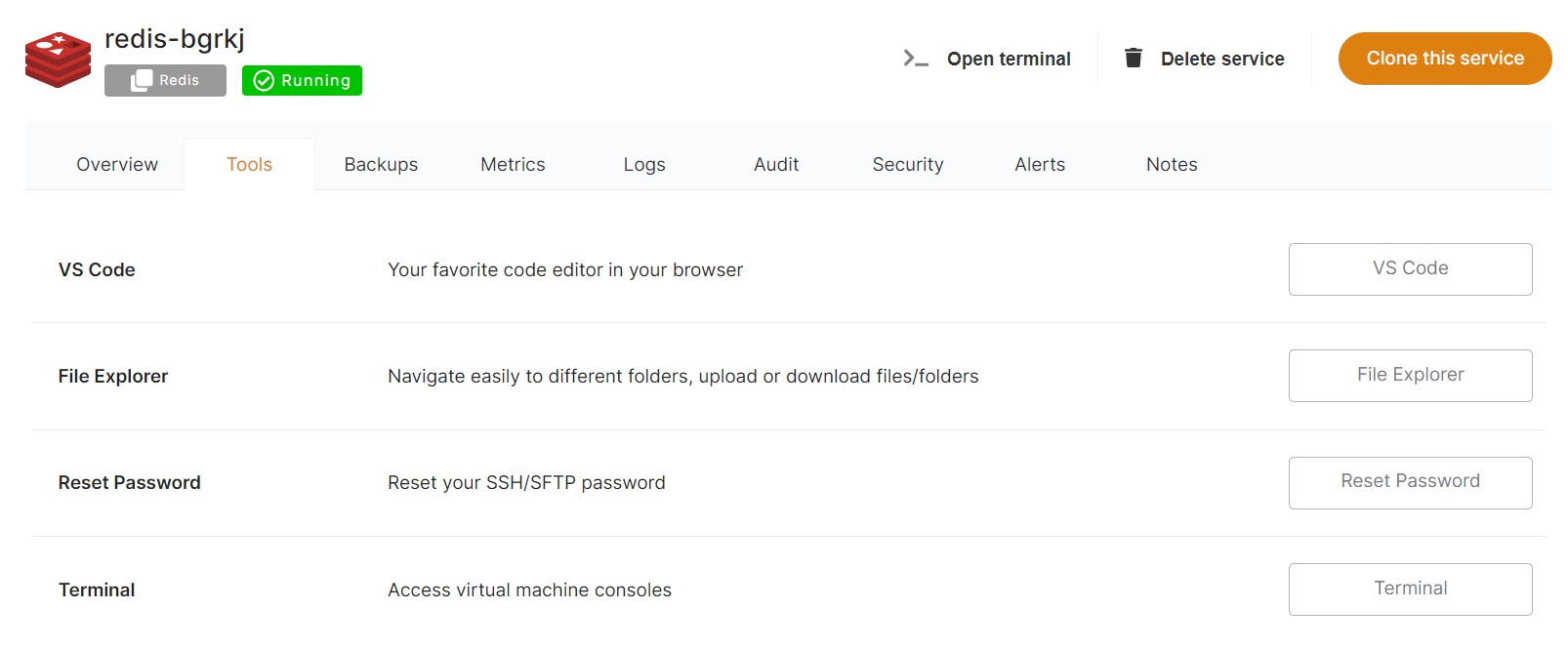](https://docs.elest.io/uploads/images/gallery/2022-01/image-1641926521113.png) [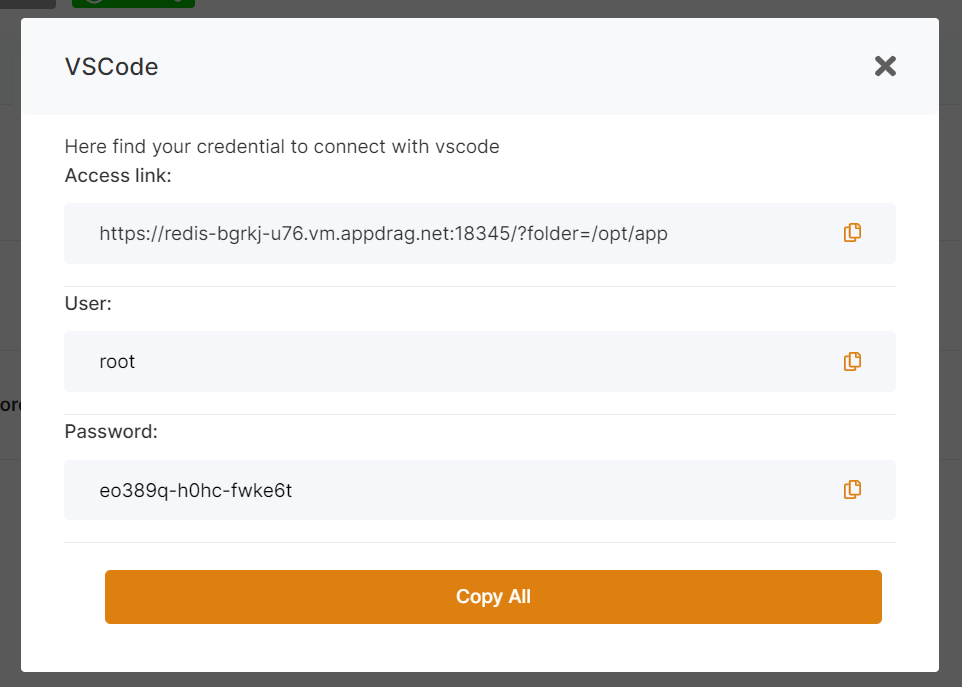](https://docs.elest.io/uploads/images/gallery/2022-01/image-1641926495142.png) [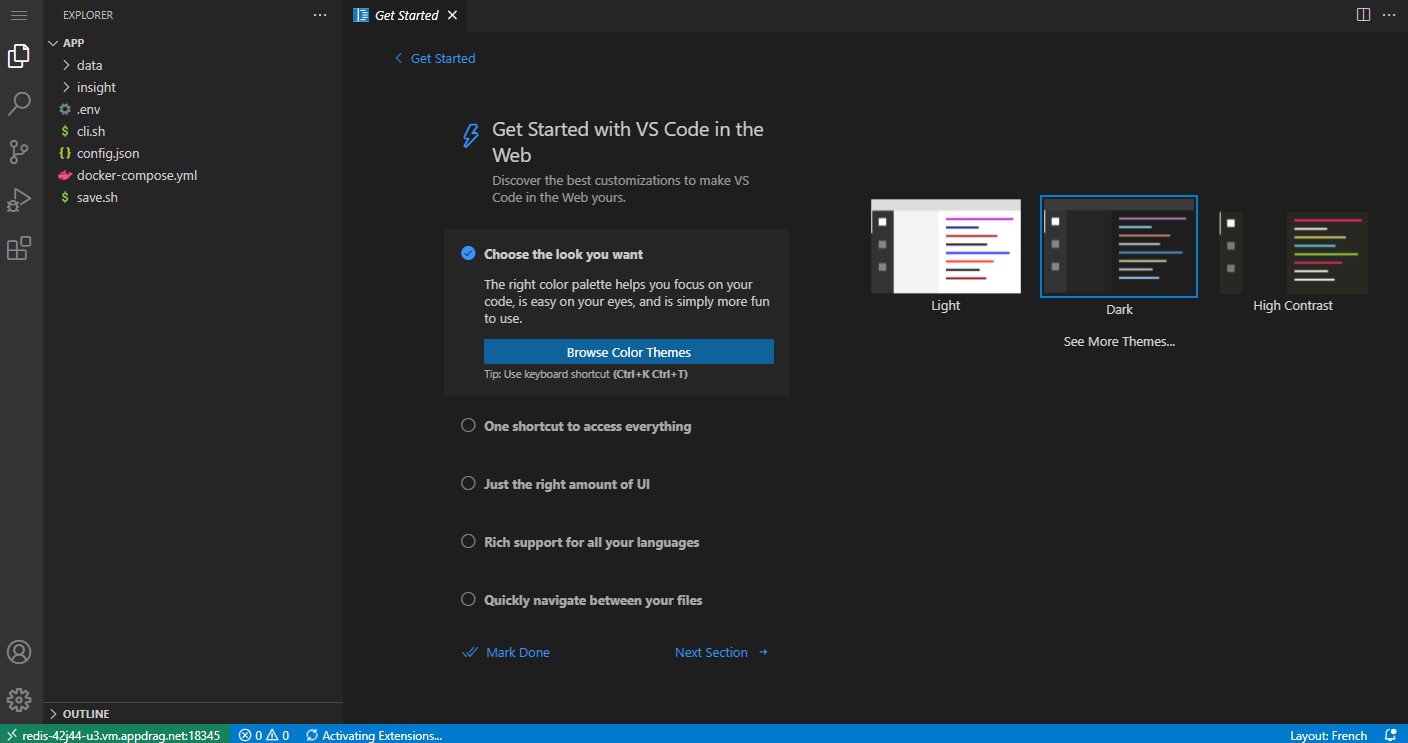](https://docs.elest.io/uploads/images/gallery/2022-01/image-1641926474226.png) # File Explorer ##### From the Tools tab in the service overview, click on the "File Explorer" button.The first launch can take 1-2 minutes because File Explorer is installed on your service. The next launch is nearly instant.
[](https://docs.elest.io/uploads/images/gallery/2022-01/image-1641926521113.png) ##### This will open a pop-up window, providing you with a temporary password and Access link. Copy the temporary password and click on the Access link. [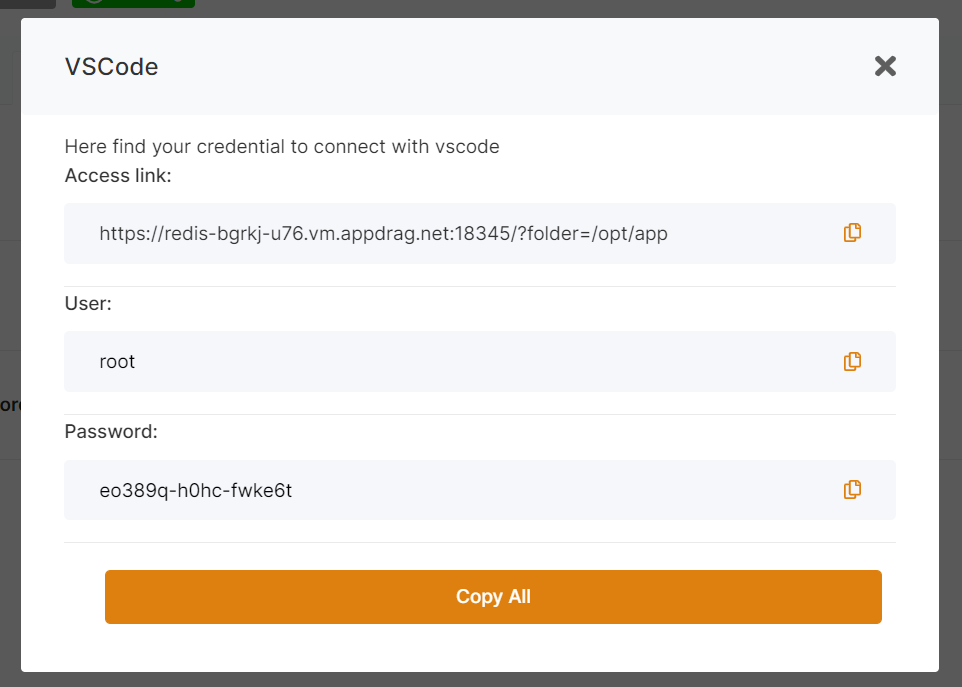](https://docs.elest.io/uploads/images/gallery/2022-01/image-1641926918589.png) ##### Authenticate with the credentials on the file explorer page: [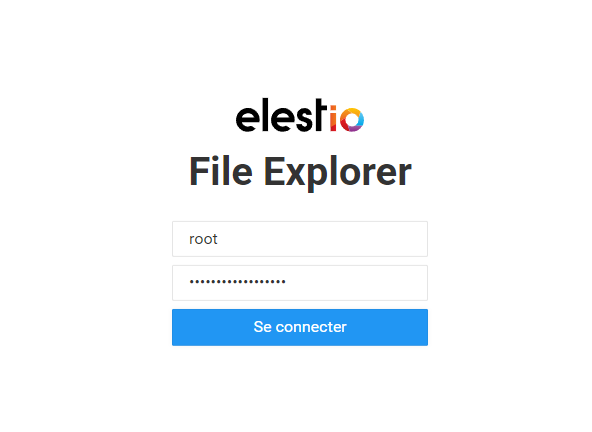](https://docs.elest.io/uploads/images/gallery/2022-01/image-1641926959424.png) ##### Once logged in, you'll be able to browse, edit, download, and upload the files on the server: [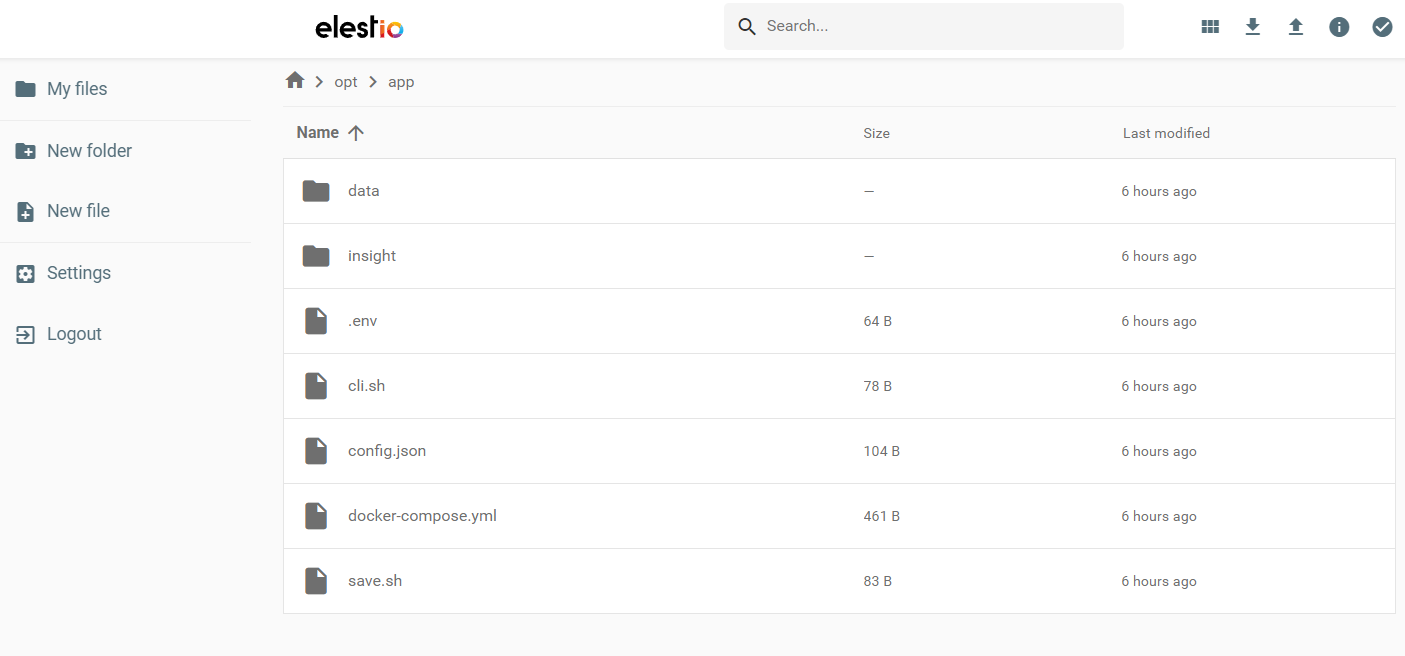](https://docs.elest.io/uploads/images/gallery/2022-01/image-1641926990921.png) # Web Terminal From the Tools tab in the service overview, click on the "Terminal" buttonThe first launch can take 1-2 minutes because the Web terminal is installed on your service. The next launch is nearly instant.
[](https://docs.elest.io/uploads/images/gallery/2022-01/image-1641926521113.png) [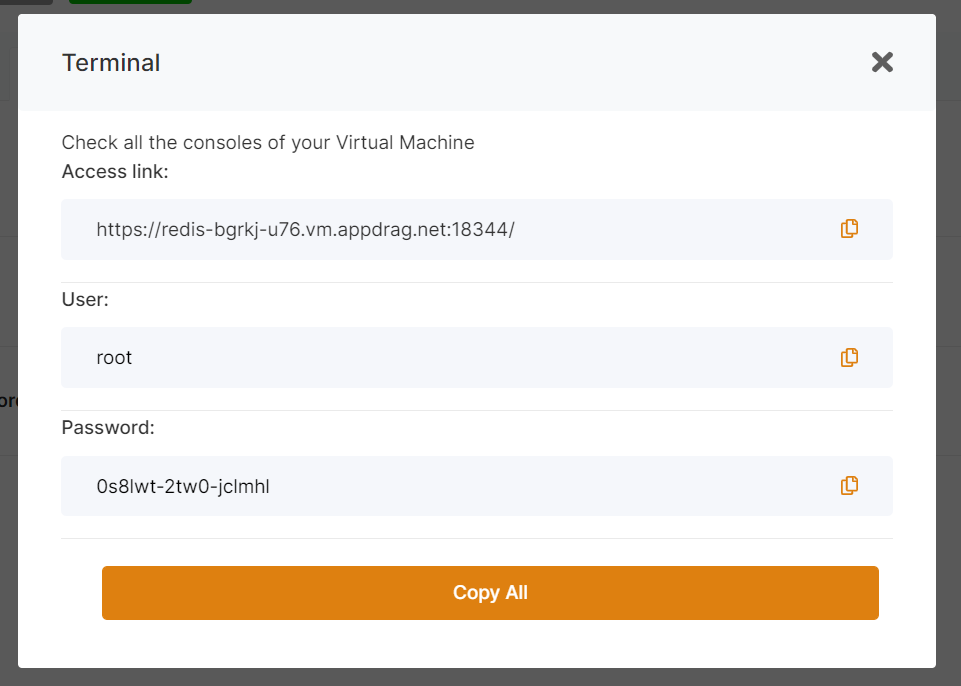](https://docs.elest.io/uploads/images/gallery/2022-01/image-1641927121198.png) [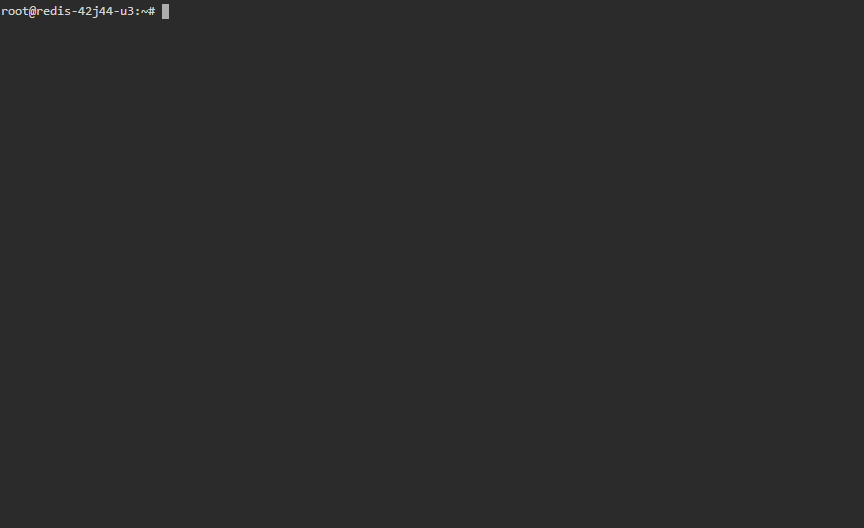](https://docs.elest.io/uploads/images/gallery/2022-01/image-1641927147832.png) # Reset SSH/SFTP PasswordBy default, password authentication is disabled. For security reasons, we recommend using SSH Pubkeys instead.
From the Tools tab in the service overview, click on the "Reset Password" button [](https://docs.elest.io/uploads/images/gallery/2022-01/image-1641926521113.png) [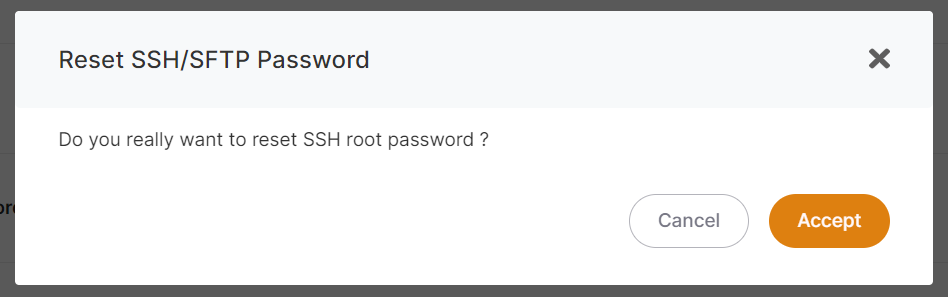](https://docs.elest.io/uploads/images/gallery/2022-01/image-1641927388903.png)