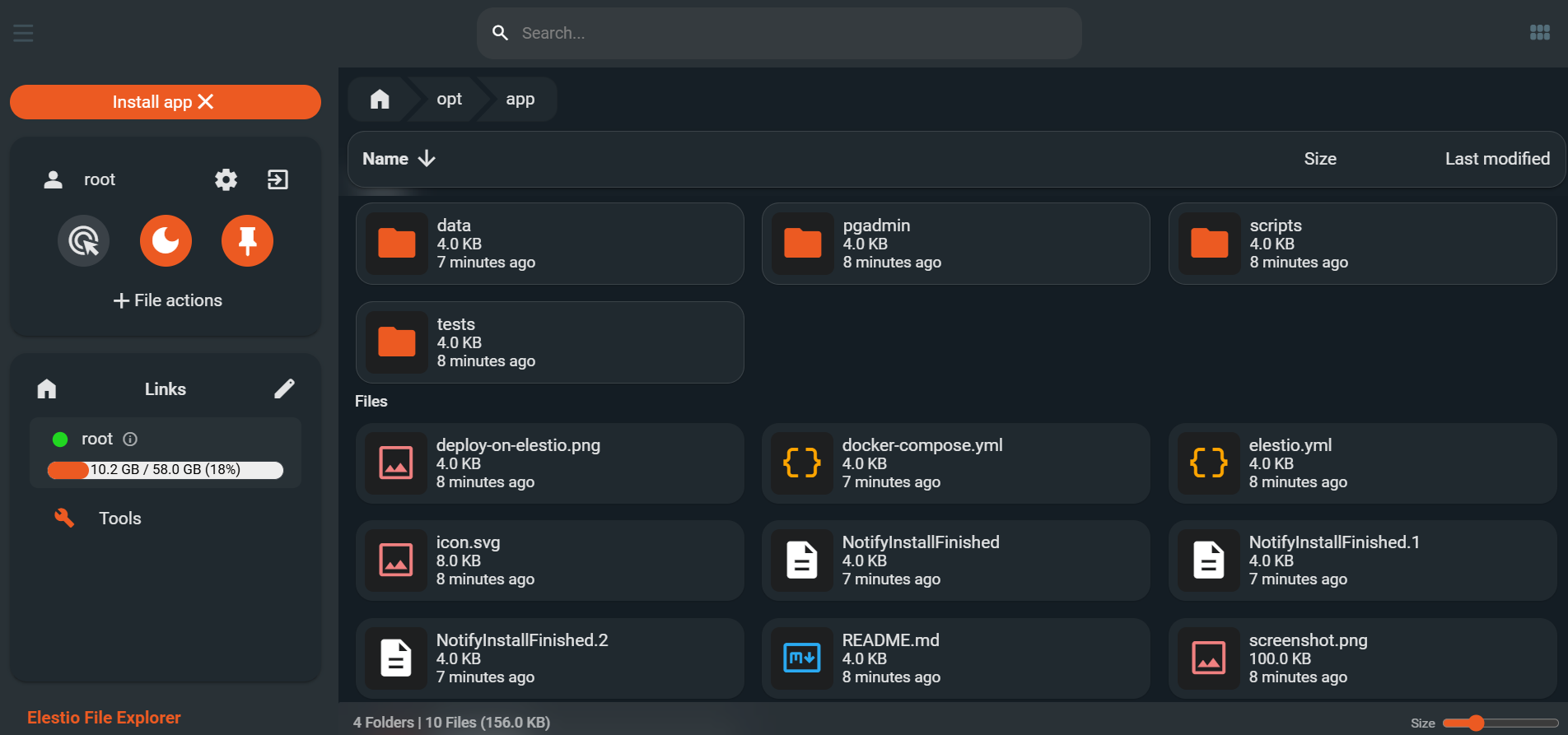
File Explorer
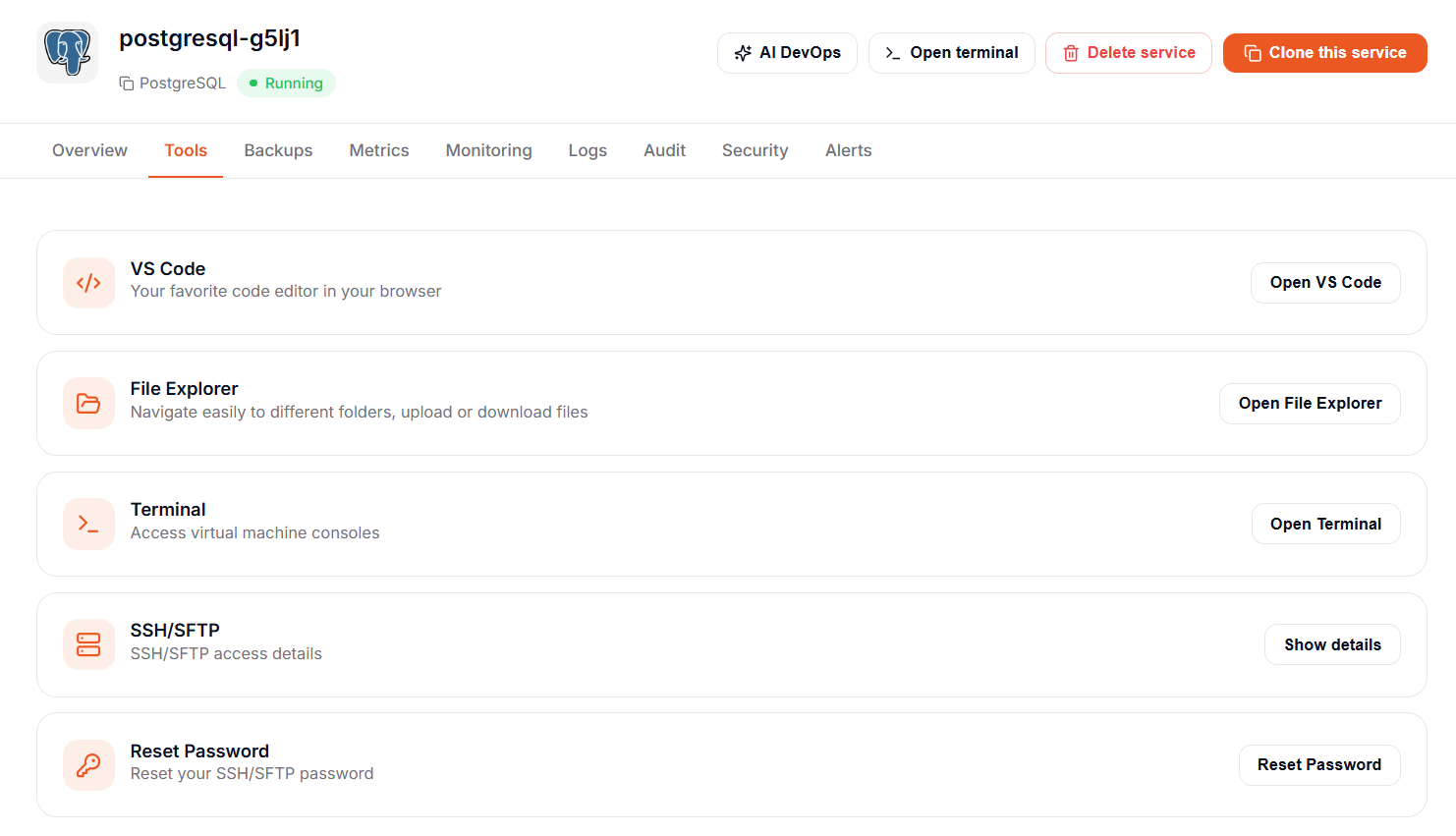
From the Tools tab in the service overview, click on the "File Explorer" button.
The first launch can take 1-2 minutes because File Explorer is installed on your service. The next launch is nearly instant.
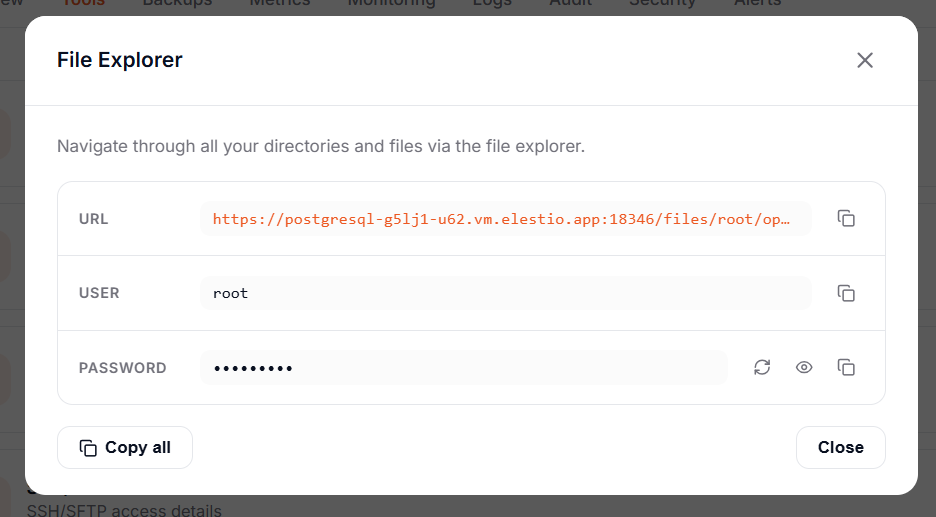
This will open a pop-up window, providing you with a temporary password and Access link.
Copy the temporary password and click on the Access link.
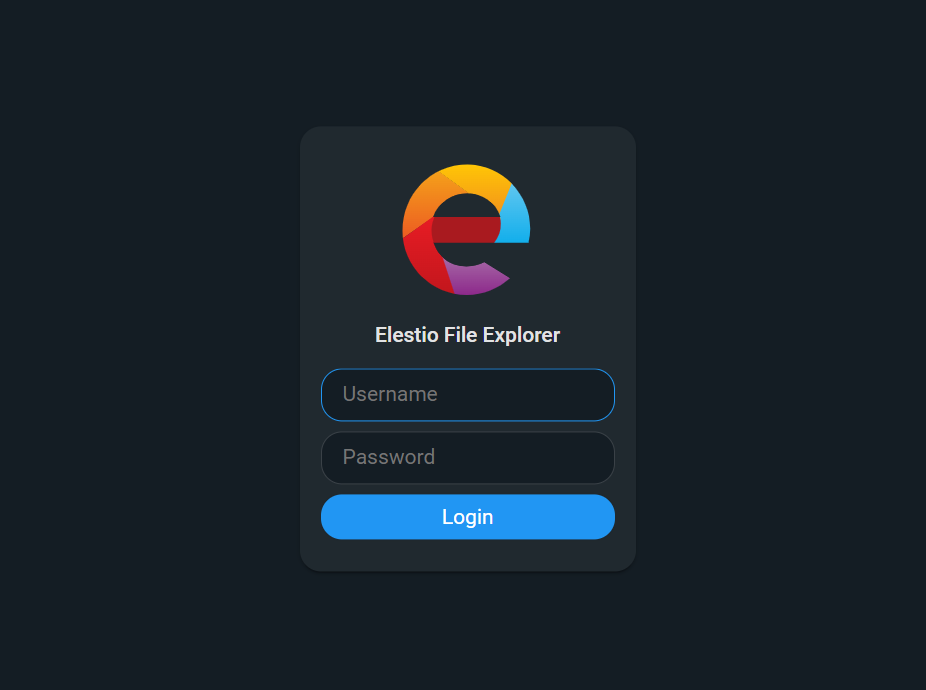
Authenticate with the credentials on the file explorer page:
Once logged in, you'll be able to browse, edit, download, and upload the files on the server: