# Upgrade service plan
In the service overview, disable the termination protection then shut down the service, once done you will be able to click on the "Upgrade plan" button and select another service size.
[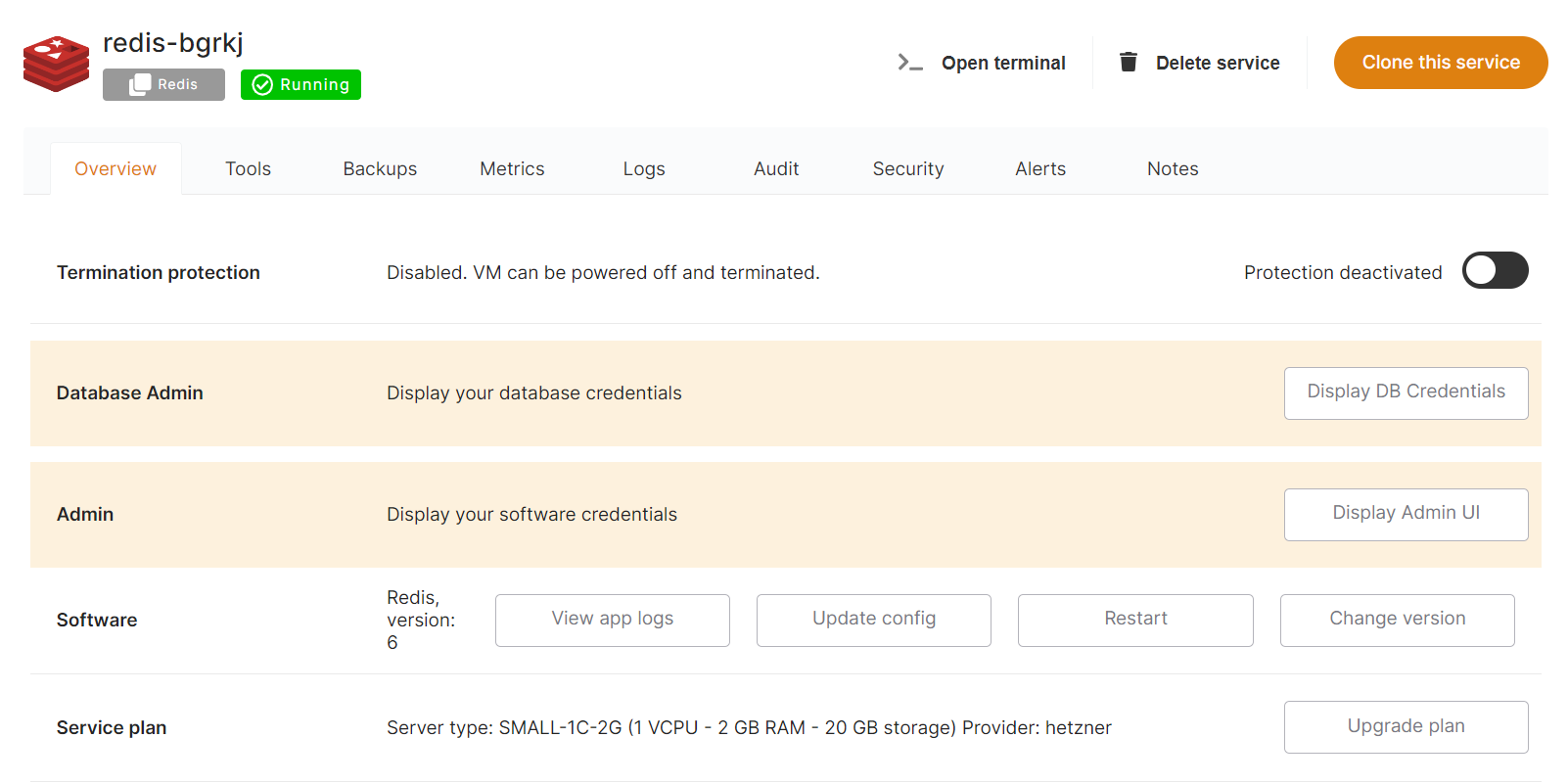](https://docs.elest.io/uploads/images/gallery/2022-01/image-1642098320362.png)
[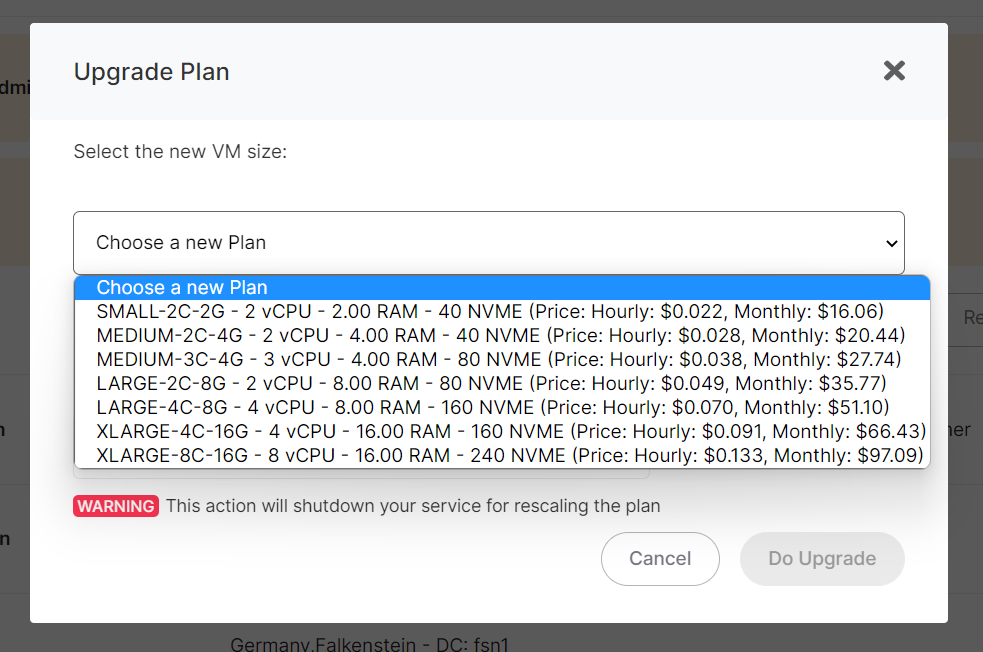](https://docs.elest.io/uploads/images/gallery/2022-01/image-1643010552825.png)
To be able to upgrade your service plan, you must first shutdown your service
When you resize a service you have an option to resize only the CPU & RAM without modifying the disk size, if you check that option, you will be able to downgrade later if needed.