
Clone CI/CD pipeline between New or Existing target safely
In several situations, you might want to move a deployed CI/CD pipeline from one target to another one. On Elestio, you can safely move a pipeline between targets even if the pipeline contains data.
Let's consider a few situations:
In all those situations you will want to move some or all of your pipelines to another CI/CD target (new or existing one).
Move a CI/CD Pipeline to another CI/CD Target
1) From the Elestio dashboard, click on CI/CD in the left menu then click on your pipeline to open the overview.
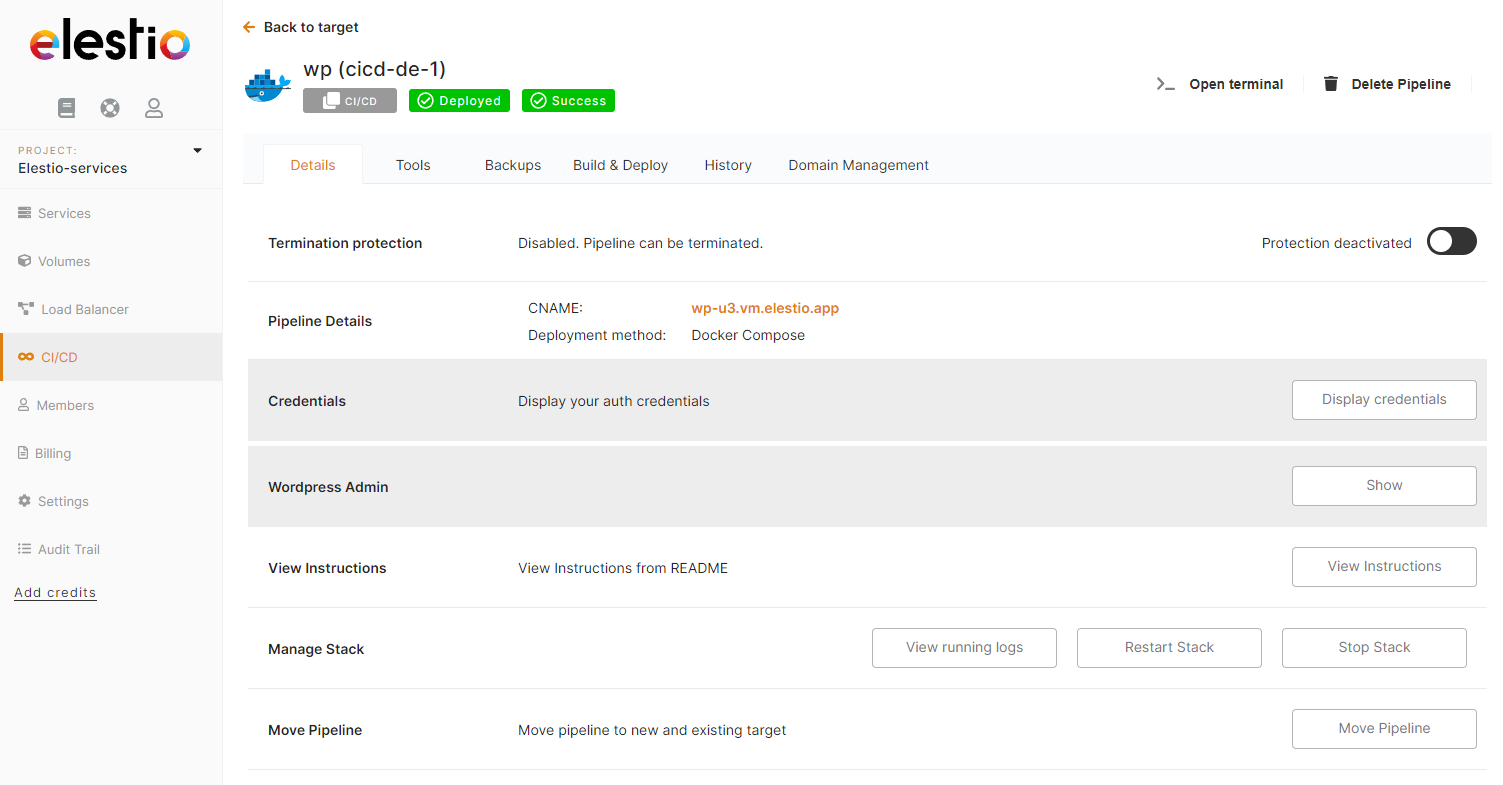
2) Click on the Move Pipeline button

From there you can indicate if you want to move your pipeline to new infrastructure or existing infrastructure.
If you select Existing infrastructure you have to select in the list the existing CI/CD target, for a new infrastructure you will have to indicate the Provider / Region / VM Size to create.
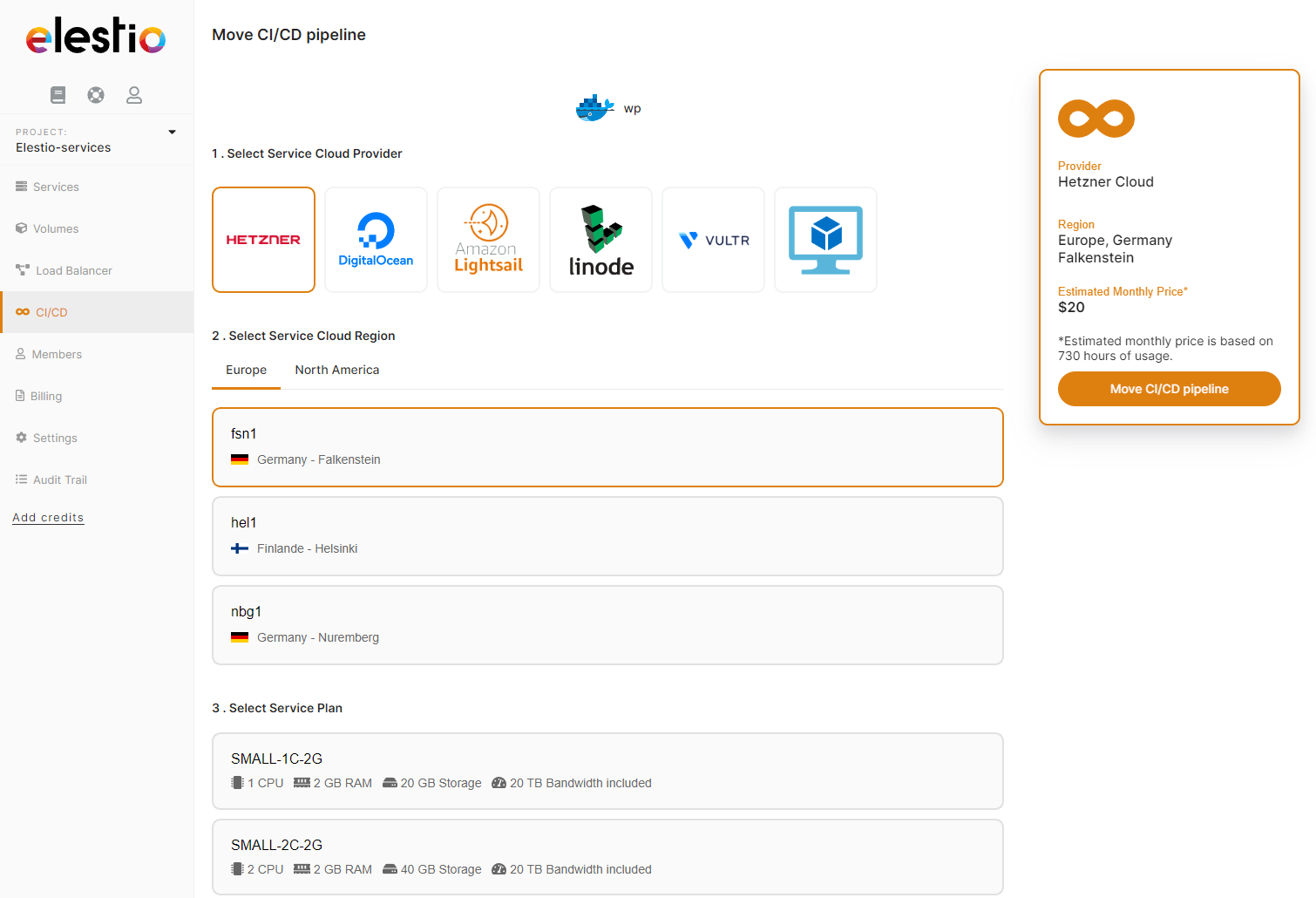
Moving a pipeline to an existing CI/CD target is FREE.
When you move a pipeline we are automating those operations:
The whole process usually takes less than 3 minutes, but it can last longer if there is a lot of data to back up/restore.