
Backups and restores
Elestio offers a BORG Backup section specifically for managing backups.
For clusters, only the backups of the Primary node are supported.
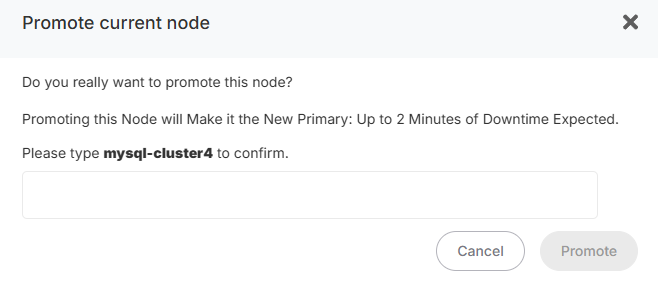
If you want to promote a new node to PrimaryPrimary, ina new BORG backup will automatically be created for security purposes, ensuring a healthy backup of your cluster,cluster. followFrom thesethat steps:point, new backups will target the new Primary.
Backups
Backups are created automatically once per day, but you can also create them manually.
To create a manual backup:

- Go to the
NodesBackupstab.tab of your cluster.
Restores
To restore a BORG backup:
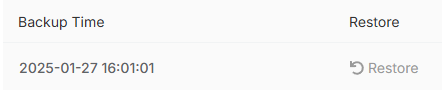
A confirmation popup will appear, asking if you really wantappear to promoteconfirm thisthat node.the restore process is in progress.
- The
selectedPrimary node will bereconfigured as thePrimarynode.restored. - All
other nodesReplicas will be reconfiguredasin the following manner: - Replicas
,pointingwill be reset from scratch.
Once the process is complete, a BORG backupyou will bereceive automaticallyan createdemail withnotifying theyou newthat Primary.