
Cluster resynchronization
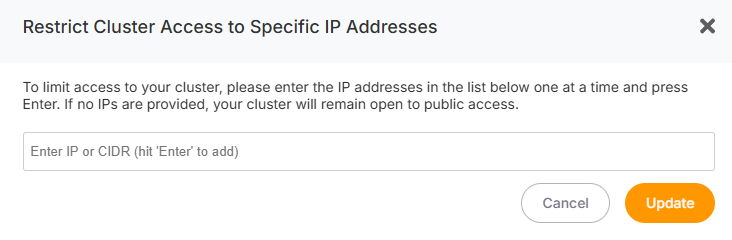
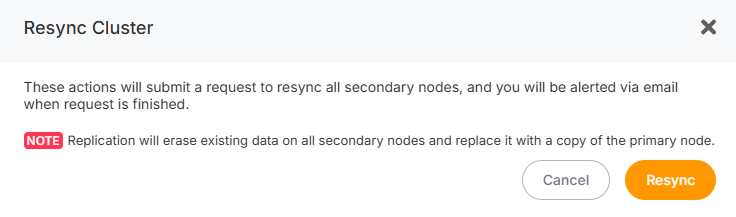
If one or more Replica nodes are unhealthy or desynchronized, you wantcan toresynchronize restrictthem yourwith clusterthe toPrimary specificnode IPsby for enhanced security, followfollowing these steps:
- Go to the Overview
tab.tab of your cluster. - Click on the
LimitResyncAccess per IPCluster button.
A confirmation popup will appear whereto you can configure IP restrictions:
Resynchronization Process
AddoneHealth
IP at a time. After entering an IP, press theEnterkey. The IP will appear at the topCheck of thetext field.
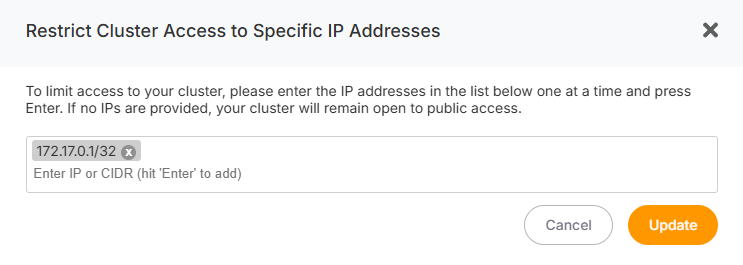
Once you’ve added all the IPs, click the UpdatePrimary button. All nodes in your cluster will automatically adopt these IP restrictions—no need to configure each node individually.
Removing IPs
If you want to remove an IP::
ClickBefore the resynchronization begins, a health check is performed on the Primary node to ensure the process can proceed successfully.
Replica Reconfiguration:
IfDuring nothe IPsresynchronization are listed in this section,process, your cluster will be opentemporarily to all IPs.unavailable.
Once
Addingthe Newprocess Nodes
is Ifcomplete, you’veyou configuredwill IPreceive restrictionsan email notifying you that your cluster is active and lateroperational add a new node, the new node will automatically inherit the existing IP restrictions.again.