
Delete a cluster
If you want to migrate an existing database todelete your cluster, you can do so easily by followingfollow these steps:
- Go to the Overview tab of your cluster.
- Click on the
MigrateDeleteDatabaseClusterbutton.button located in the top-right corner.
MigrationA Processconfirmation popup will appear to ensure you want to proceed.
nameStartEnter theMigration:Ayourpopupclusterwillinappear.the text field to confirm the deletion.- Click on the
Get StartedDelete button. 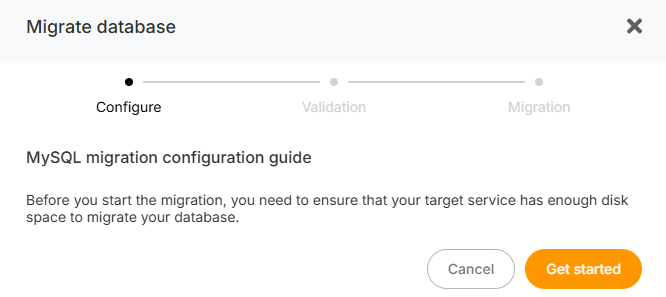
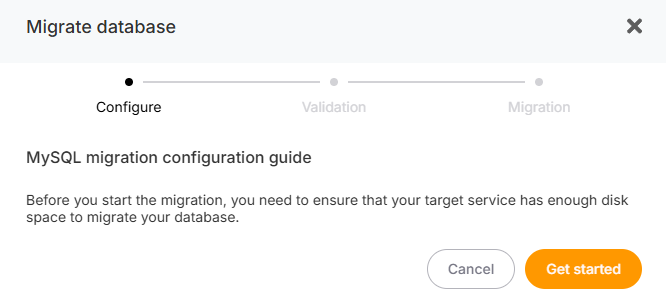
Once second page will appear where you’ll need to enter the credentials ofconfirmed, your source database.
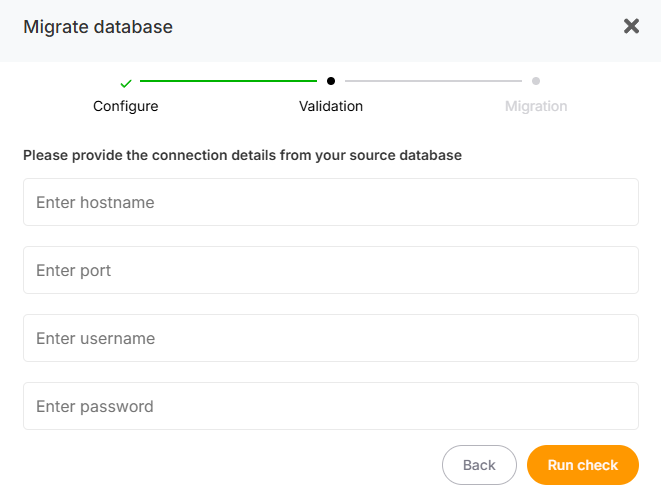
Begin the Migration:
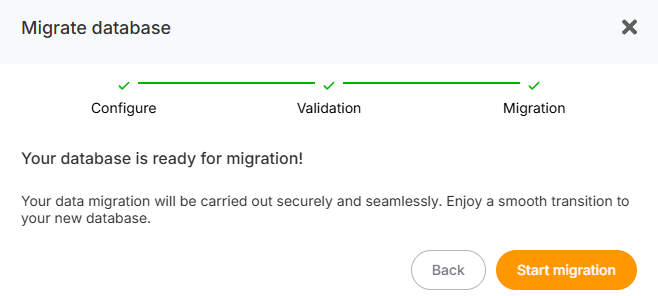
Primary and Replica Synchronization:
During the migration process, yourentire cluster will be temporarily unavailable.deleted.
Once the process is complete, you will receive an email notifying you that your cluster is active and operational again.