
Limit access per IP
Elestio offers a BORG Backup section specifically for managing backups.For clusters, only the backups of the Primary node are supported.
If you promote a new nodewant to Primary,restrict ayour newcluster BORGto backupspecific will automatically be createdIPs for securityenhanced purposes,security, ensuringfollow athese healthy backup of your cluster. From that point, new backups will target the new Primary.
Backups
Backups are created automatically once per day, but you can also create them manually.
To create a manual backup:

- Go to the
BackupsOverviewtab of your cluster.
Restores
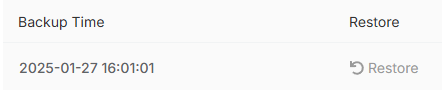
To restore a BORG backup:
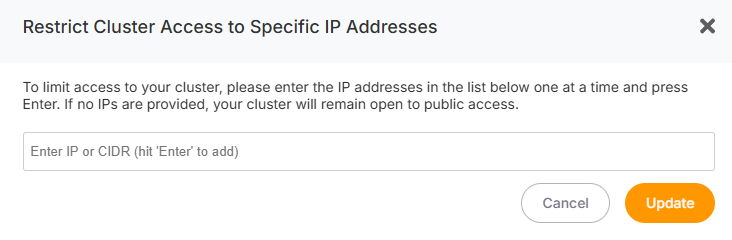
A popup will appear towhere confirmyou thatcan configure IP restrictions:
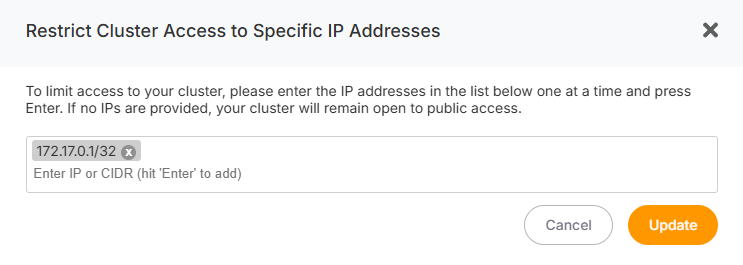
Once you’ve added all the IPs, click the Update button. All nodes in progress.your cluster will automatically adopt these IP restrictions—no need to configure each node individually.
Removing IPs
DuringIf you want to remove an IP:
If no IPs are listed in this section, your cluster will be temporarilyopen unavailable,to asall IPs.
Adding New Nodes
If you’ve configured IP restrictions and later add a new node, the following actions will take place:
Once the process is complete, you will receive an email notifying you that your cluster is active and operational again.restrictions.