
How to host a static frontend website on elestio
Here is how you can host a static website on Elestio using our CICD service
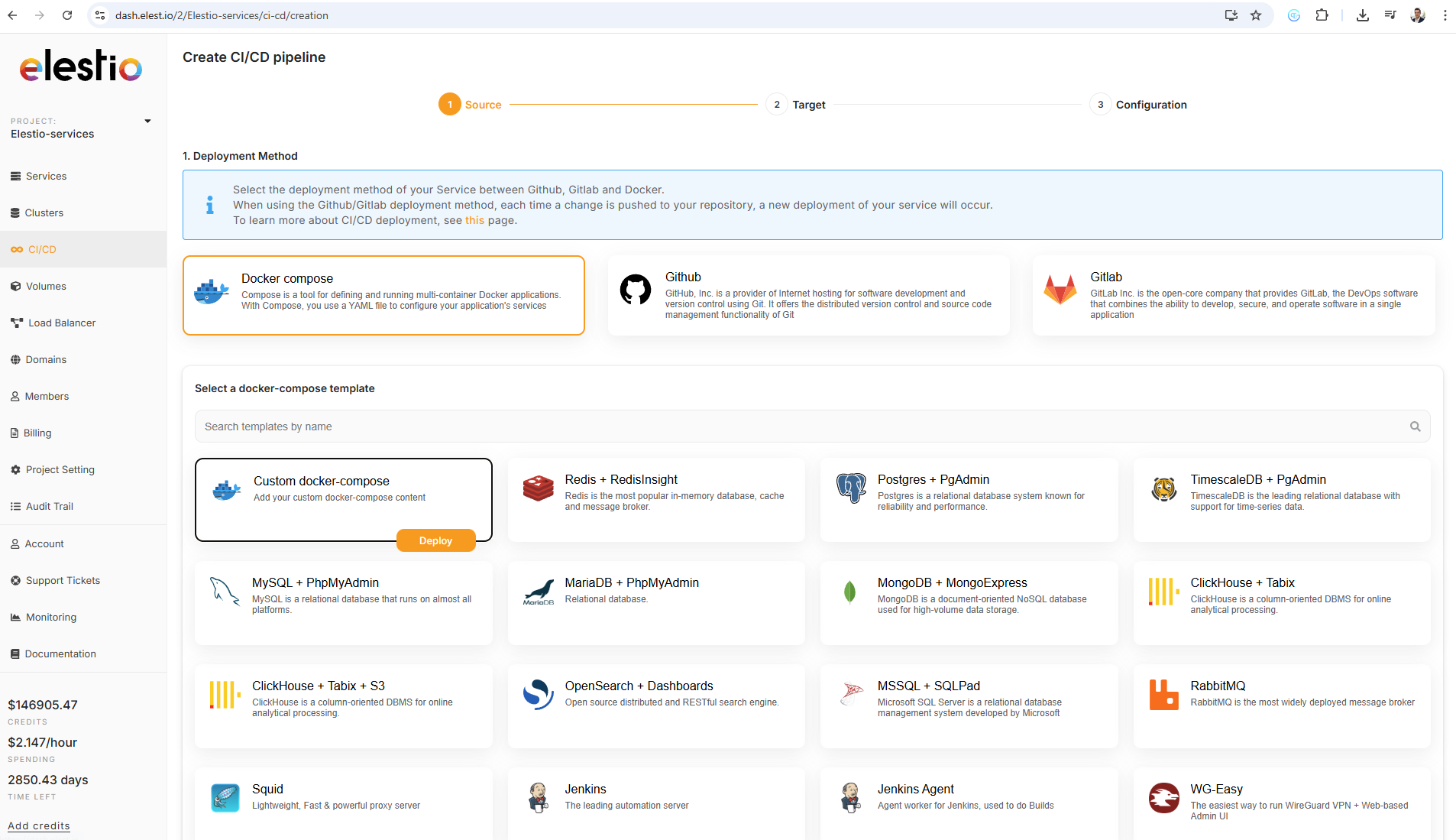
1) Open elestio dashboard and click on CI/CD on the left menu, there click on Docker Compose > Custom docker compose
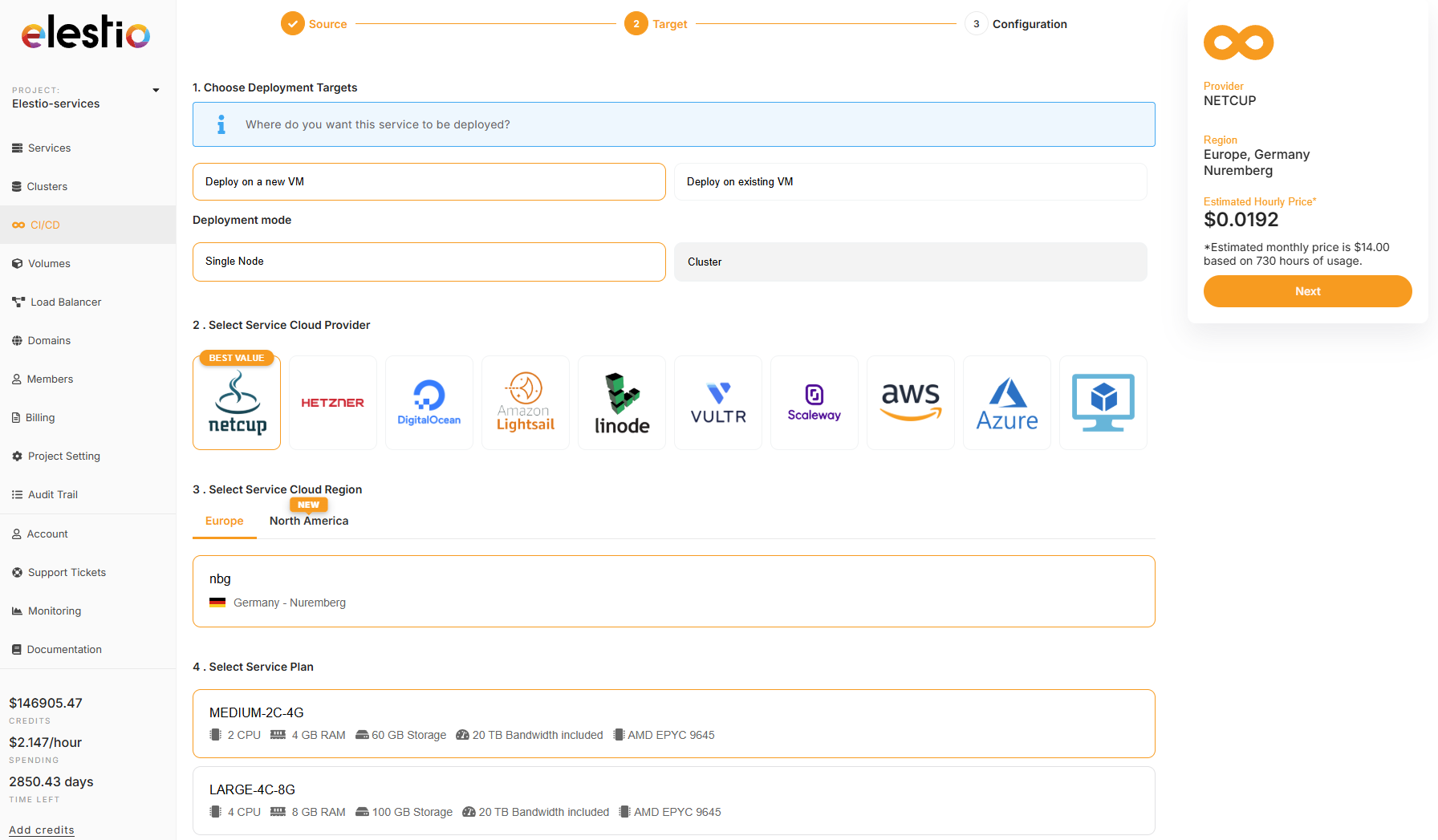
2) on the next step select Deploy on a new VM and select your target cloud provider/region (we recommend netcup & hetzner) then click on the Next button on the right side
3) Past in the docker compose the custom stack below then click on Create CI/CD pipeline
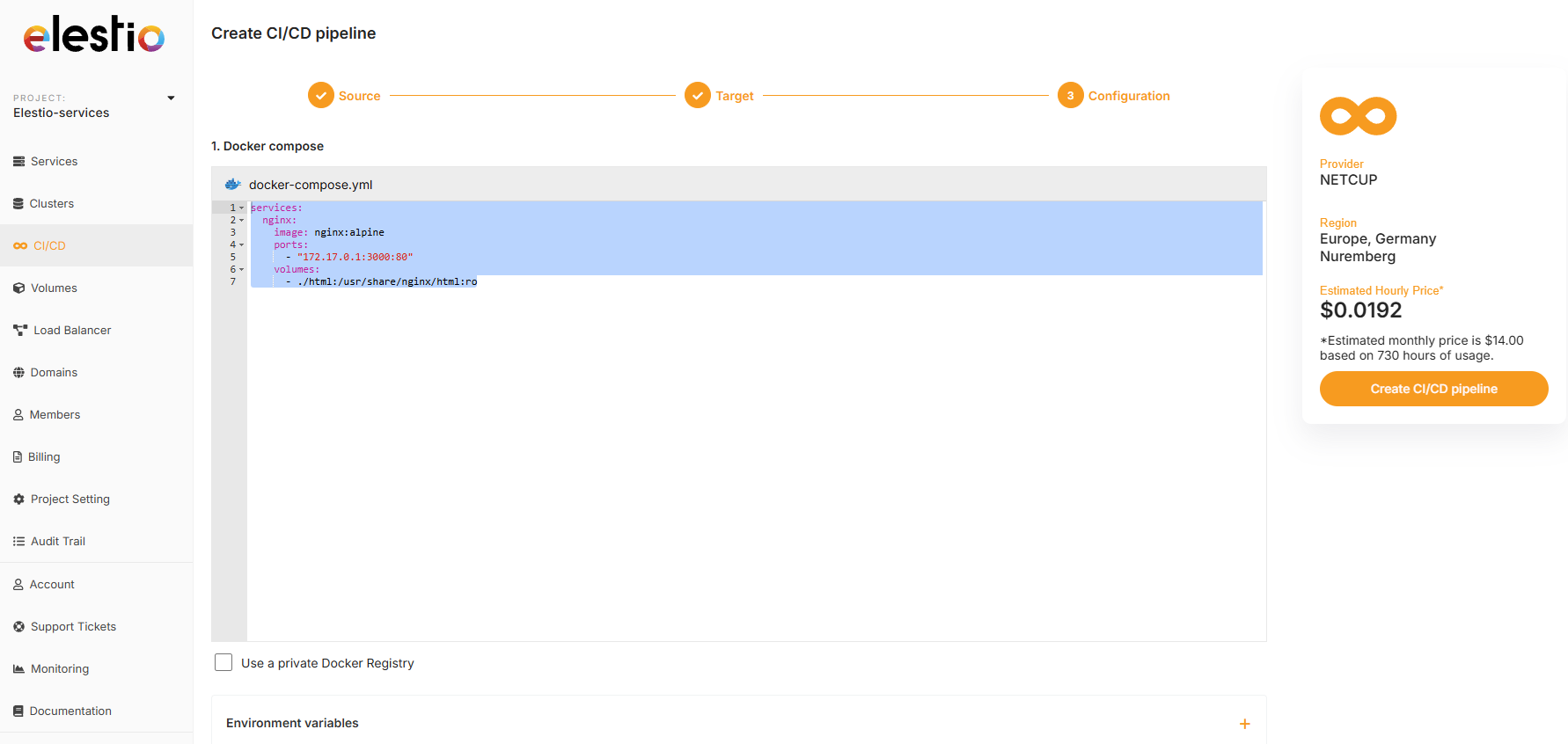
services:
  nginx:
    image: nginx:alpine
    ports:
      - "172.17.0.1:3000:80"
    volumes:
      - ./html:/usr/share/nginx/html:ro
4) Few minutes later the service will be deployed, then you can then connect with tools provided in Elestio service > VSCode or File Explorer, from there you can place your files in /opt/app/html/ and they will be served on the default url of the pipeline.
5) You can also configure a custom domain for your pipeline by following this documentation.