Billing Overview
All billable resources are attached to a project. At the beginning of each hour, your resources will be billed and the hourly cost will be deducted from the project owner's balance.
If your balance reach zero your services will be suspended and you won't be able to restart them until you add credits to your balance. You must have at least $5 of credits on your balance to be able to start a service.
Once your services are suspended you have only a few days to add credits to your balance before your services are deleted. Once deleted you have 14 days to restore them. In case of a restoration, you will get a new IP address.
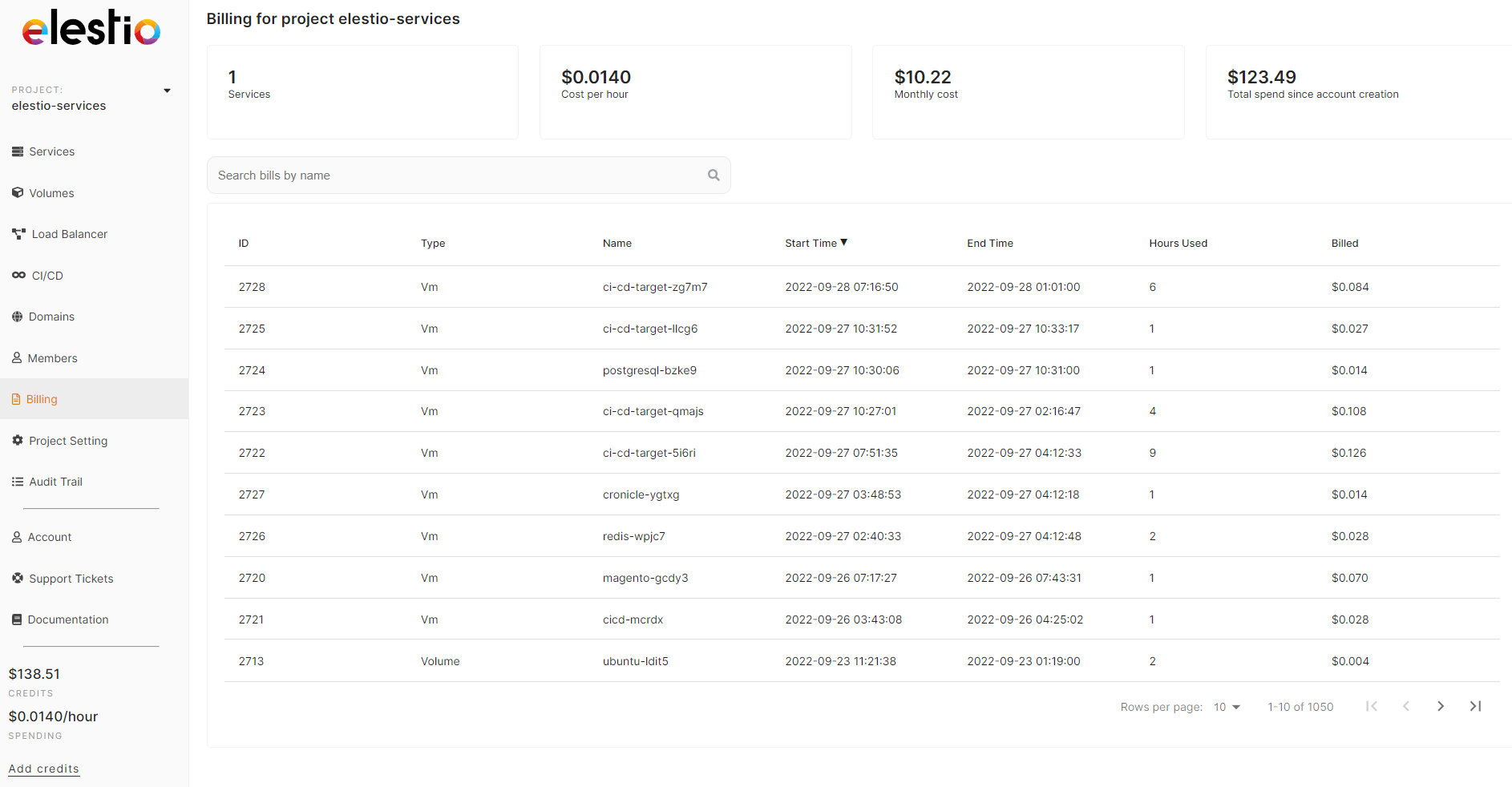
::: info Invoices are created when you manually add credits to your account or automatically if you have activated the auto-refill option. Invoices only include the amount of credits added to your account.
Billing and resource utilization details are available separately in each project. :::
Billing Topics
- Add Credits - Learn how to add funds to your Elestio balance
- Payment Options - Configure auto-refill and payment settings
- Invoices - View and manage your invoices
- Free Trial - Information about the 3-day free trial
- Free Trial Policy - Fair use statement and eligibility requirements
- SEPA Direct Debit - European payment option details
- Project Billing - Per-project billing details and monitoring
- Bandwidth Billing - Understanding bandwidth usage and costs