Manual Local Backups
Local backups are useful if you need to take a quick backup of a small dataset locally and want to download the backup to your computer, or just be able to restore it later quickly.
info
Local backups only contain the software's data volume, not the OS or software itself.
Instructions:
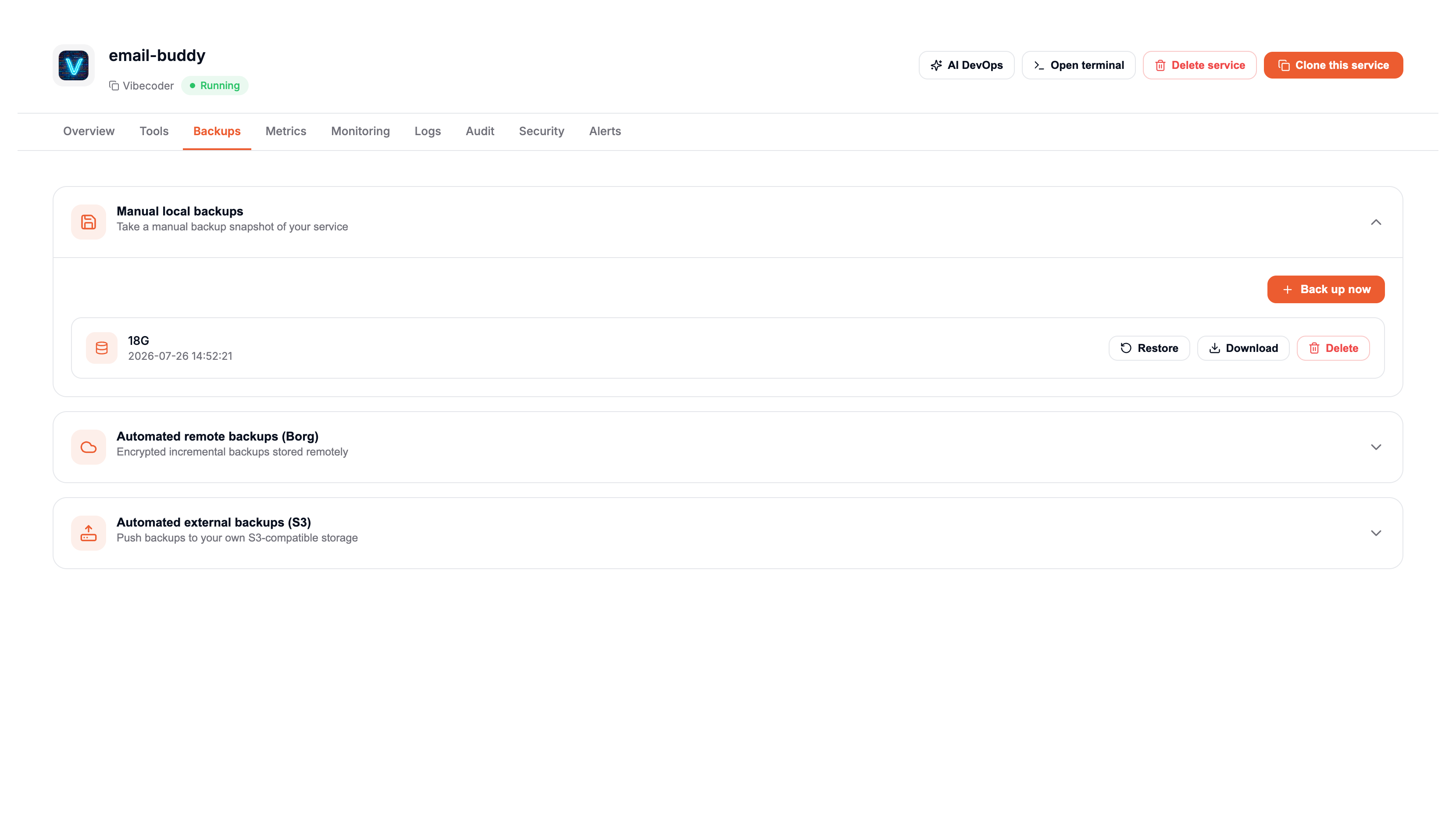
From the service dashboard, click on the Backups tab, then click on Manual Local Backups.
From there you can make new manual backups, list existing backups, download, restore or delete previous local backups.
warning
You are responsible for deleting manual backups to regain disk space. Elest.io will not automatically delete them.
danger
Manual backups use the available disk space of your service.