Connect to ClickHouse
Connect to your Elestio ClickHouse database from your application and CLI tools.
Connecting with ClickHouse GUI
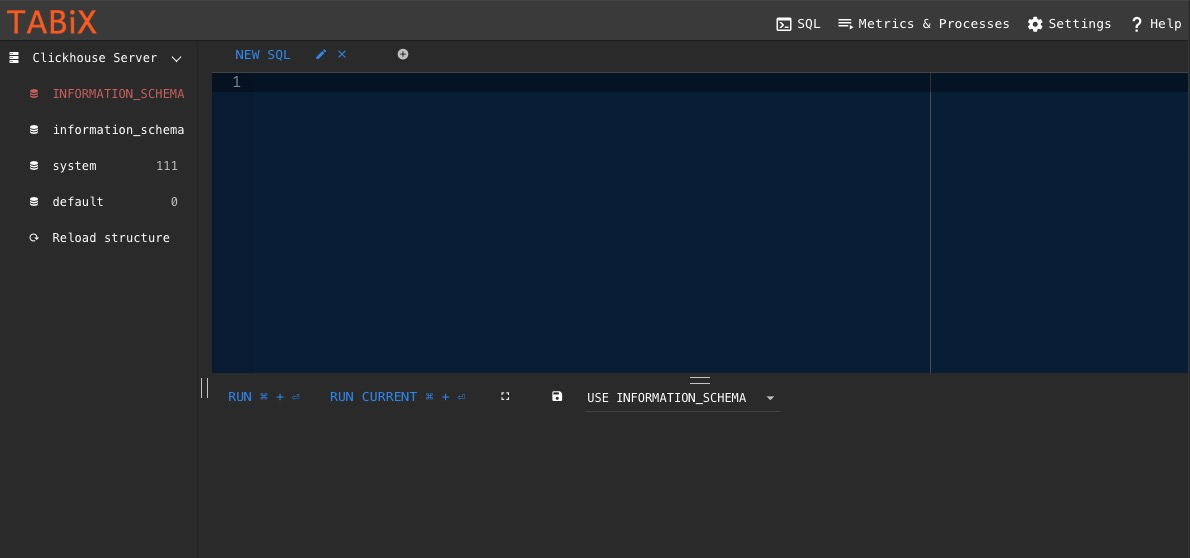
Tabix is a lightweight browser-based GUI for ClickHouse that lets you browse tables, write queries, and manage your ClickHouse instance using a preconfigured admin dashboard provided by Elestio.
Variables
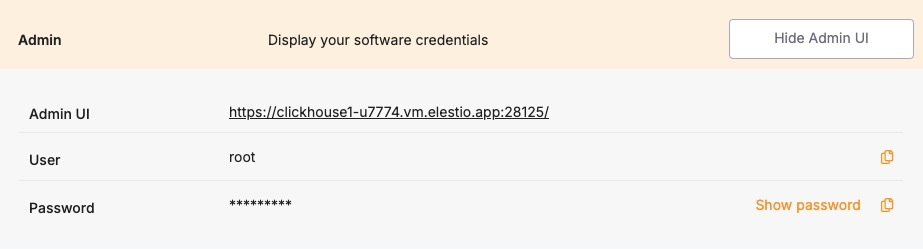
To connect using Tabix, you’ll need the following login credentials. When you deploy a ClickHouse service on Elestio, a Tabix dashboard is automatically created and configured for you. These credentials are available in the Elestio service overview page:
| Variable | Description | Purpose |
|---|---|---|
| USER | Tabix login username | Identifies the user with access permission to Tabix GUI. |
| PASSWORD | Tabix login password | Authentication key for the USER to access the Tabix dashboard. |
You can find these values in your Elestio project dashboard under the Admin section.
Prerequisites
Make sure the ClickHouse service is correctly deployed on Elestio and you are able to access the Admin section of the service overview page, which includes the Tabix dashboard URL and login credentials.
Setting Up the Connection
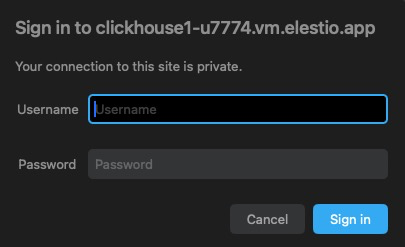
- Launch Tabix from the Admin UI URL shown in your Elestio service.
- Enter the provided username and password.
- Click Login.
If the login is successful, Tabix will open directly into the SQL query interface where you can run queries, browse tables, and manage your ClickHouse schema and data.