
VM Snapshots
VM snapshots are made using the provider snapshot API and are stored in the same region where you have your service.
It's a full snapshot of the VM, meaning it contains everything: OS, Apps, data, etc.
To make a snapshot:
From the service dashboard,
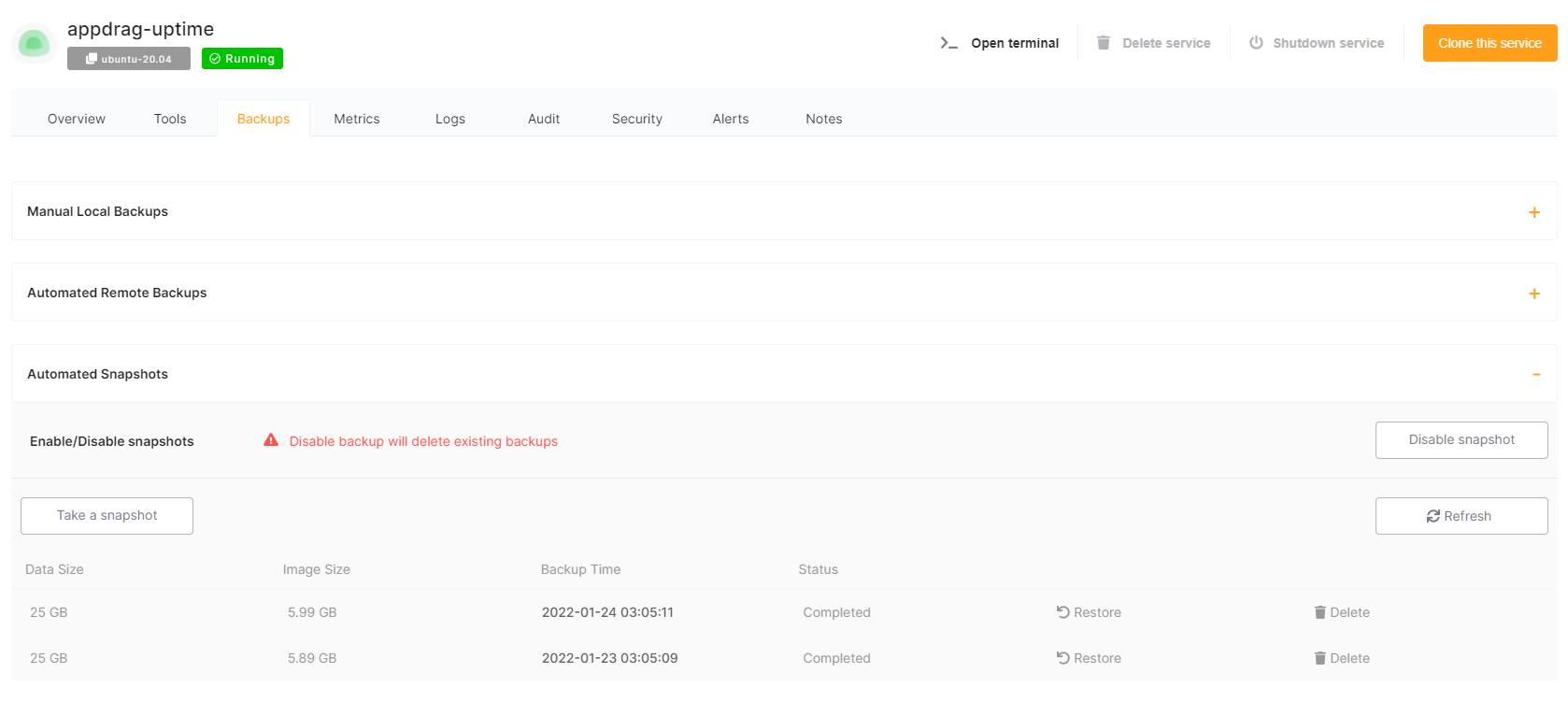
From there you can take new a manual snapshot, list existing snapshots or restore a snapshot.
Retention period depends on your support plan. 1 snapshot on Standard, 4 on Premium, 7 on Enterprise.
Restoring from a snapshot will overwrite the whole VM with the selected snapshot.