Automated VM Snapshots
VM snapshots are made using the provider's snapshot API and are stored in the same region where you have your service.
It is only available under Support Plans Levels 2 and 3.
info
It's a full snapshot of the VM, meaning it contains everything: OS, Apps, data, etc.
To make a snapshot
From the Dashboard:
- Click on the Backups tab
- Click on Automated Snapshots
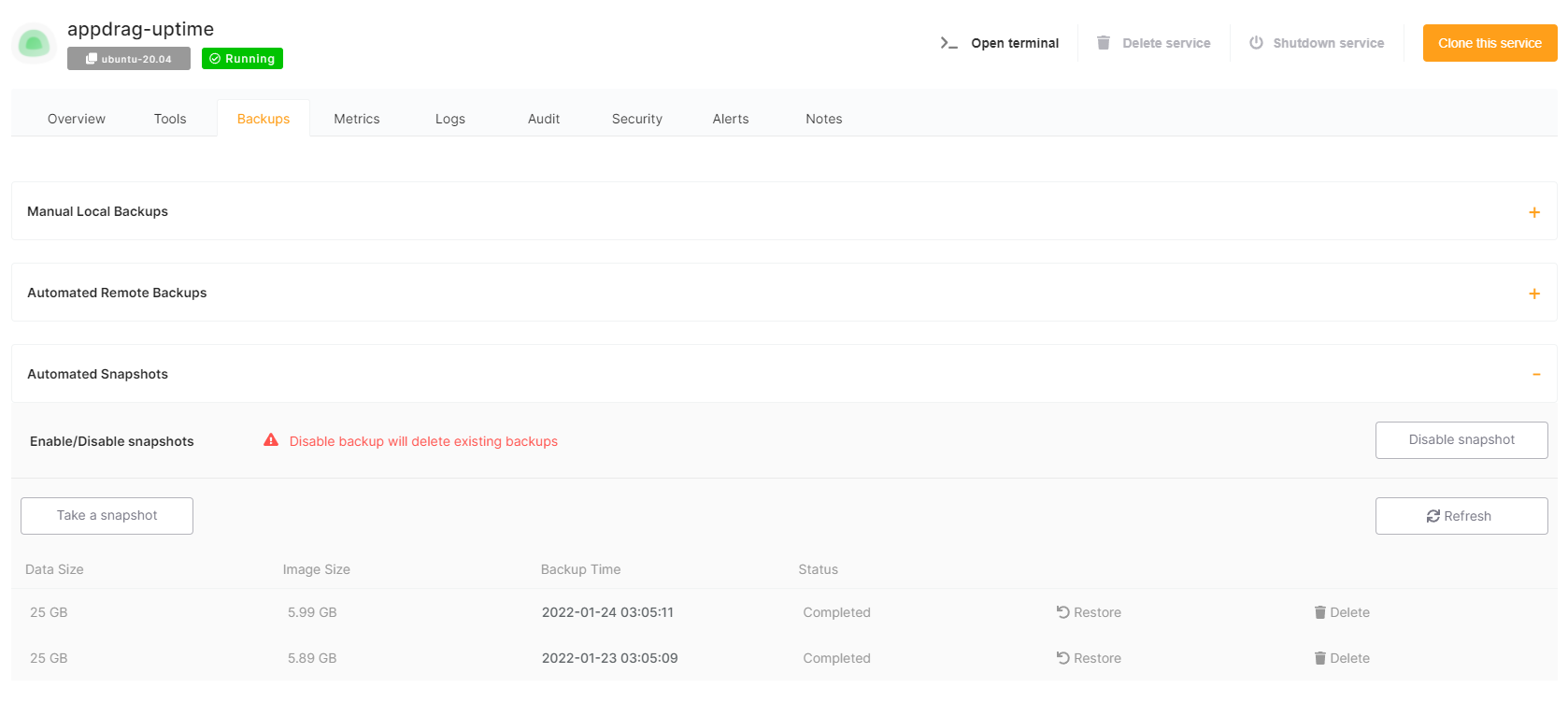
From there you can take new a manual snapshot, list existing snapshots or restore a snapshot.
info
Retention periods depend on your support plan: 2 snapshots on Level 2, and 4 snapshots on Level 3.
warning
Restoring from a snapshot will overwrite the whole VM with the selected snapshot.