Create a New Service
Deploy any of 400+ open source apps in a few clicks. Your service is live in 2 to 3 minutes.
1. Open the dashboard
Open the Elestio Dashboard to see the full catalog of software templates.
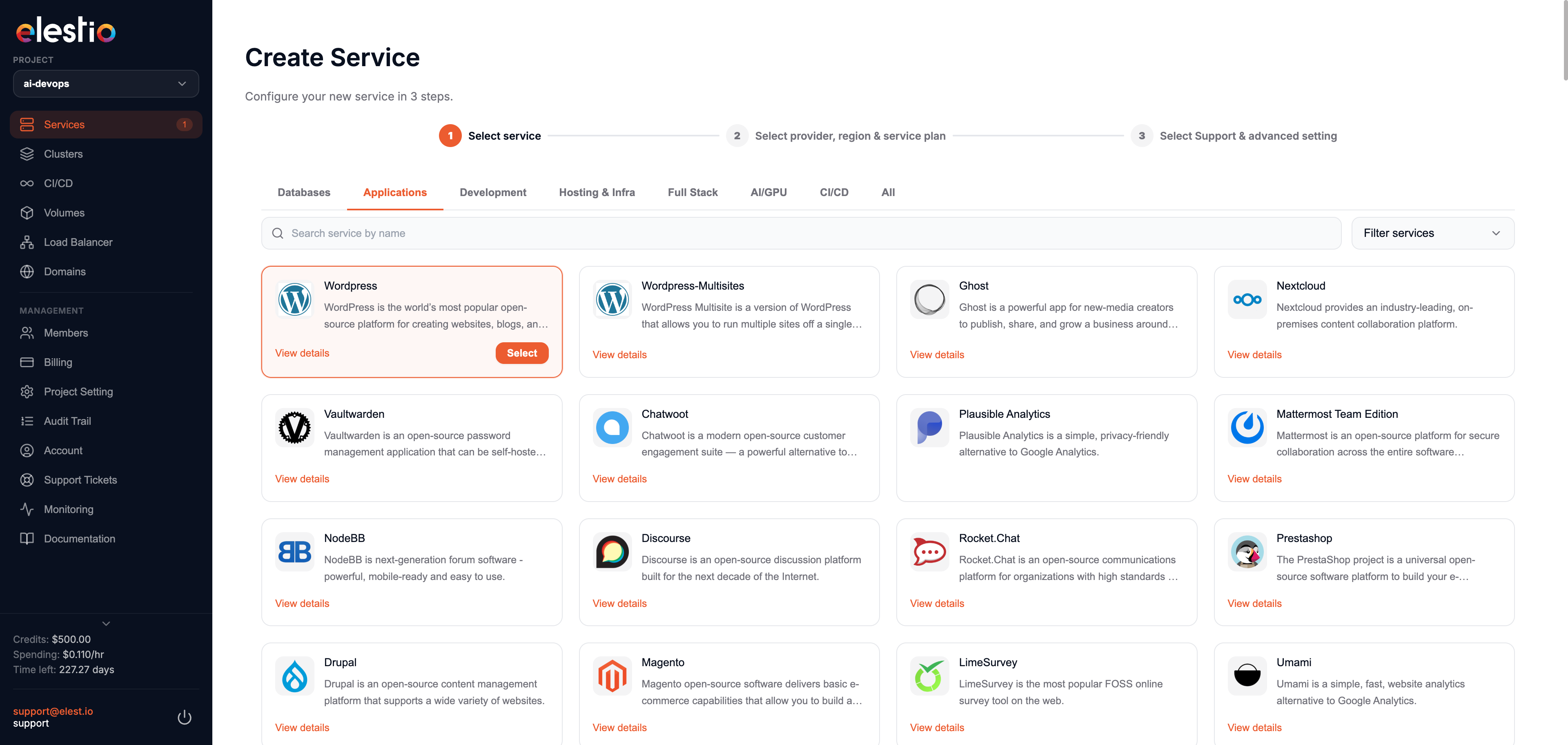
Use the category tabs to narrow the list to databases, CMS, developer tools, and more.
Click Select on the template you want. To learn more first, click Details.
2. Choose provider, region, and data center
To deploy into your own cloud account, follow the BYOAWS guide or the relevant cloud provider page.
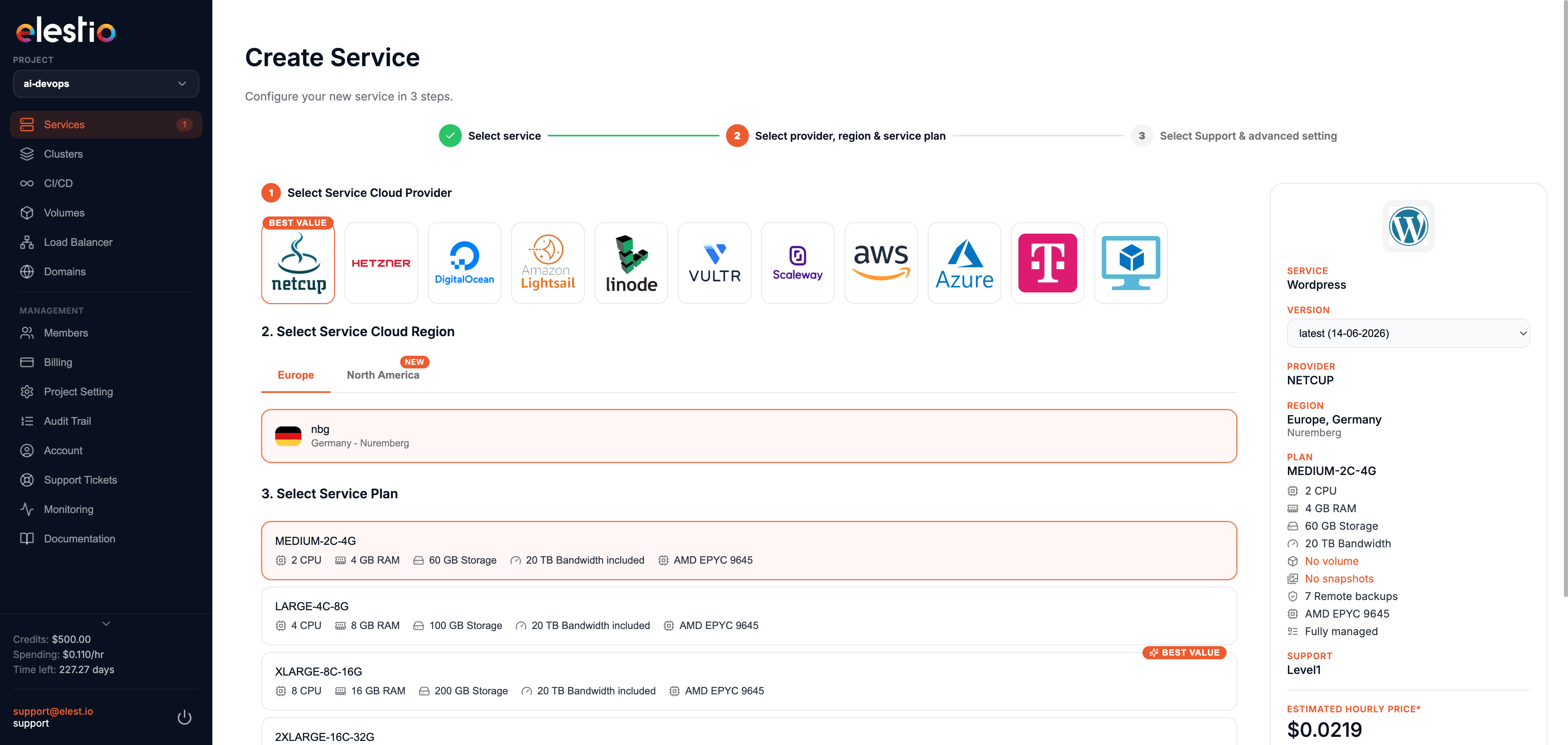
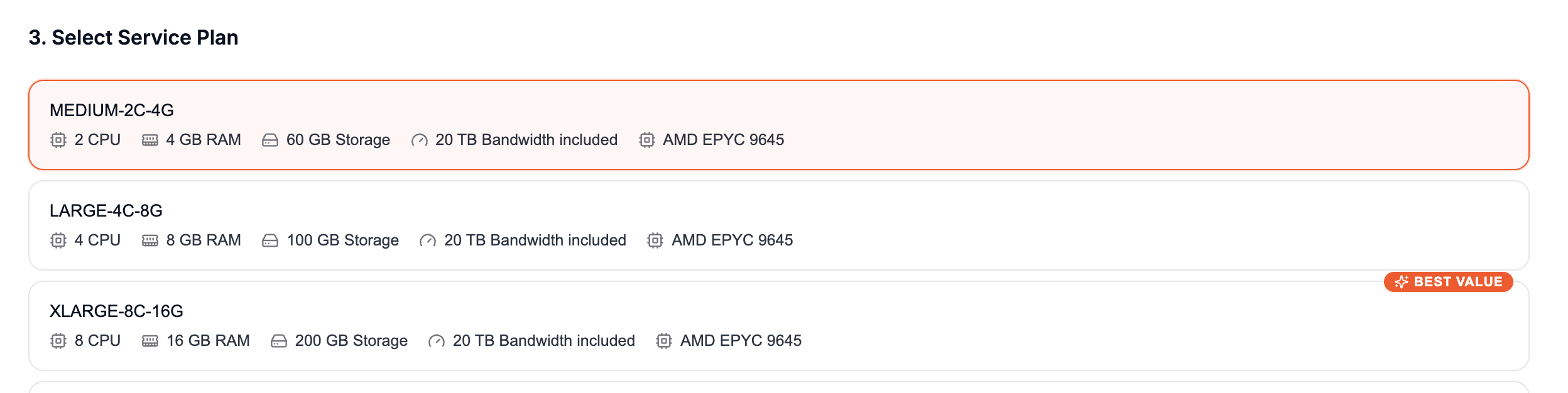
3. Choose an instance size
Pick the CPU, RAM, and pricing that fit your workload.
4. Set support plan and maintenance window
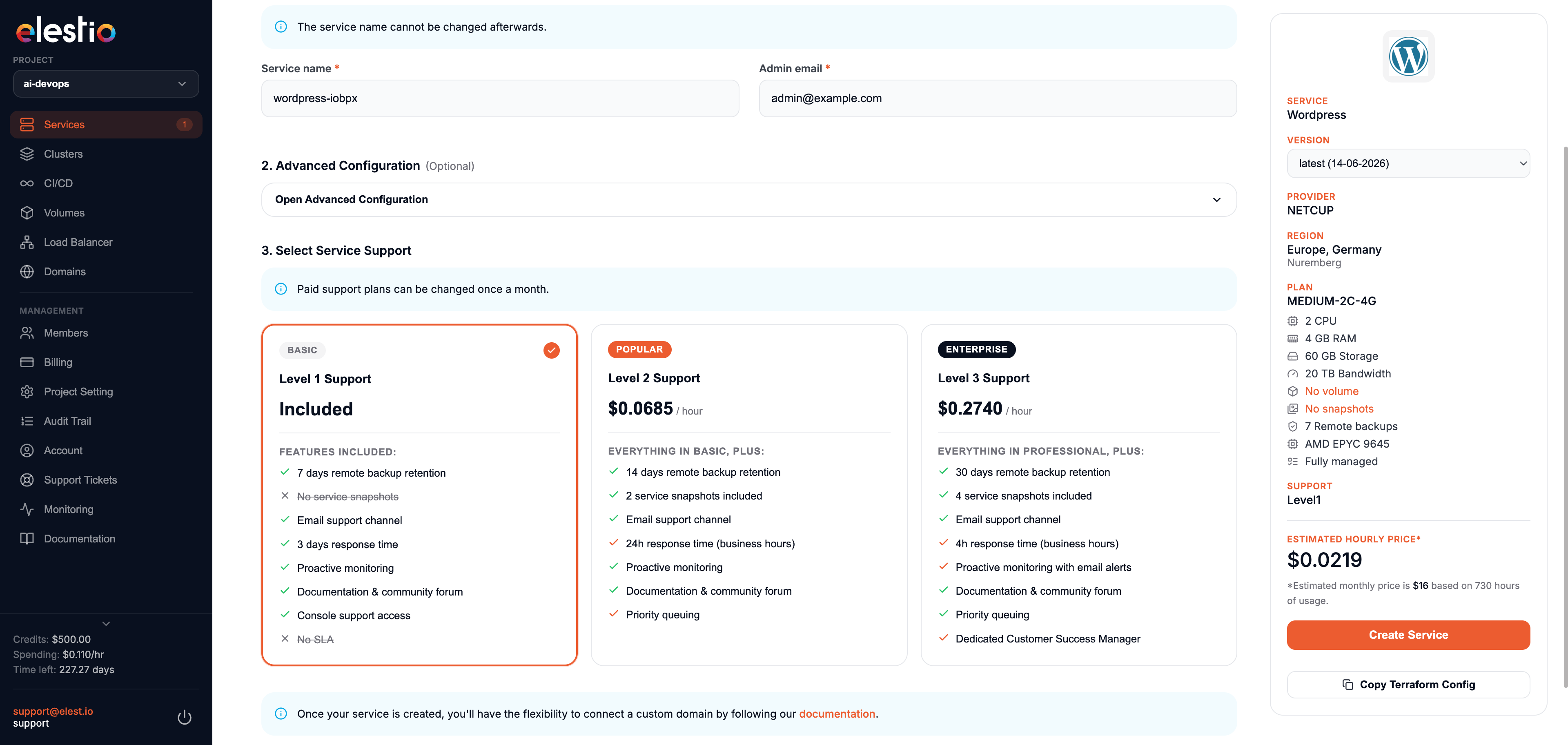
OS updates cover the Linux kernel and security patches. Software updates patch the application itself, following semantic versioning (minor and patch only) to avoid breaking changes. All maintenance window times are in UTC.
5. Deploy
Click Create Service when you are ready.
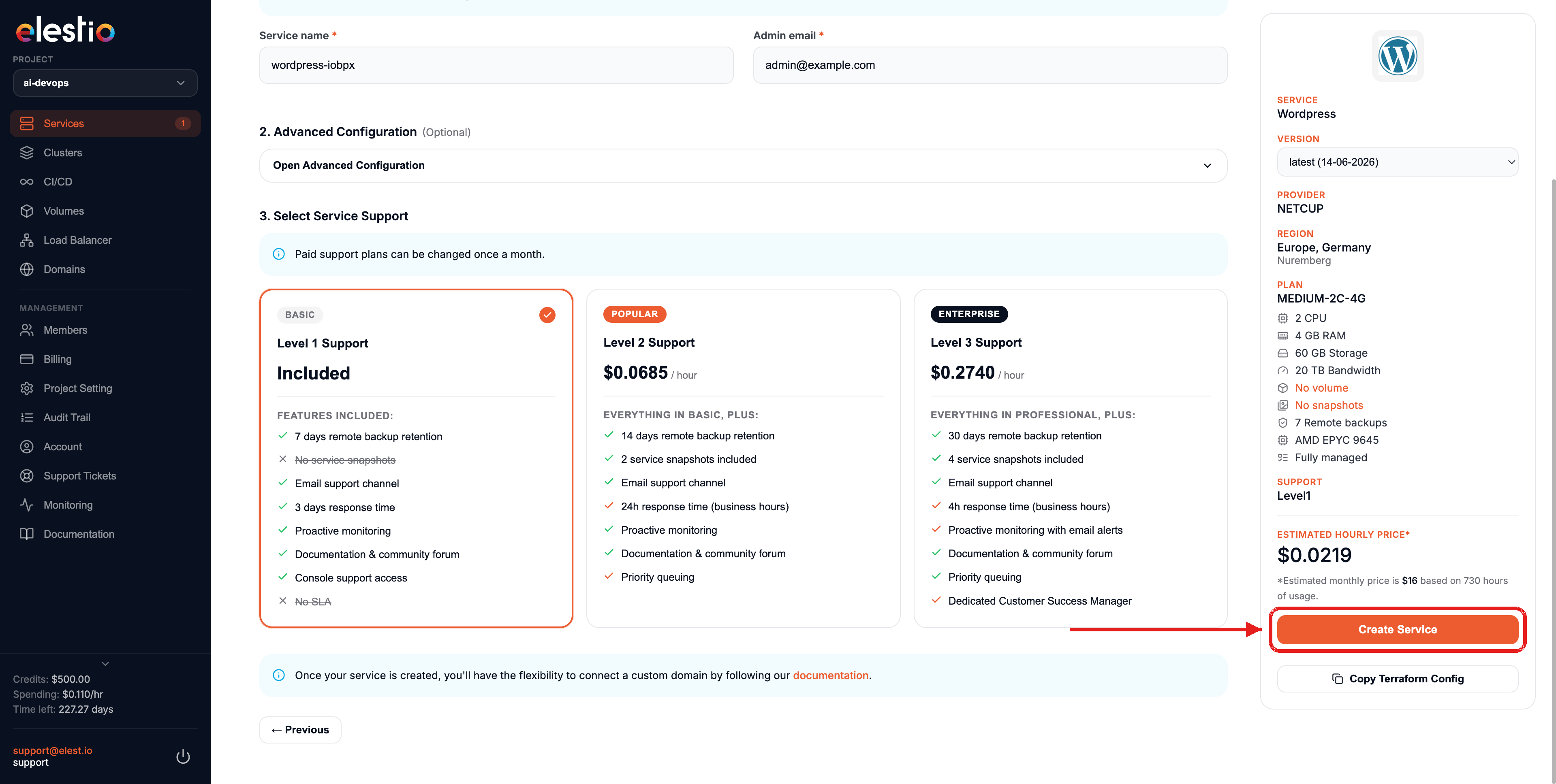
6. Track deployment
Your service appears with the status Service is in deployment and is ready in 2 to 3 minutes.
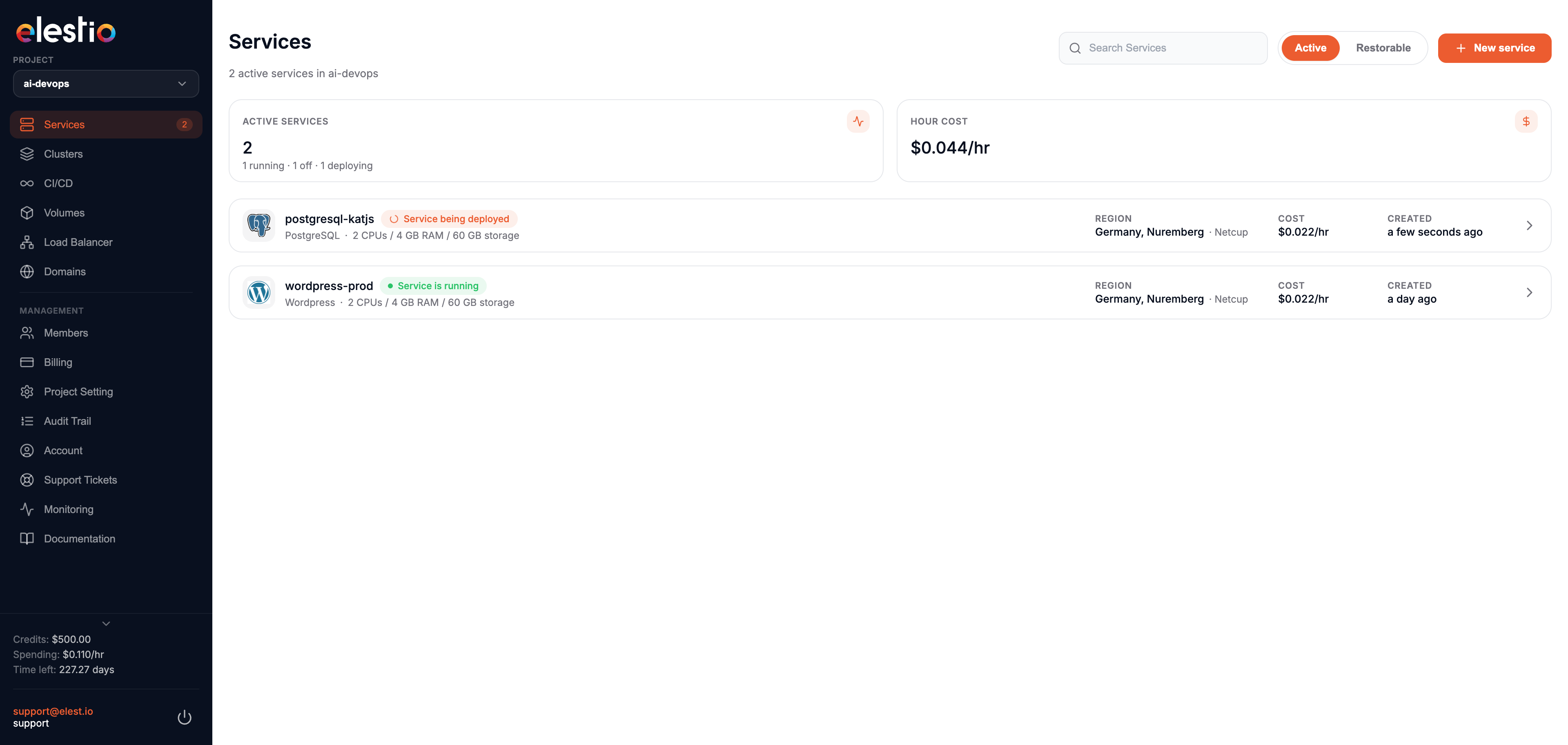
Once ready, you receive an email with the deployment details. The access URL and credentials are also in the Service Overview.
Open the dashboard and deploy your first service now.