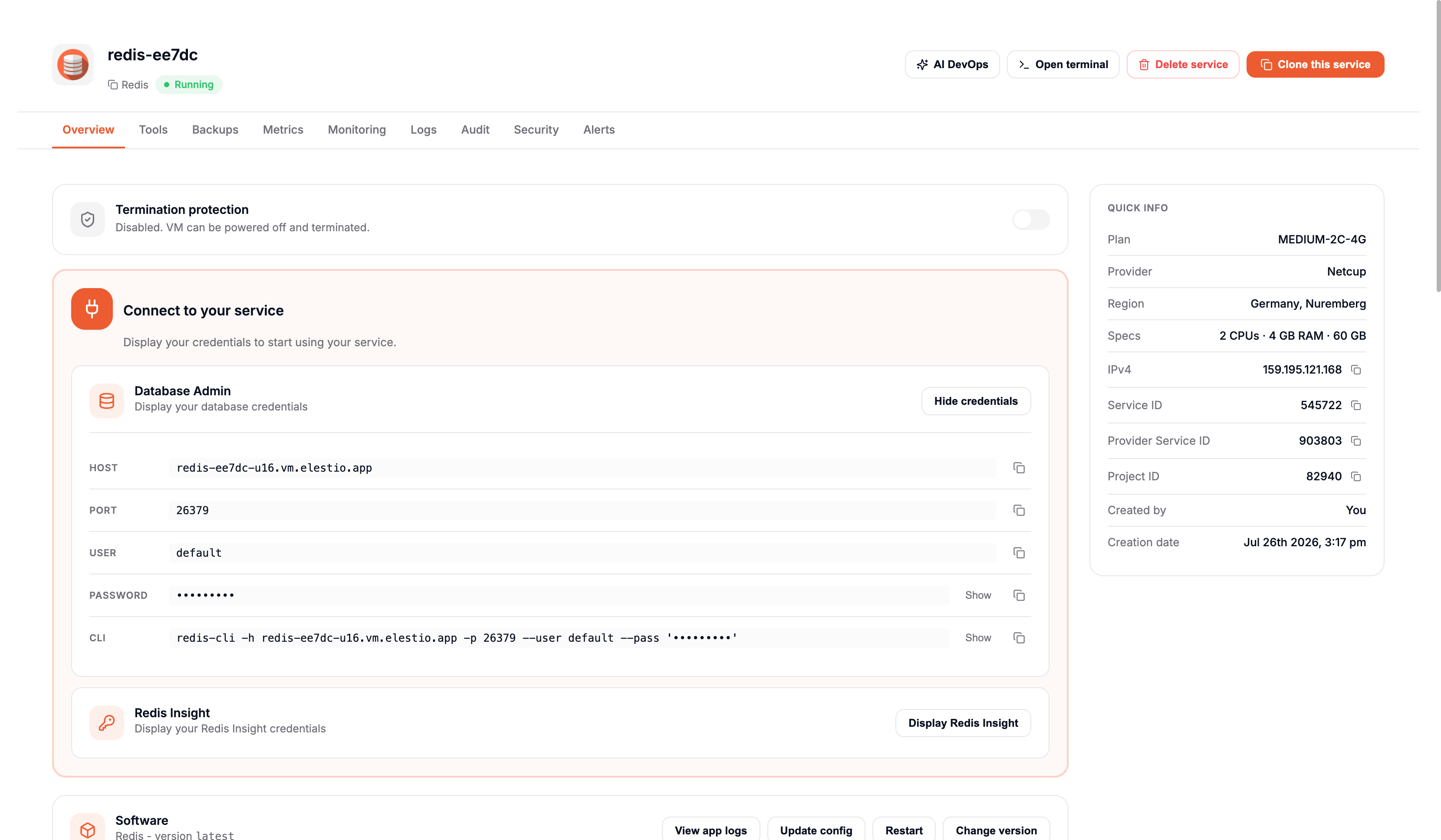
Admin UI and Credentials
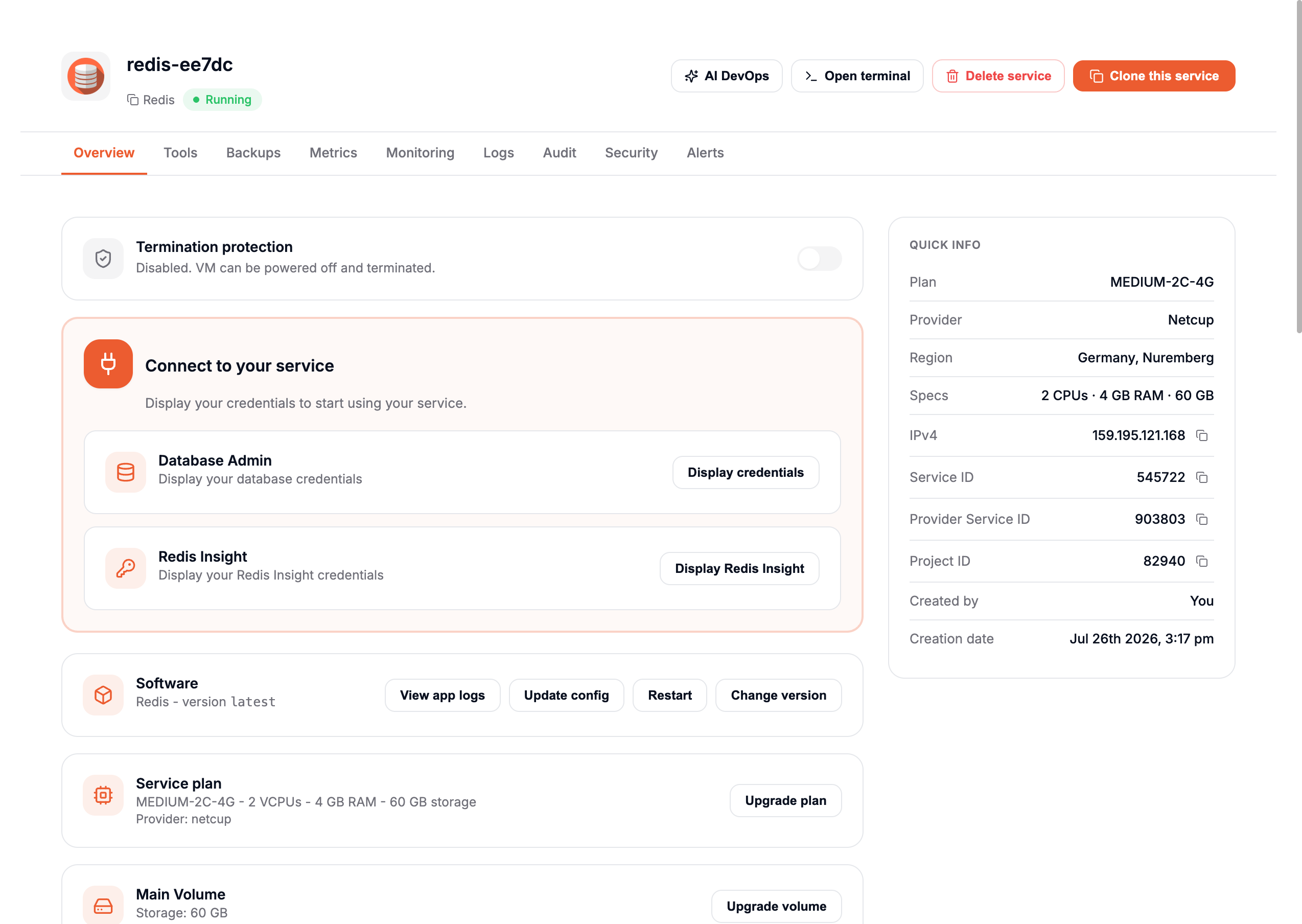
Reach your application admin interface and database connection details directly from the overview.
Admin UI
Most supported software ships with an admin web interface. Click Display Admin UI to reveal the URL, username, and password used to sign in.
info
Some software, especially databases, has no web management UI. Use the credentials and the listed port to connect.
warning
Some applications do not allow pre-created admin users. If the password field is blank, open the admin URL to start the setup process.
Database credentials
info
This applies to database software only.
In the Overview tab, click Display DB Credentials to view everything needed to connect: host address, port, username, password, and CLI.