Delete a Service
Remove a service when you no longer need it.
- Disable Termination protection.
- Click Delete service in the top bar.
- Type or paste the service name to confirm.
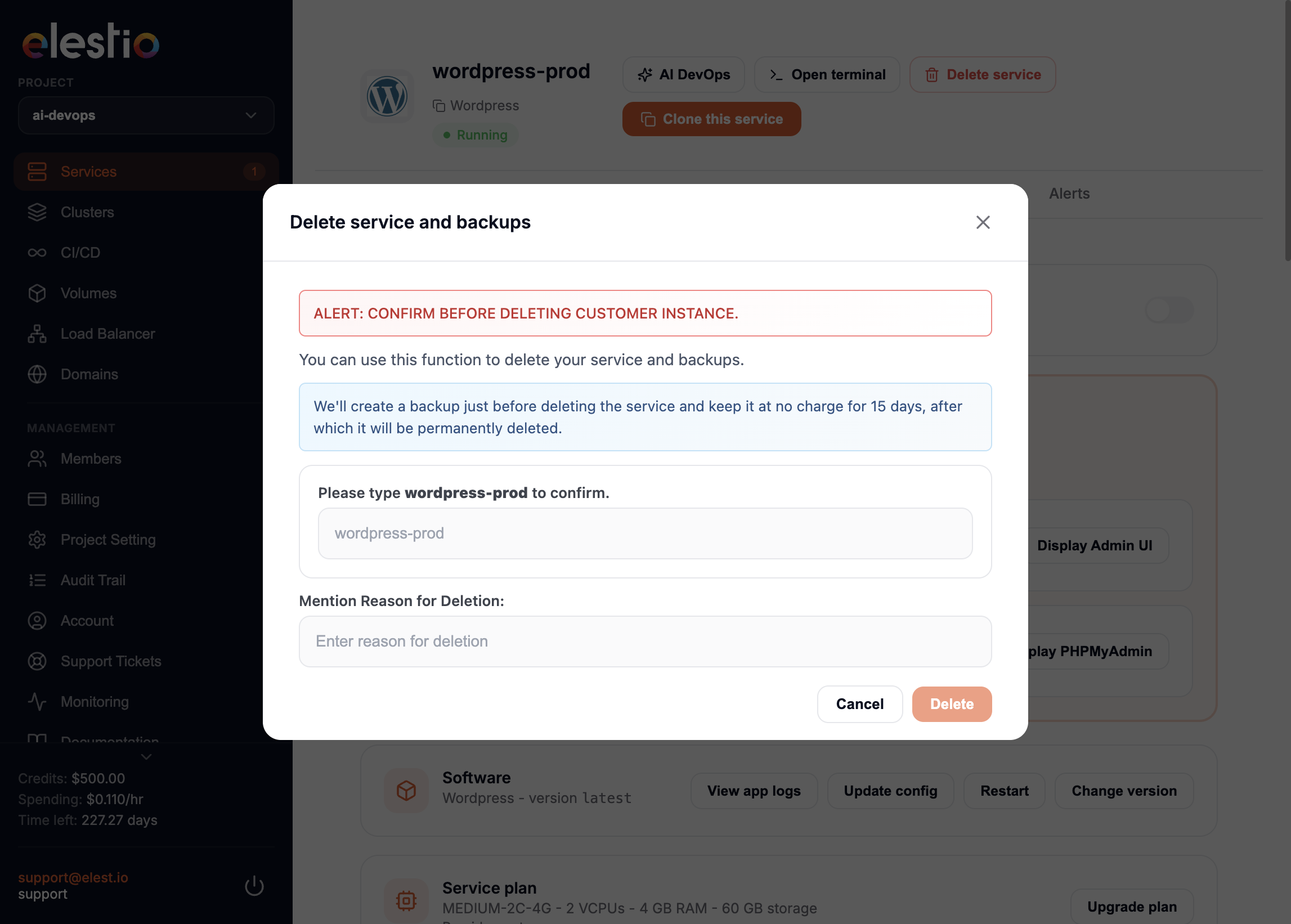
7-day safety net
By default, deleted services are kept as a remote backup for 7 days before permanent deletion, so you can restore them after a mistake. To delete immediately and destroy all backups, tick the checkbox in the dialog.