Protection and Power
Guard a service against accidental deletion, and control its power state from the overview.
Termination protection
Enable Termination protection to stop a service from being terminated or powered down by accident.
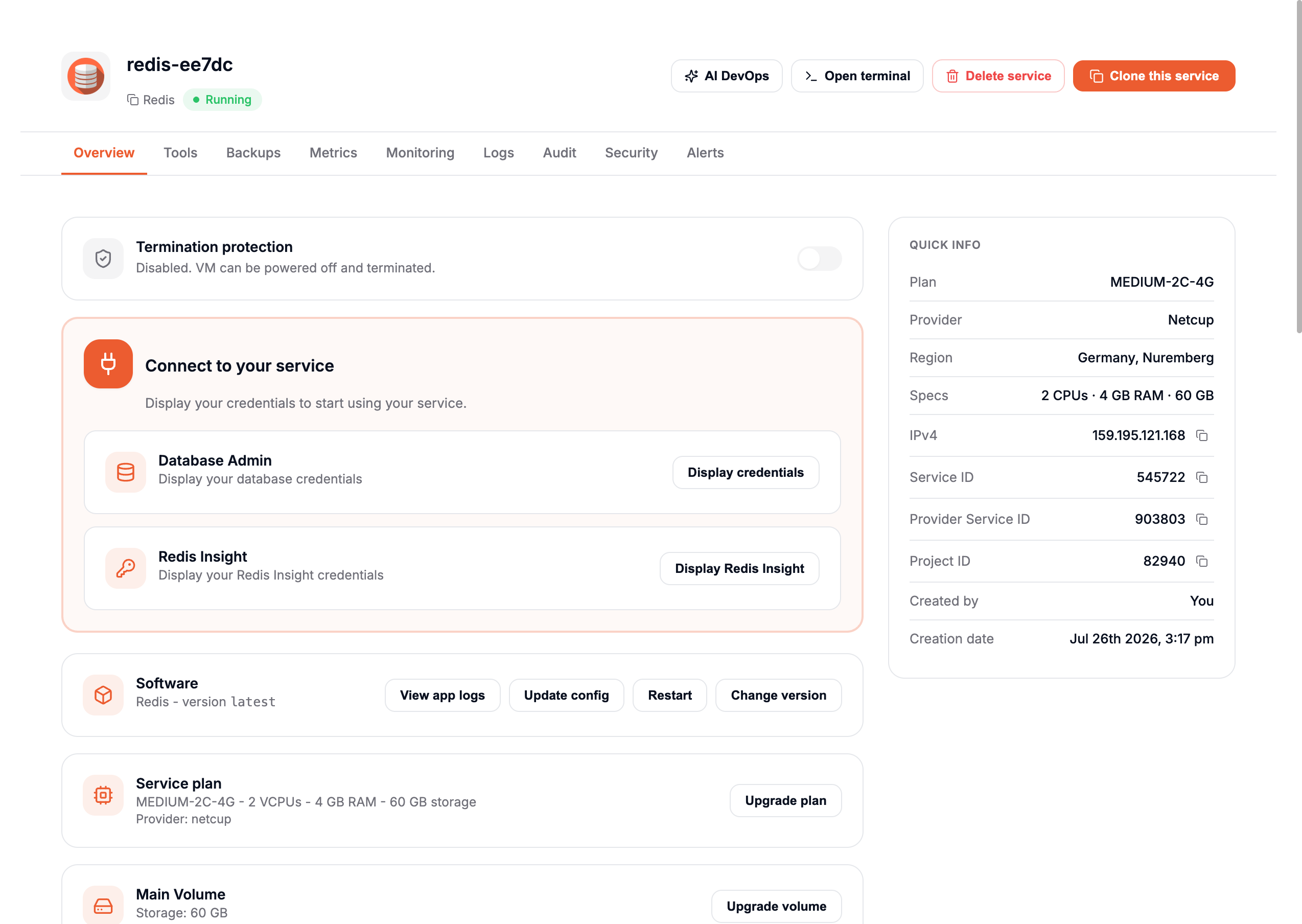
While it is on, the service cannot be terminated or powered off. To do either, disable Termination protection first.
Running out of credits powers down your service even when Termination protection is enabled.
Power management
Use the Reboot, Reset, Shutdown, Power off, and Power on controls to manage your service.

- Reboot — Sends an ACPI request for a graceful restart. The OS must support ACPI and respond to it.
- Reset — Cuts power and restarts immediately, without a graceful shutdown. Like unplugging and replugging a device, it can cause data loss.
- Shutdown — Sends an ACPI request for a graceful shutdown. The OS must support ACPI and respond to it.
- Power off — Cuts power immediately, without a graceful shutdown. Can cause data loss.
- Power on — Starts a stopped service.
If Reboot does not work, use Reset. If Shutdown does not work, use Power off.
Shutting down or powering off does not stop billing. The IP address and storage stay reserved. The only way to stop billing is to delete the service.
Power off and shutdown are not available during the free trial. Trying to use them opens the delete dialog instead. After the trial, both become available. To quickly cycle a service during the trial, use Reboot.