Versions and Updates
Change the deployed software version and control how and when updates run.
Change software version
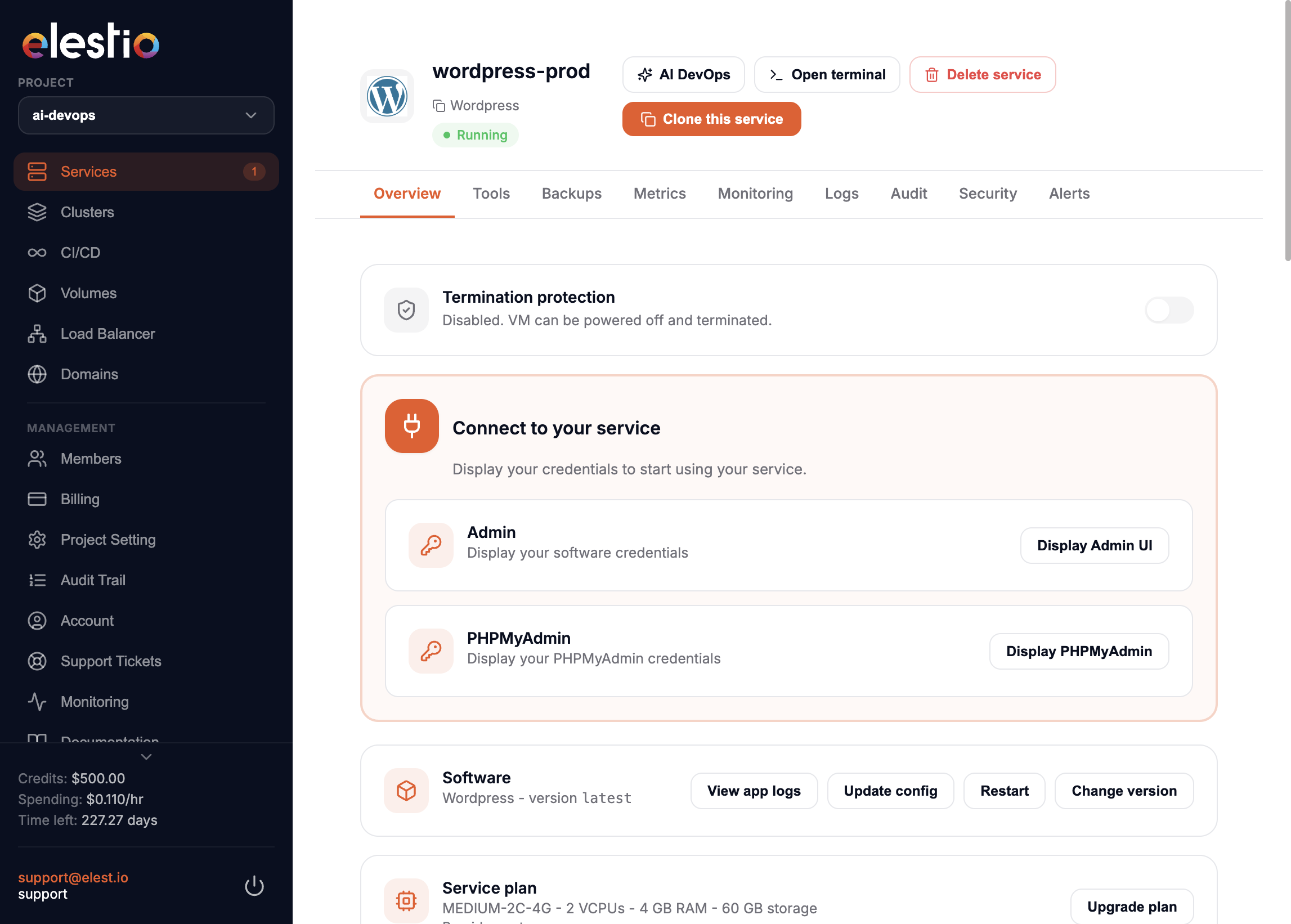
In the service Overview:
- Click Change version.
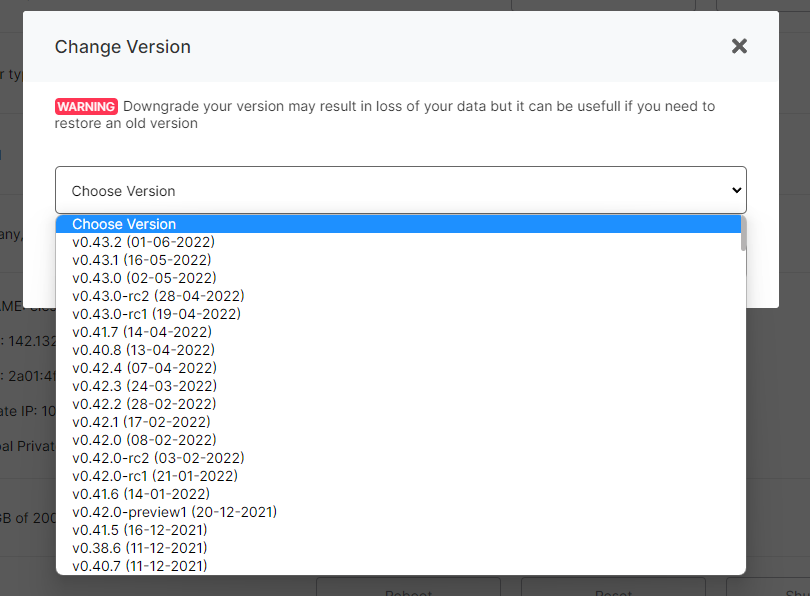
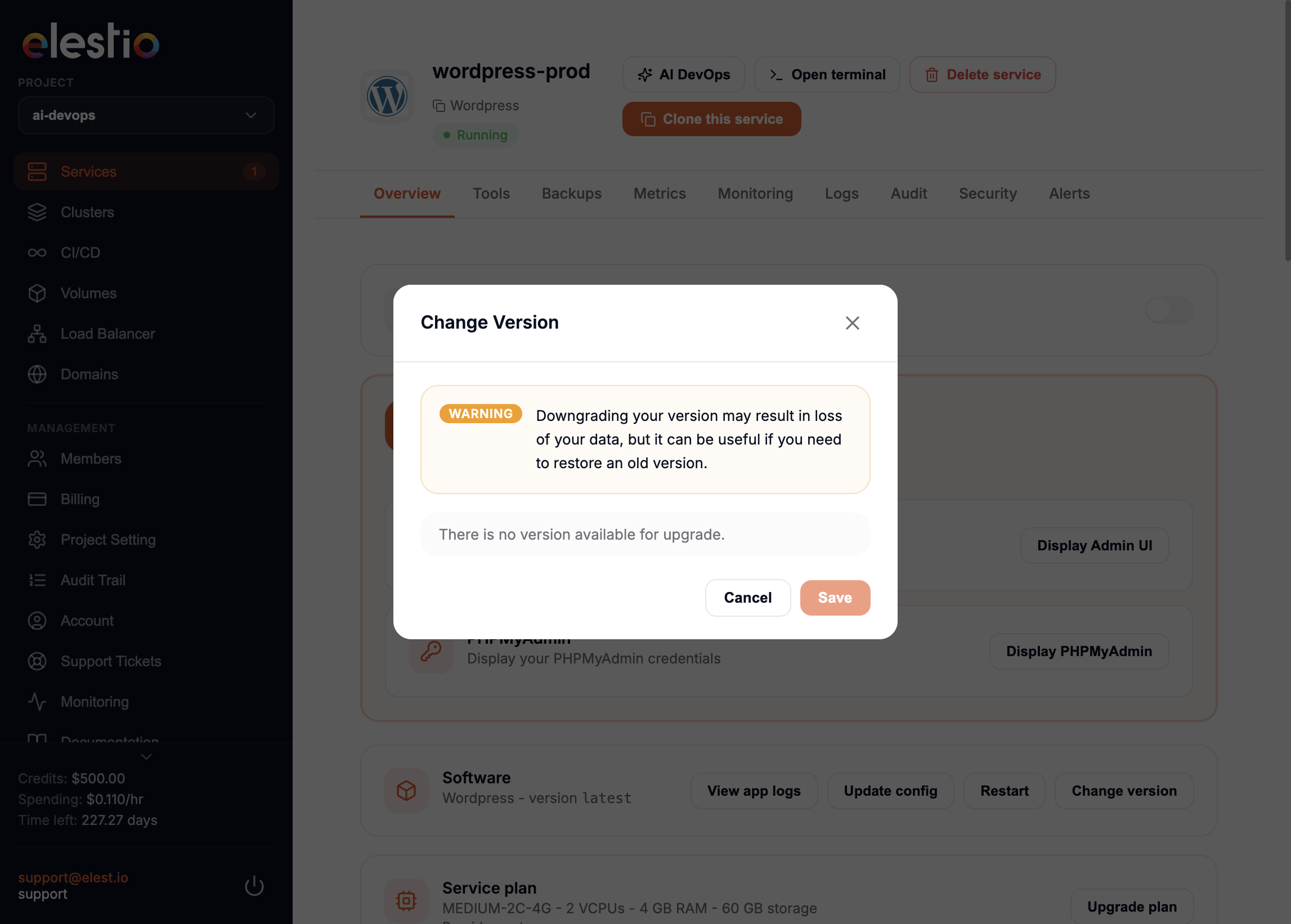
- Choose the version to update or change to.
- Save your choice.
Apply the change
To apply the new version, click Update Now under Software auto updates.
Downgrades
Downgrading a version can cause data loss. It is useful only when you need to restore an older version.
Button disabled?
A disabled button means Termination protection is on. Follow these steps to disable it first.
Configure OS and software updates
info
OS and software updates are enabled by default on every new service.
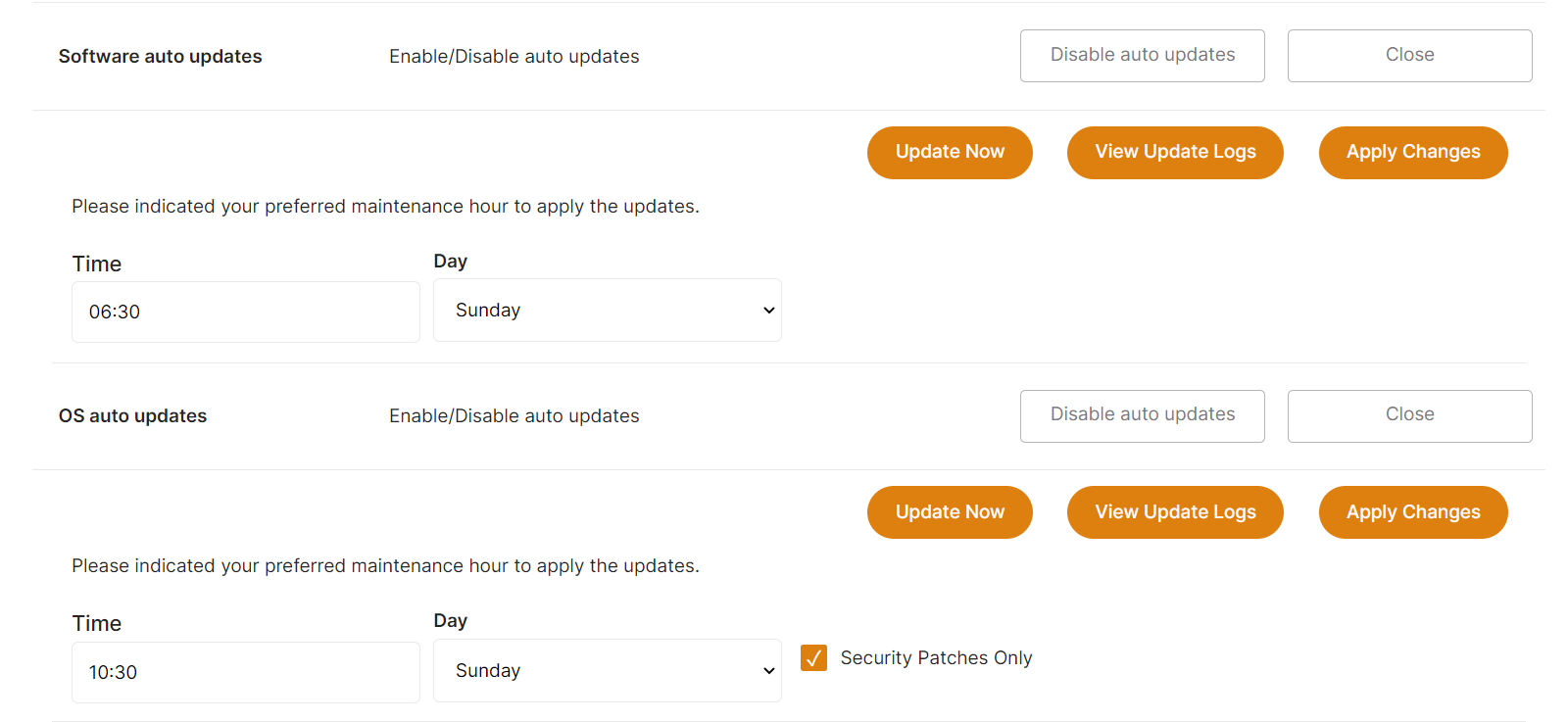
Set when updates run, by the minute, hour, or day.
warning
All times in the dashboard are UTC.
You can also start an update interactively with Update now, or view logs of past updates.
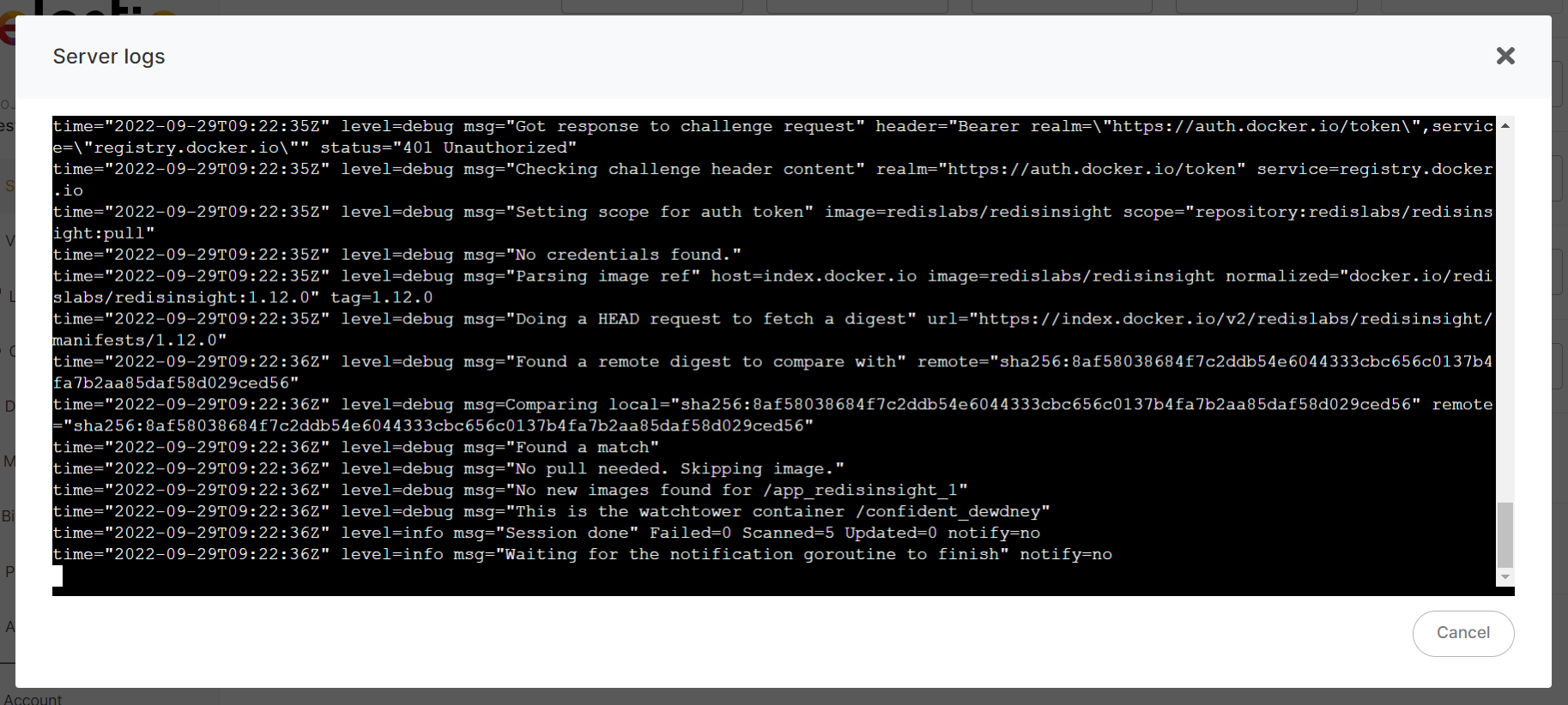
Logs, config, and restart

From the overview you can:
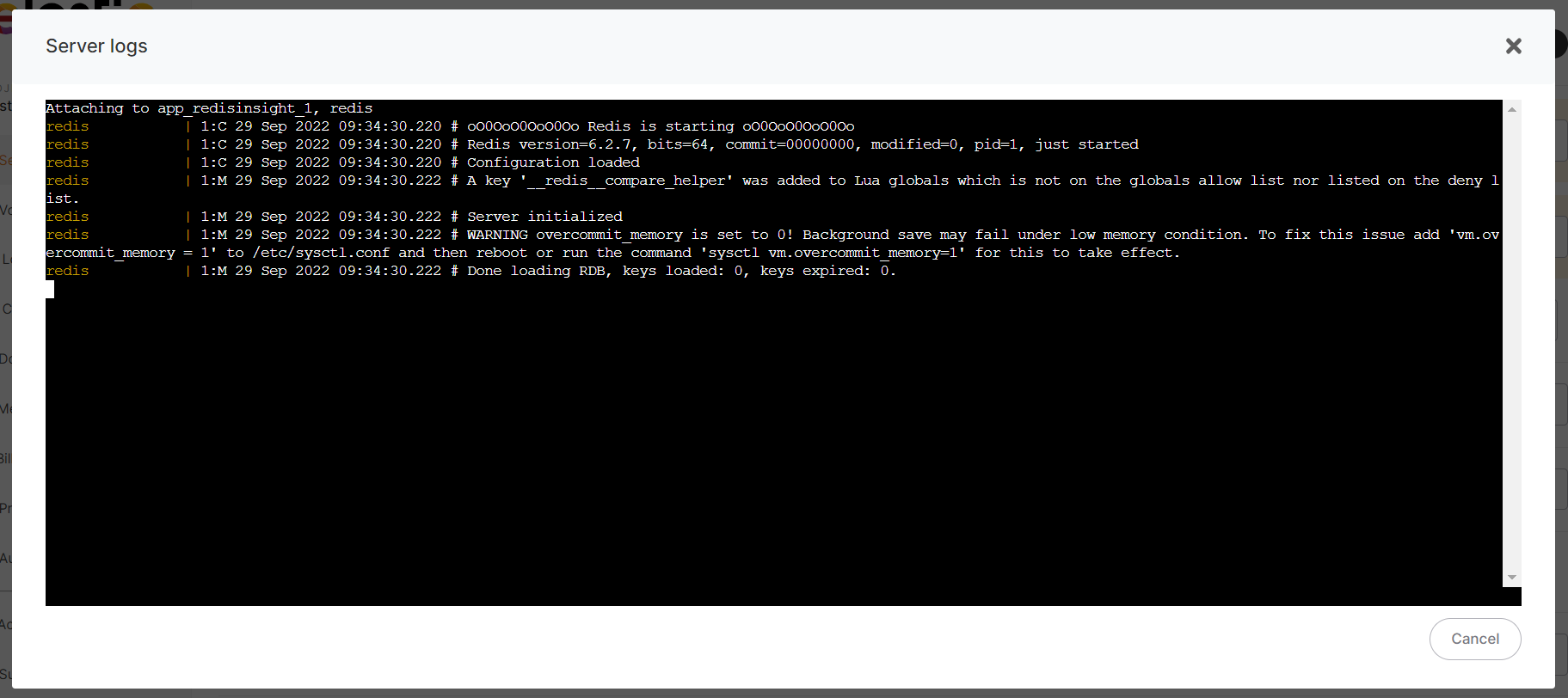
- View app logs — Open live logs for your stack.
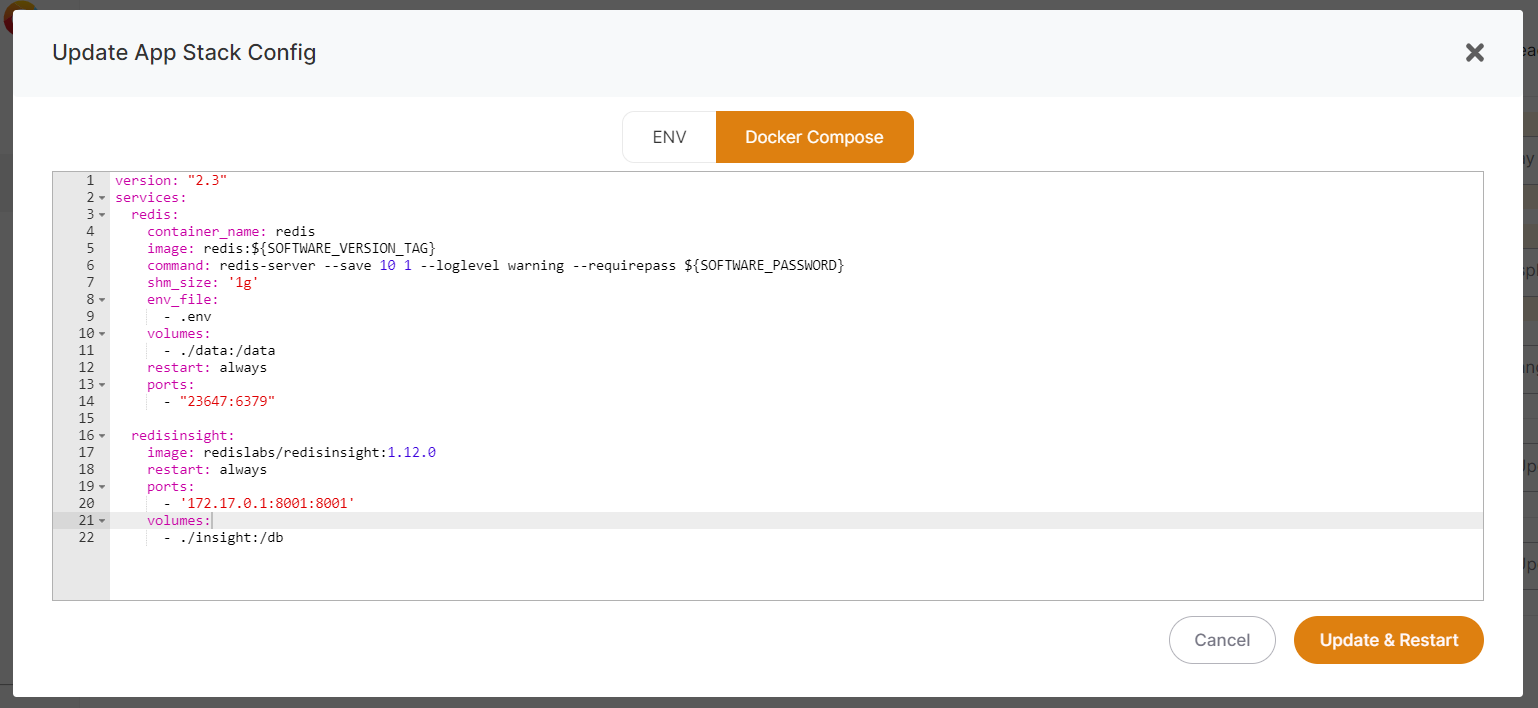
- Update config — Edit your
.envanddocker-compose.yml, then apply.
- Restart (or Update and Restart) — Restart the stack and watch the output log. Useful after a config change to confirm everything still works.
- Change version — Select any other available version, fetched from the Docker repository.