Storage
Increase the disk size of an AWS service at any time, between 10 GB and 10 TB.
On AWS, you can only increase disk size, never decrease it.
Per AWS policy, after increasing a disk you must wait at least 6 hours before increasing it again.
Increase disk size
In the service overview, go to the Main Volume section. It shows your current disk size, its status, and an Upgrade volume button.
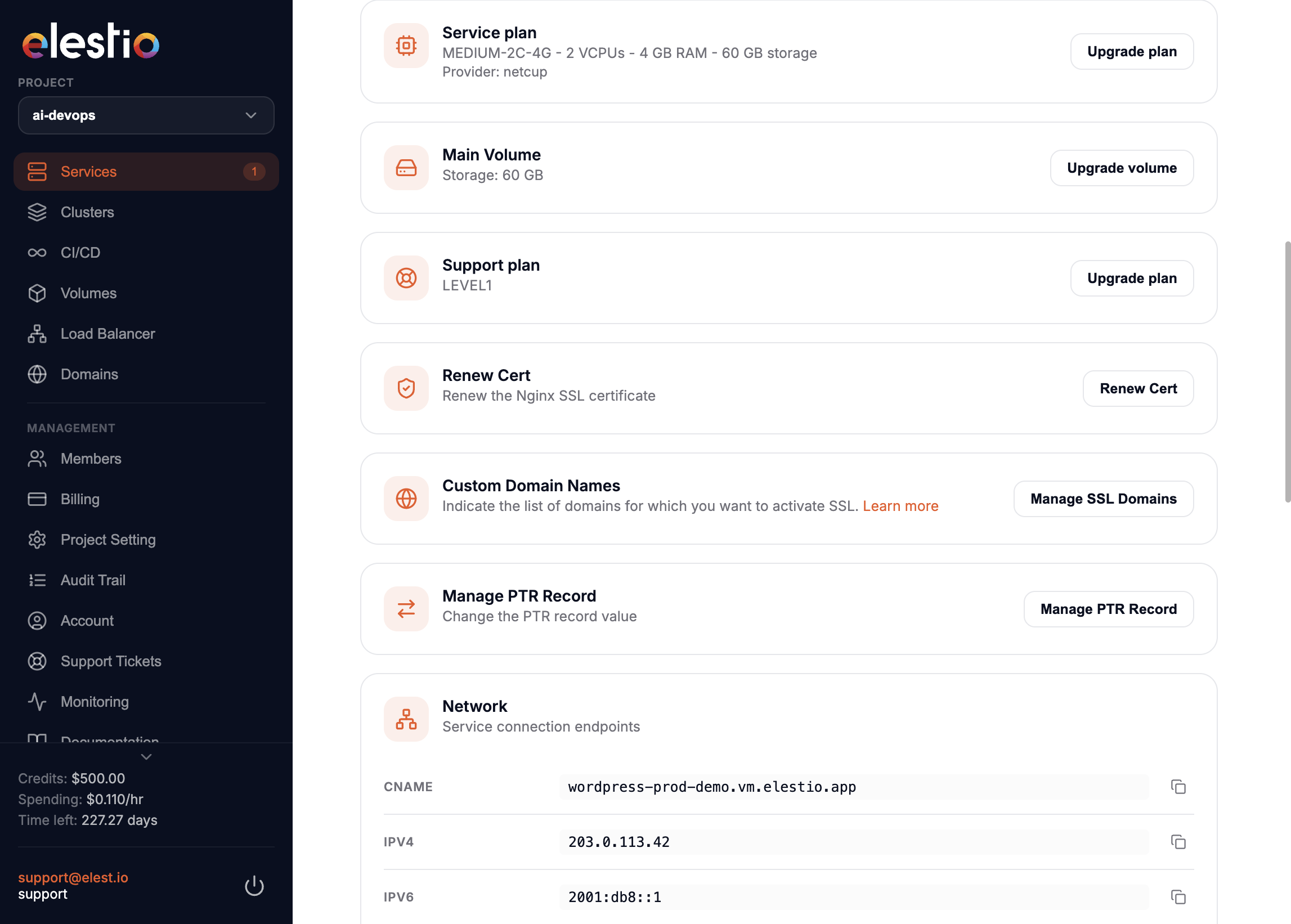
Click Upgrade volume to open the prompt.
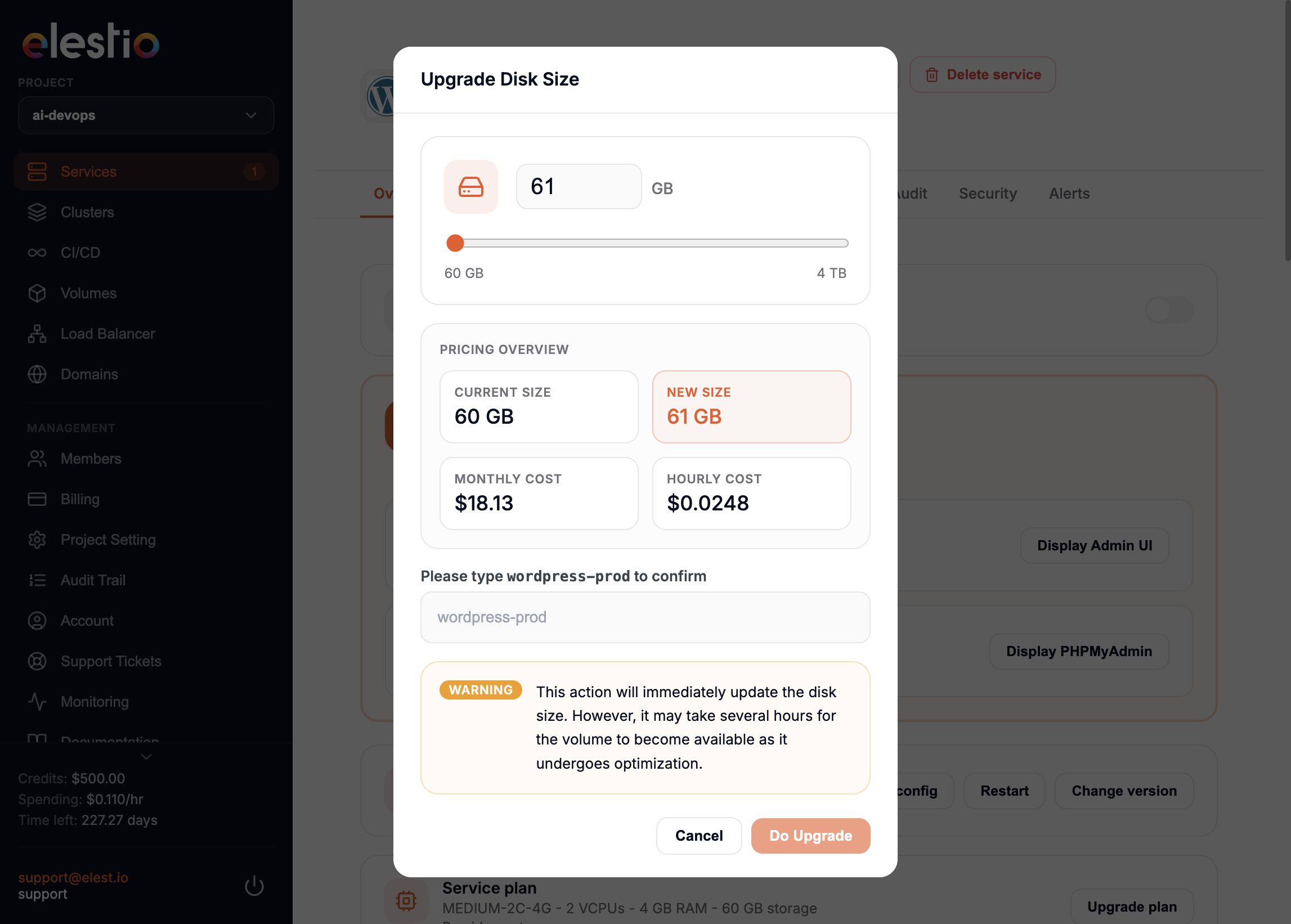
Enter the new size, then type your service name to confirm. Click Do Upgrade to apply, or Cancel to abort.
A loader appears and the upgrade takes a few seconds to a minute.

The new size shows in the Storage section with status Optimizing.
The status moves from Optimizing to Completed after a while, sometimes several hours.
How AWS EBS resizing works
When you modify an EBS volume, it moves through modifying, optimizing, and finally completed.
A larger size is available for use immediately after the modification. During Optimizing, performance sits between the source and target configuration, measured in IOPS and throughput.
Modifying can take from a few minutes to several hours depending on the change. A 1 TiB volume typically takes up to 6 hours, but can take 24 hours or more in some cases. The time does not scale linearly, so a larger volume can take less time and a smaller one can take more.