
How can project ownership or service billing be transferred to another user's account?
How to Transfer Project Ownership in Elestio
AreThis youguide lookingexplains how to transfer a project ownership orfrom serviceone billingElestio account to anotheranother.
Prerequisites
Before Whilestarting ourthe directtransfer:
Transfer Steps
Step 1: Access Project Settings
Presently,Log we operate on a global account-level billing structure that is not directly tied to specific projects. Consequently, all services affiliated with projects under your ownership will be invoicedin to your account.
Toaccount transferand ownershipselect orthe billingproject responsibilityyou want to anothertransfer. account, you can follow these steps:
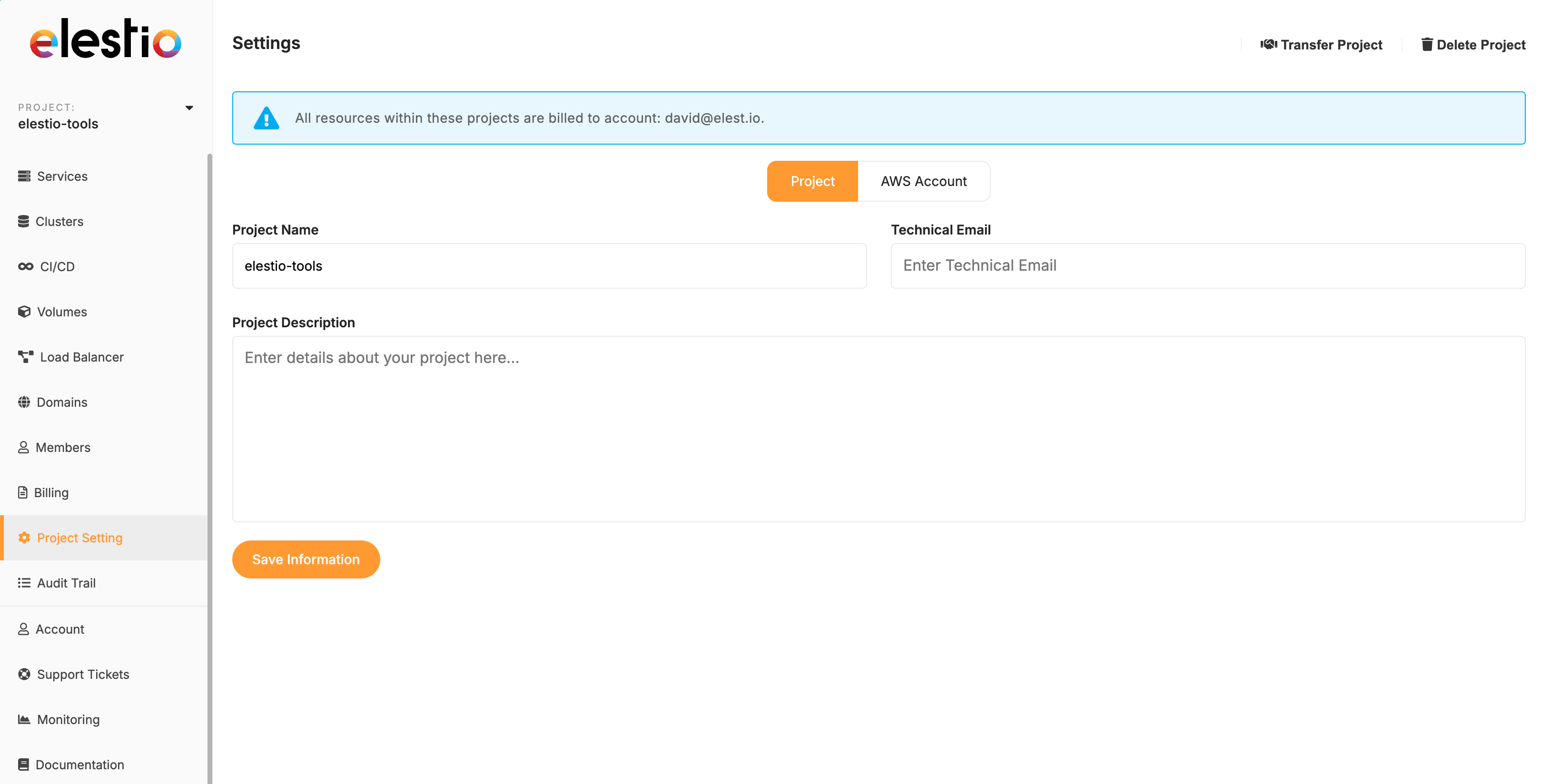
Step Member."2: InputStart the Transfer
In the top right corner of the Project Settings page, click the Transfer project button.

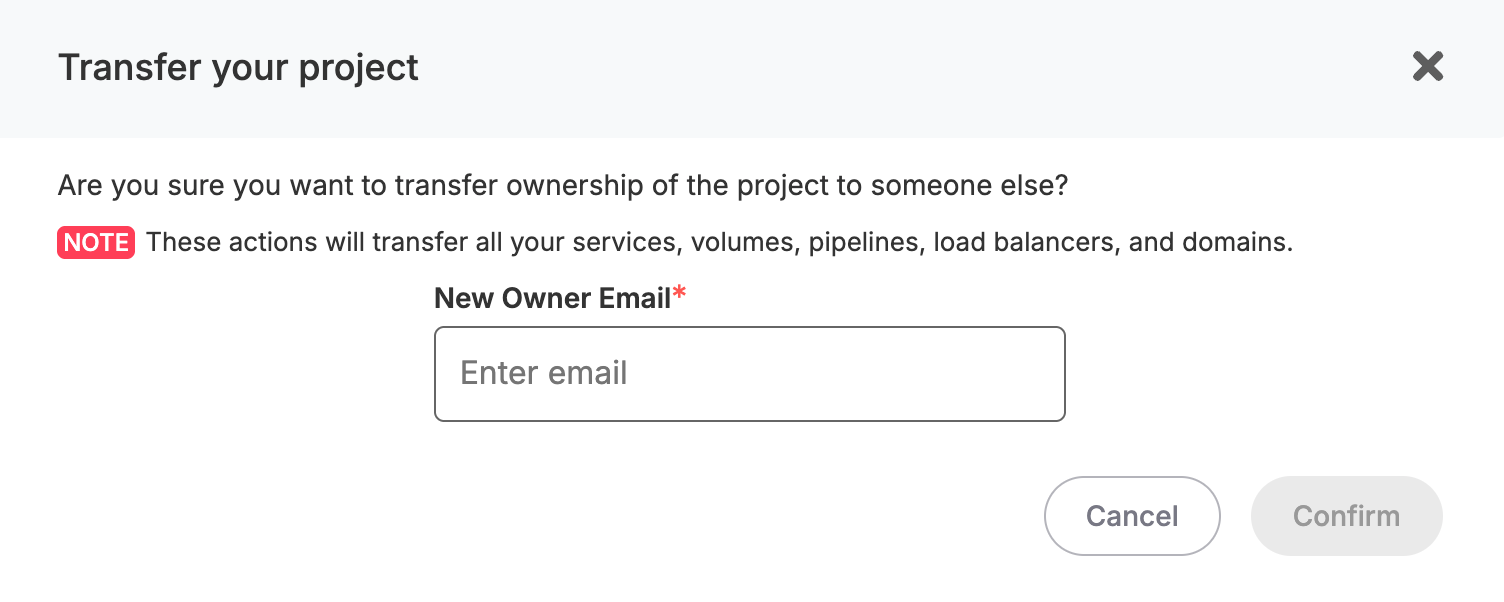
Step 3: Enter New Owner Email
A popup window will appear. Enter the email address of the new accountowner user intoin the designatedNew field,Owner chooseEmail 'Admin'field.
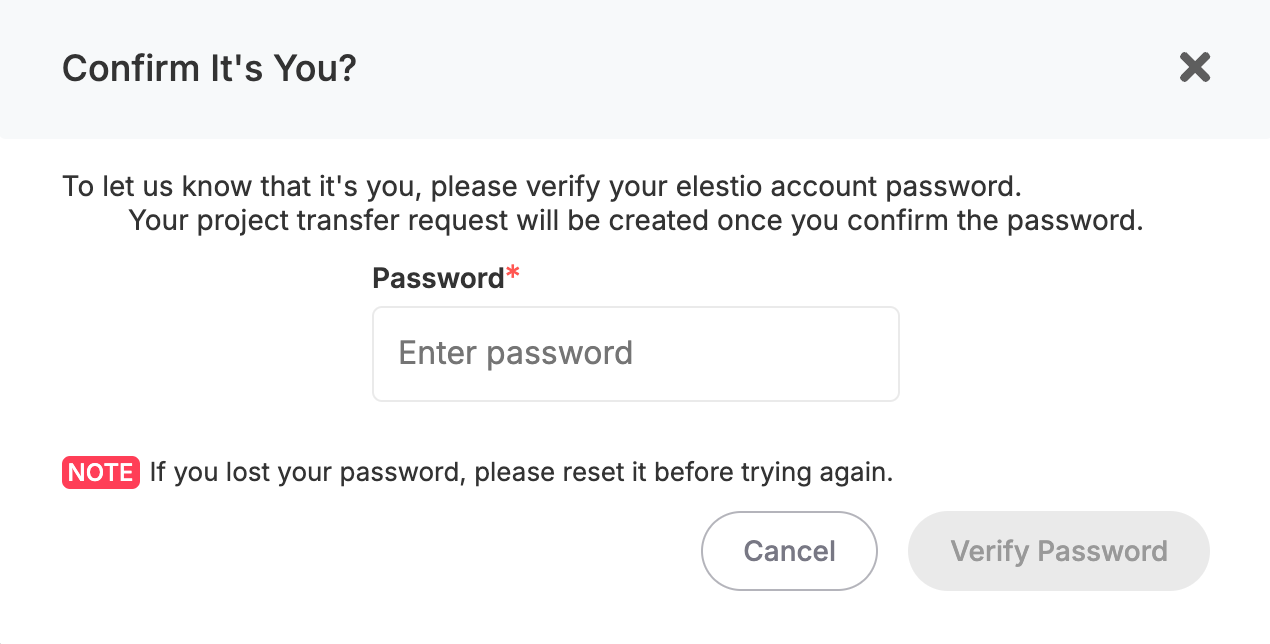
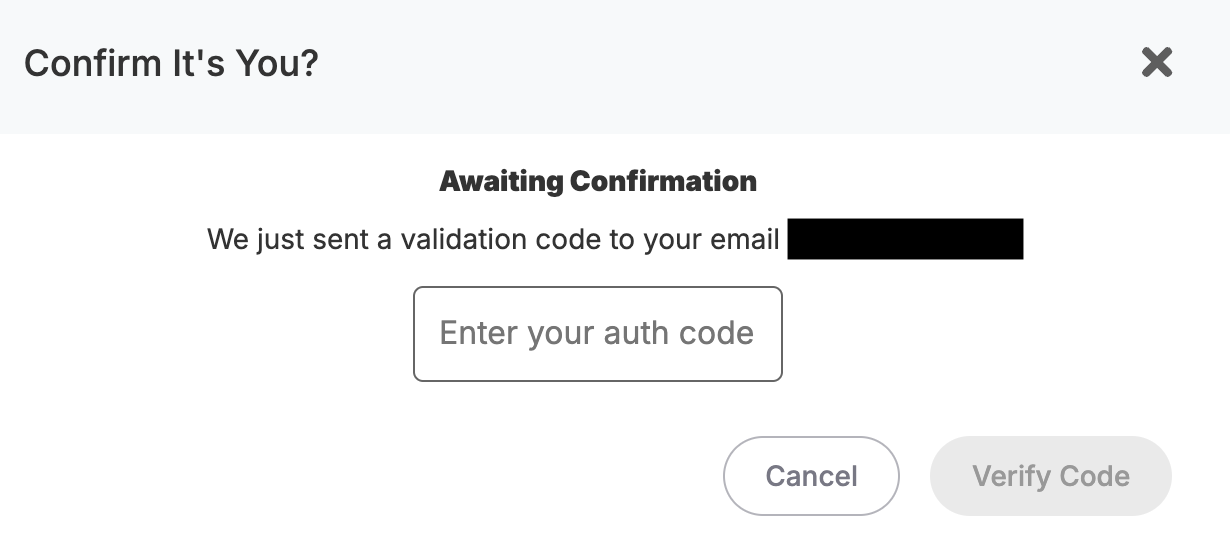
Step and4: thenConfirm pressYour Identity
For security, you'll need to:
Step 5: New Account:Owner Confirmation
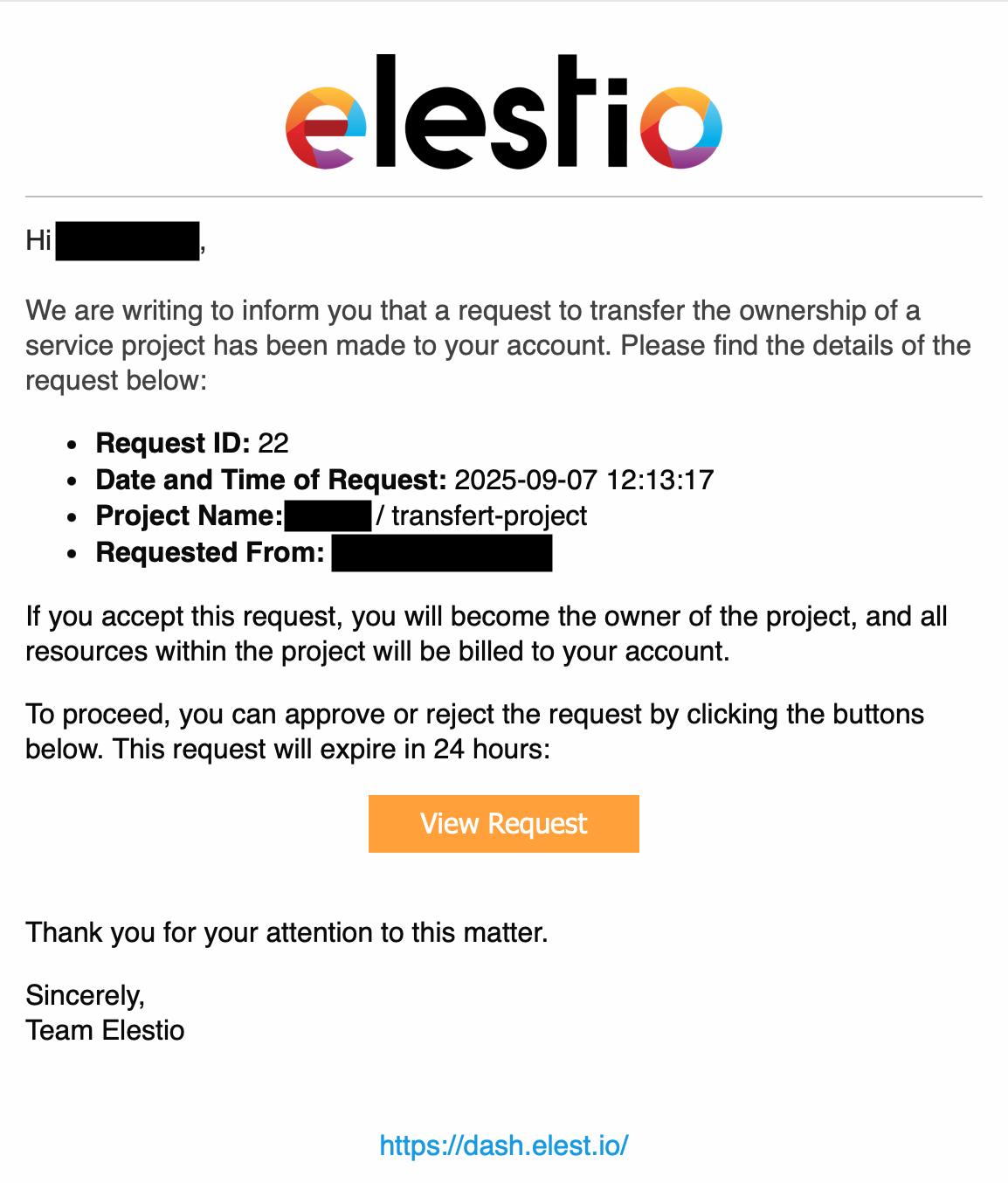
The new userowner shouldwill thenreceive logan inemail notification. They must accept the transfer to their account.
Important in,Notes
By following these steps, you'll successfully transfer the service to the new account, effectively transferring ownership and billing responsibility.
While this method serves as a temporary solution until our direct project owner transfer feature is available.