Services & Deployment
This section covers frequently asked questions about service management, deployments, migration, and infrastructure options.
Can I install more than one software on the same VM?
Our dedicated services are running in complete isolation, so one service equals one VM. Using our CI/CD system, you can install multiple software's on a single VM.
Can I migrate/clone my service to another cloud or region?
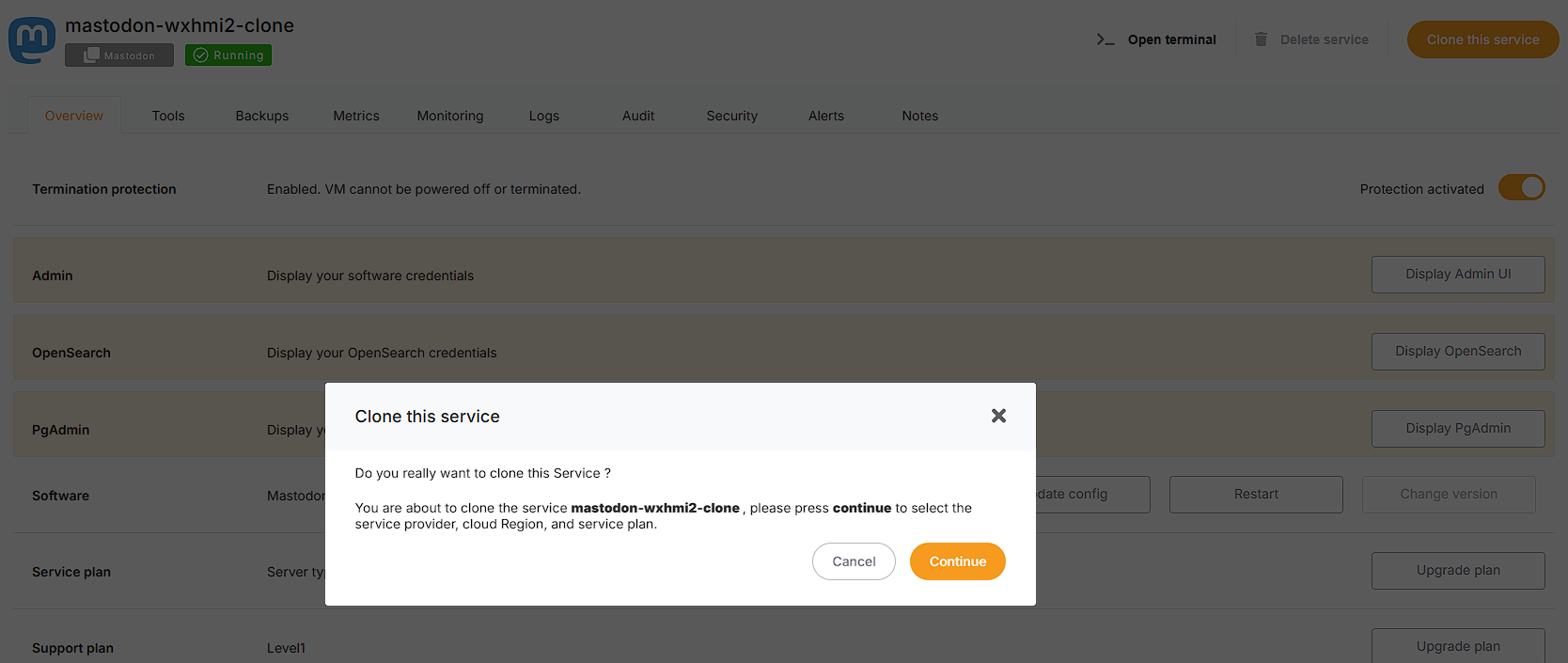
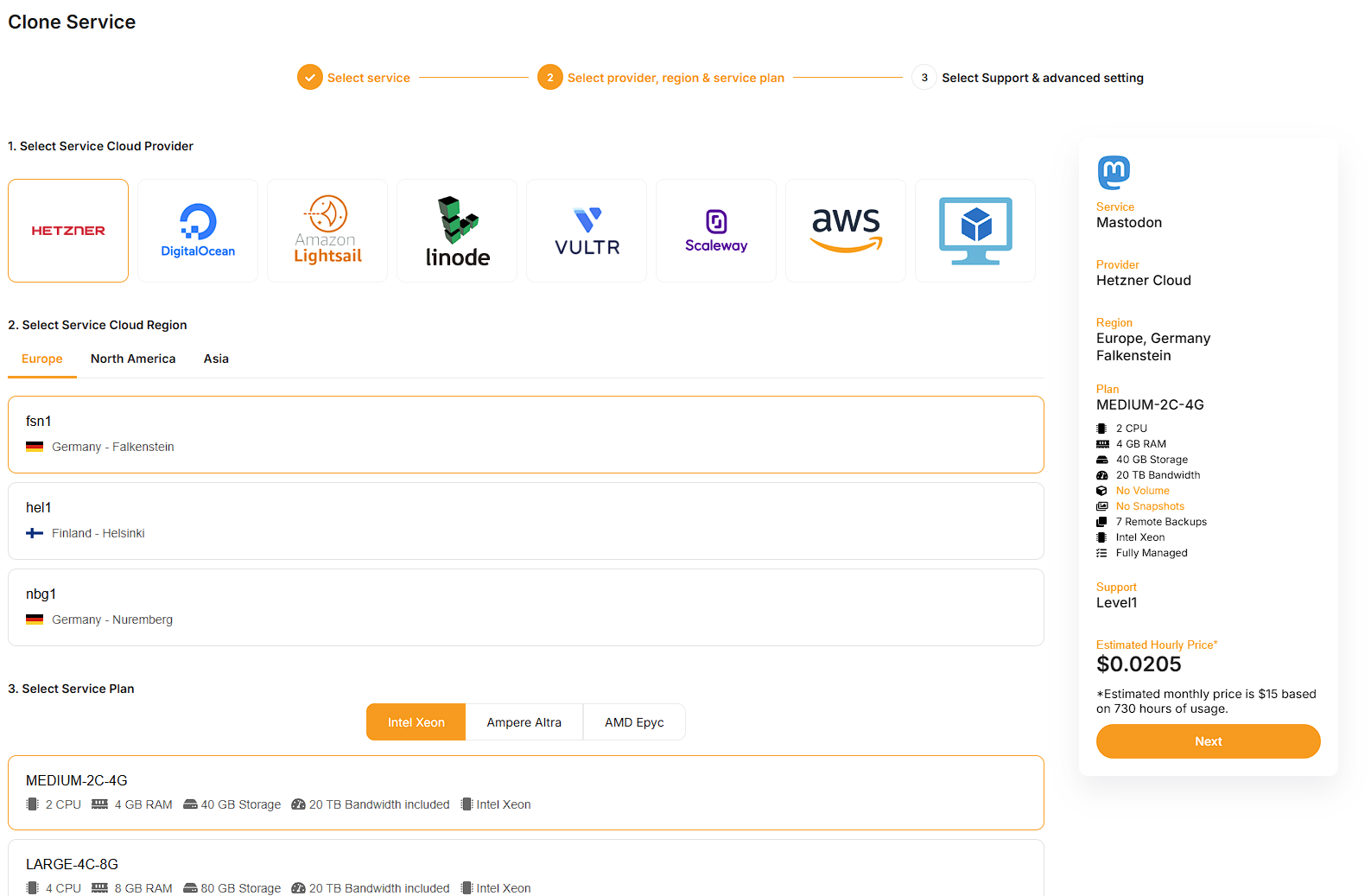
Yes, you can migrate or clone a running service to any other target cloud or region by simply clicking the "clone" button on the service dashboard.

Can I deploy Elestio services on-premise or on my existing cloud infrastructure?
Yes, you can connect any on-premises or cloud VM managed services dashboard with our "Bring Your Own VM" (BYOVM) feature. Any software we provide can be installed on your own infrastructure, and it will be handled just like any other virtual machine (VM) we run on your behalf: backed up, updated, and secured.
Learn more about our BYOWM capability
I'm trying to add AWS keys to Elestio but getting an error "You are not authorized to perform this operation" in BYOAWS
This error will appear when adding AWS Access and Secret Credentials keys if your keys do not have AmazonEC2FullAccess access permission on your AWS account.
In order to use these keys, please try to grant permission on your AWS account.
To find out more about generating AWS Access and Secret keys and granting access, see our documentation.
Elestio Domain shows SSL expired or Deceptive Site ahead
Current Status: Resolved @ 2023-11-04, 07:11
Resolution: Google unflagged our domain in less than 24h in response to our appeal
Date of incident: 2023-11-03, 13:22
Dear Valued Customers,
We want to inform you about an incident that has recently affected our website or your services. Some regions are currently experiencing difficulties accessing our website, as Google has temporarily flagged our domain *.elestio.app as unsafe, resulting in a "Deceptive Site Ahead" warning message. We understand that this may have caused some concern, and we would like to provide you with a clear explanation of the situation.
This issue stems from Google's Safe Browsing program, which is designed to protect users from visiting websites that may pose a risk to their online safety. While we have always prioritized the security and trustworthiness of our website, there has been an unfortunate misunderstanding that led to this warning.
Here's what we have done to address this situation:
- Immediate Investigation: As soon as we became aware of the issue, we initiated a comprehensive investigation to determine the root cause of the warning.
- Review of Website Security: We have reviewed our website's security protocols and scanned for any potential vulnerabilities or security threats to ensure the safety of your data.
- Communication with Google: We have contacted Google to clarify the nature of our website and to resolve the issue. We are working closely with their team to have our domain unblocked as soon as possible.
- Customer Support: Our customer support team is available to assist you with any concerns or questions you may have. Please do not hesitate to reach out if you experience any issues related to our website or your services
We want to assure you that our website is safe, secure, and has not been compromised. We value your trust and take the security of your information very seriously. We apologize for any inconvenience this may have caused and appreciate your understanding during this time.
As the situation progresses, we will keep you informed with updates regarding the resolution of this issue. Your safety and peace of mind are of the utmost importance to us, and we are committed to swiftly resolving this matter.
Note: This incident will not have any impact on your custom domain. If you are currently using a custom domain with our services, rest assured that it will function as expected without any disruptions.
Success: If your website does not currently have a custom domain and you wish to add one, please follow the steps provided here to initiate the process.
Thank you for your continued support and trust in our services. We look forward to serving you without interruption as soon as this issue is fully resolved.
Current Status: Resolved @ 2023-11-04, 07:11
Resolution: Google unflagged our domain in less than 24h in response to our appeal
We are pleased to inform you that our services are now up and running smoothly again. We sincerely appreciate all of your support and cooperation during this period. Your understanding and patience have been invaluable to us.
Sincerely,
Team Elestio.
How to host a static frontend website on elestio
Here is how you can host a static website on Elestio using our CICD service
This is useful if you want to deploy a static website from a zip file or from a bunch of files, if instead your files are in a Git repository please check this tutorial instead.
1) Open elestio dashboard and click on CI/CD on the left menu, there click on Docker Compose > Custom docker compose
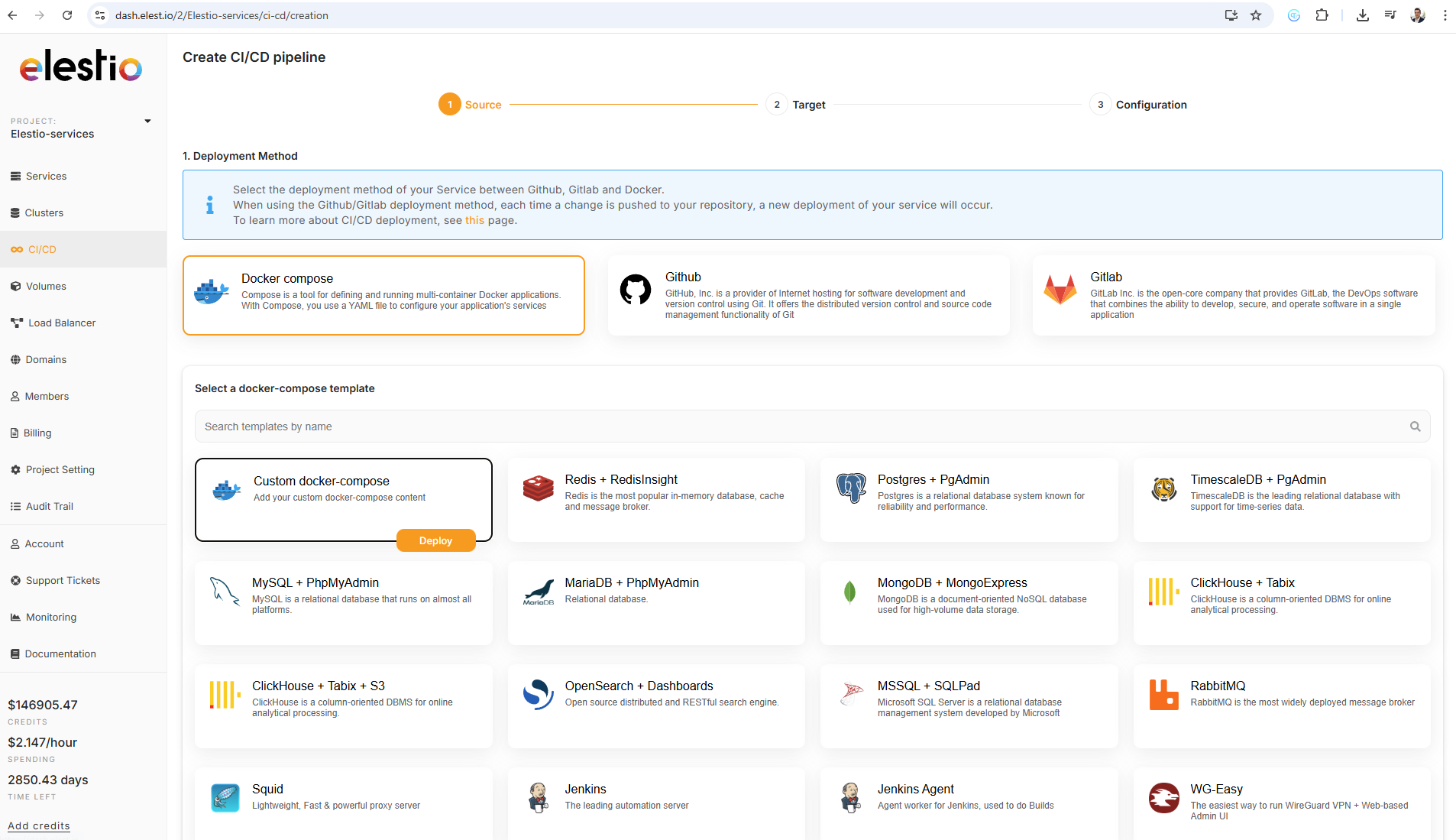
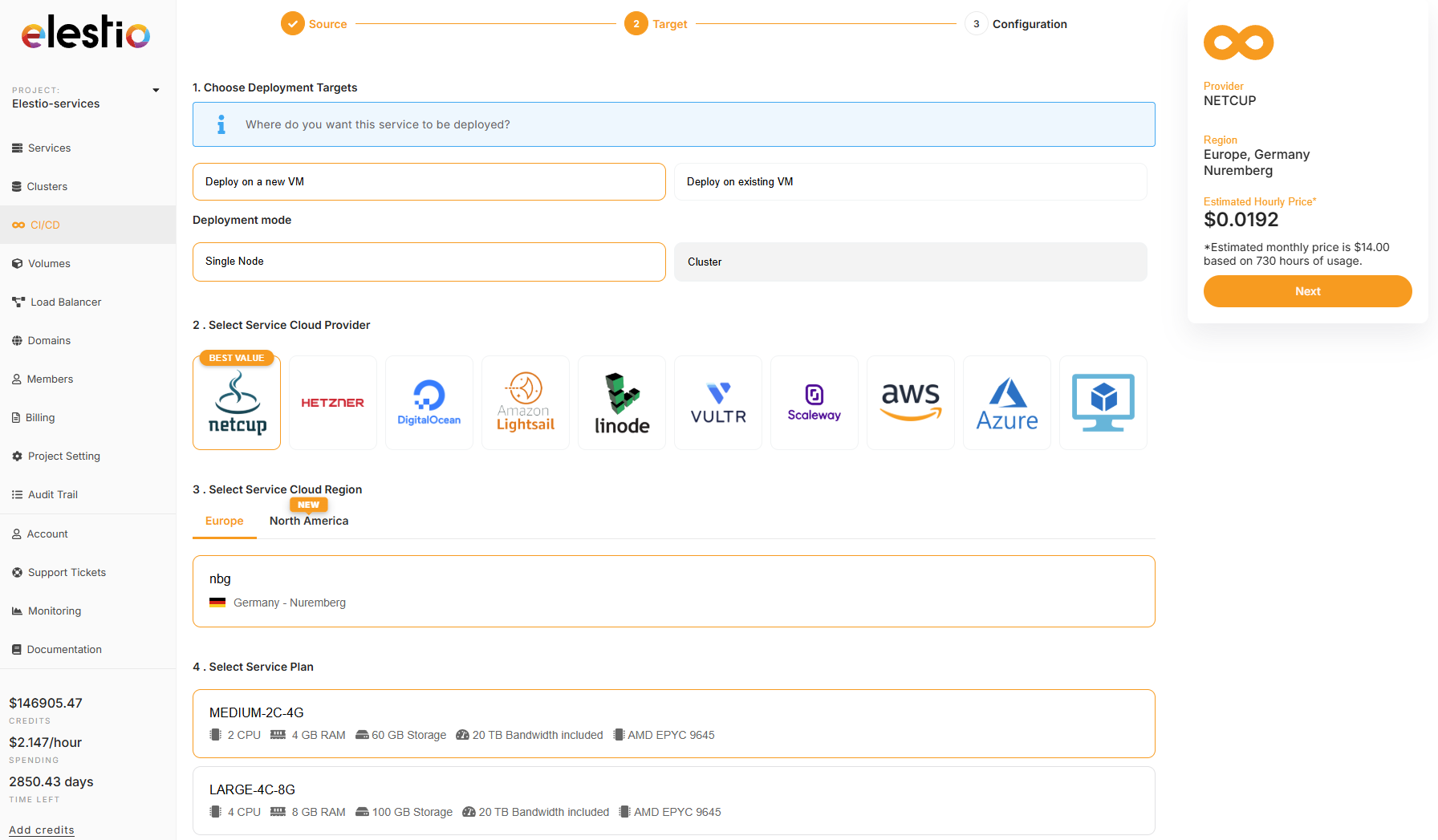
2) on the next step select Deploy on a new VM and select your target cloud provider/region (we recommend netcup & hetzner) then click on the Next button on the right side
3) Past in the docker compose the custom stack below then click on Create CI/CD pipeline
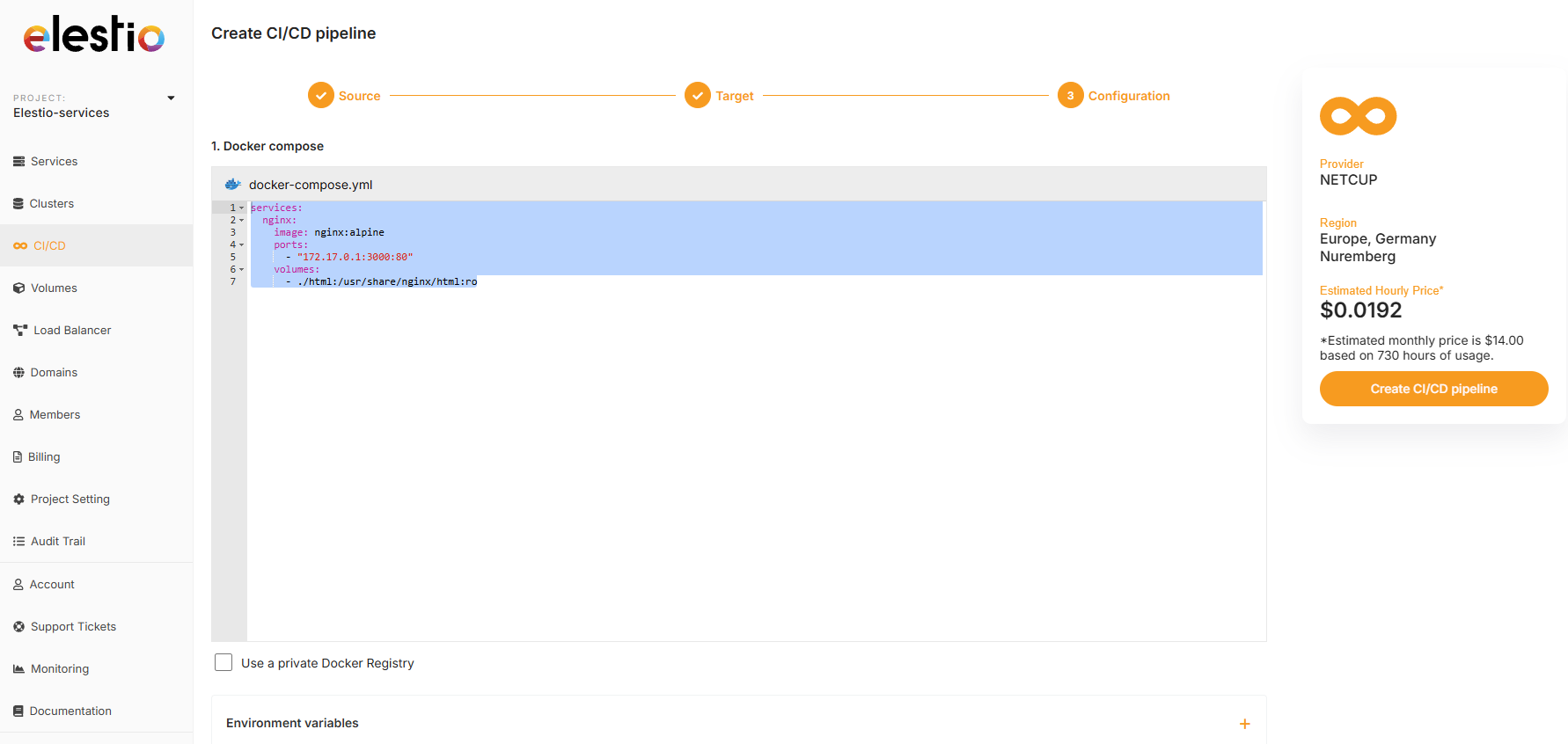
services:
  nginx:
    image: nginx:alpine
    ports:
      - "172.17.0.1:3000:80"
    volumes:
      - ./html:/usr/share/nginx/html:ro
4) Few minutes later the service will be deployed, then you can then connect with tools provided in Elestio service > VSCode or File Explorer, from there you can place your files in /opt/app/html/ and they will be served on the default url of the pipeline.
5) You can also configure a custom domain for your pipeline by following this documentation.