CORS
Browsers block a website from using a bucket on another domain, unless the bucket allows it. CORS rules list the websites that can read or upload files of the bucket from a browser, with temporary links or public files.
In the bucket, open Settings > CORS and click Add a rule.
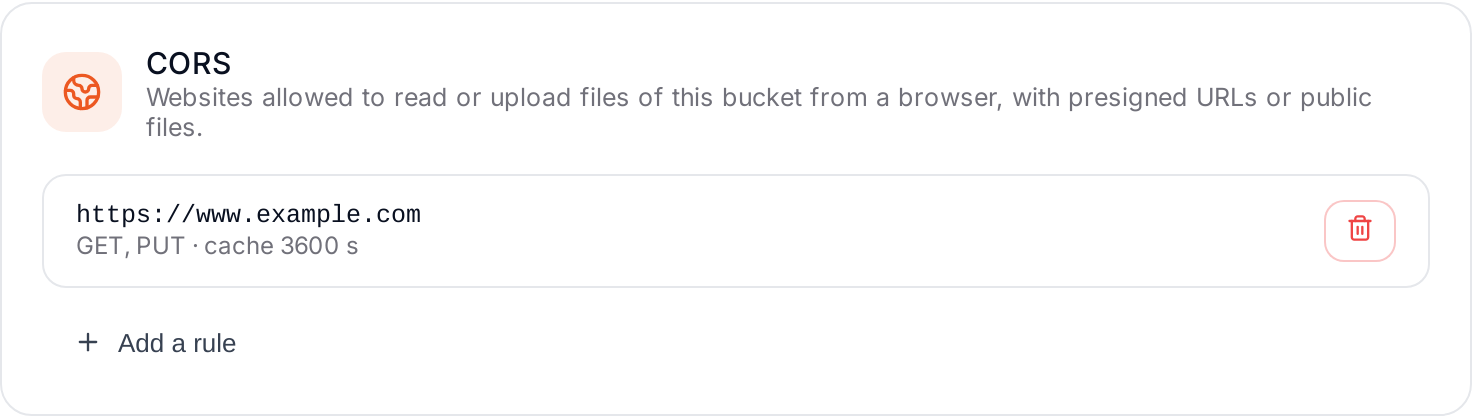
- Websites: one per line, with
https://and at most one*(for examplehttps://*.yourcompany.com), or*for any website. - Allowed methods: for example
GETto read,PUTto upload. - Browsers keep the answer for a number of seconds.
- Click Save the rule.
Every request header is allowed. The Elestio dashboard can always use the bucket, whatever your rules.