Rate Limiter and Output Cache
Two web-traffic protections ship enabled by default.
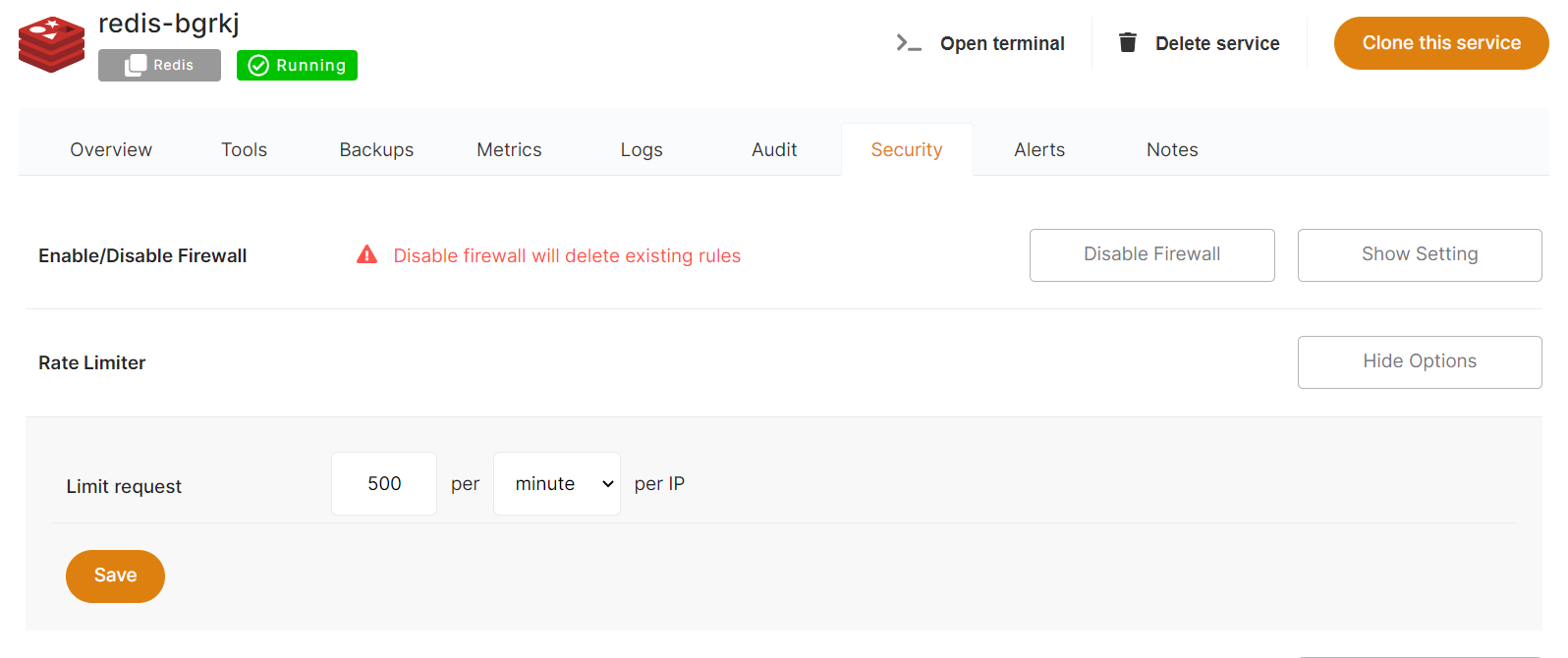
IP rate limiter
From the dashboard, open Security, then Rate Limiter > Show Options. Adjust the limit by amount and per minute or second, per IP address.
info
By default, every service is limited to 150 requests per minute per IP address.
warning
The rate limiter applies to web traffic only.
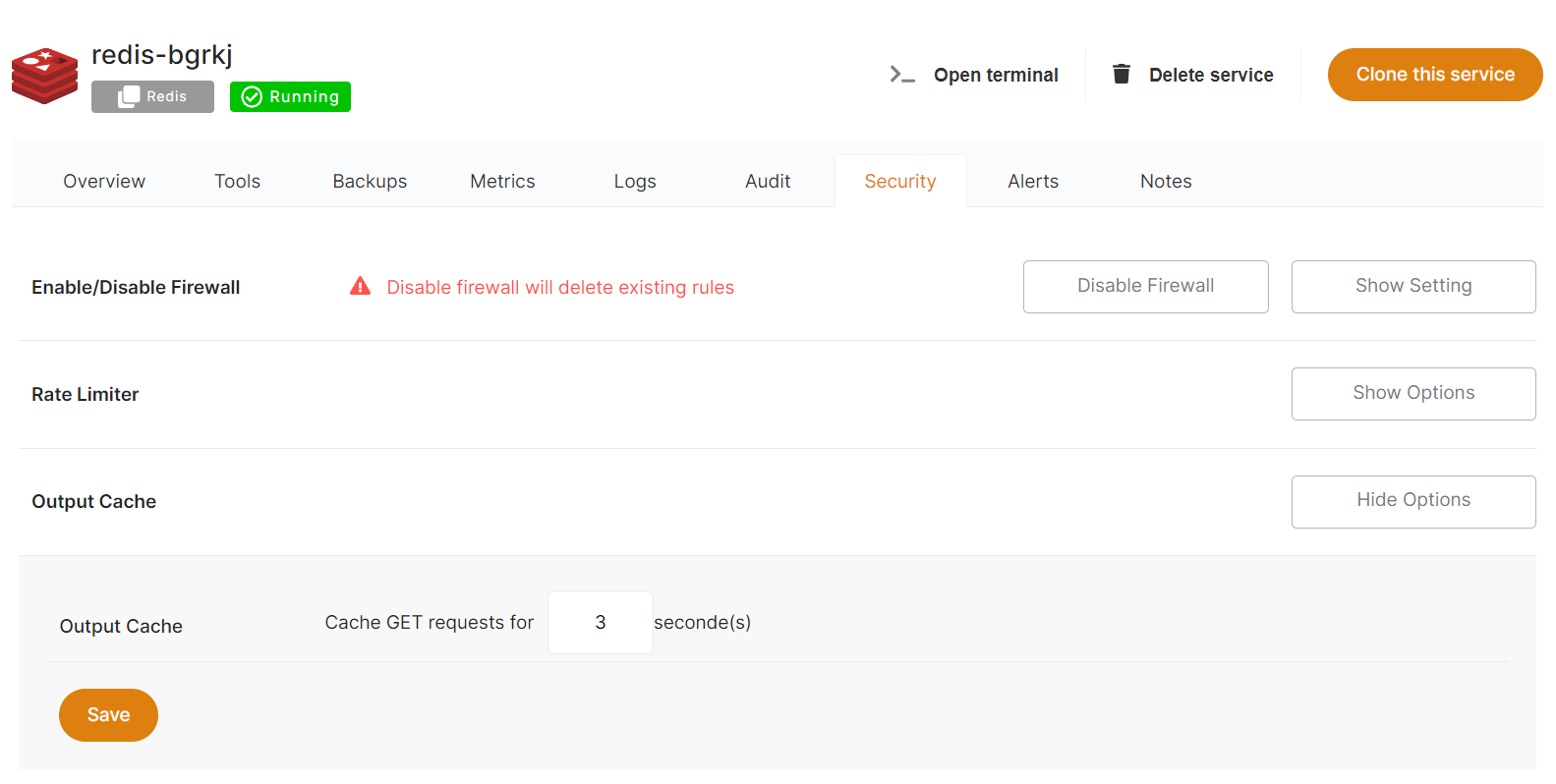
Output cache
From the Security tab, select Show Options under Output Cache to adjust your cache settings.
All GET requests are cached for 3 seconds, which helps absorb traffic spikes and basic denial-of-service attacks.
info
Output cache is preconfigured on every service.
warning
Output cache applies to web traffic only.